Chapter 8: Utilities & Preferences
Over Ram
Eclipse User Guide 2.0 403/ 526
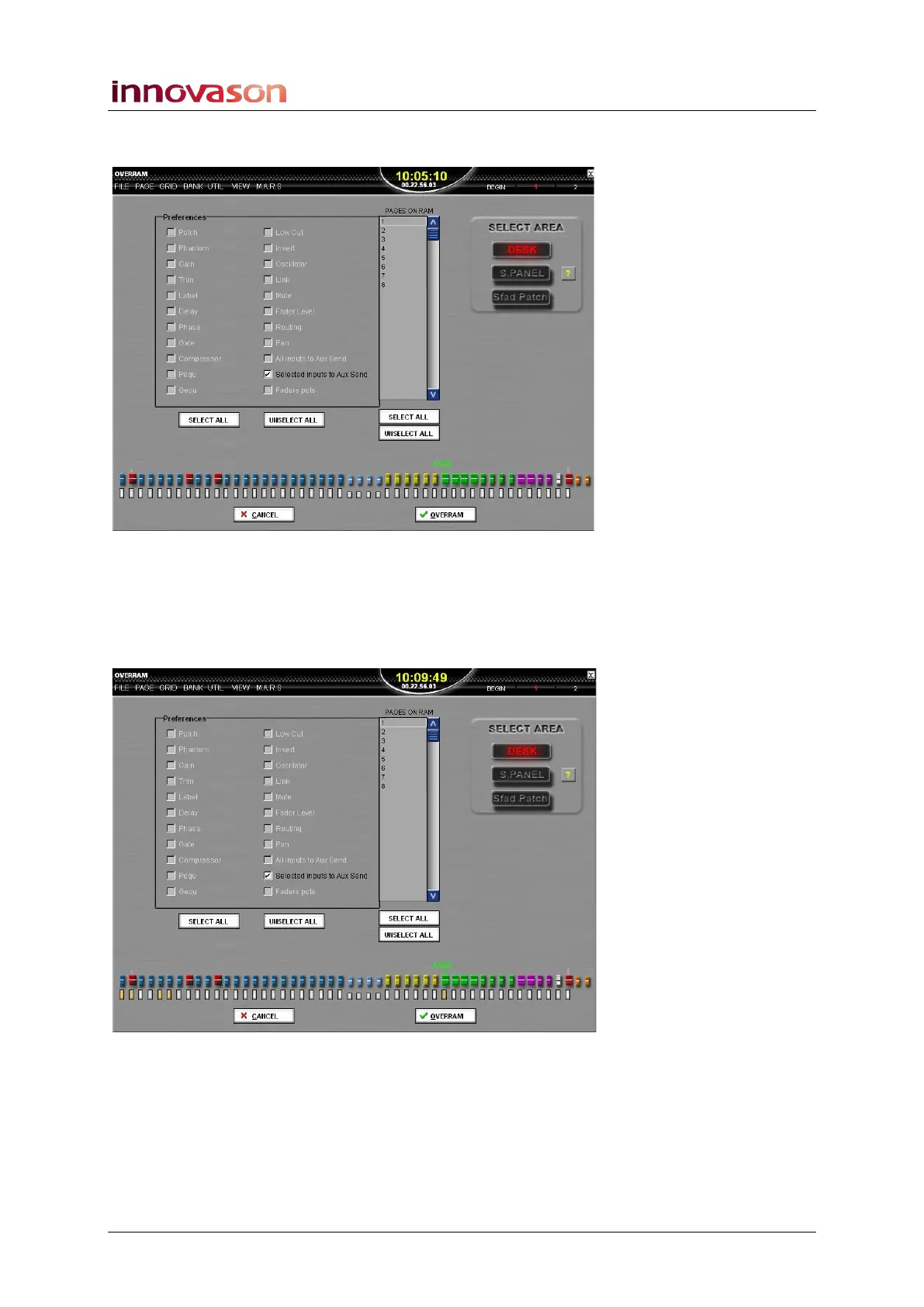
All other options turn grey as you cannot combine this operation
with other Over Ram parameters:
3. Select the input channel sends and the Auxes you wish
to Over Ram by pressing their SEL buttons.
The SEL buttons light, and are highlighted in yellow on the Over
Ram display. In our example, we will update the Aux sends
from faders 1&2 and 5&6 to the first stereo Aux:
4. Select the Pages you wish to Over Ram from the list on
the right.
5. When you are ready, press OK to perform the operation.
The selected Aux send mixes (from the selected input
channels) are written into the selected Pages in RAM.



 To Next Page