Chapter 8: Utilities & Preferences
Over Ram
402/ 526 2.0 Eclipse User Guide
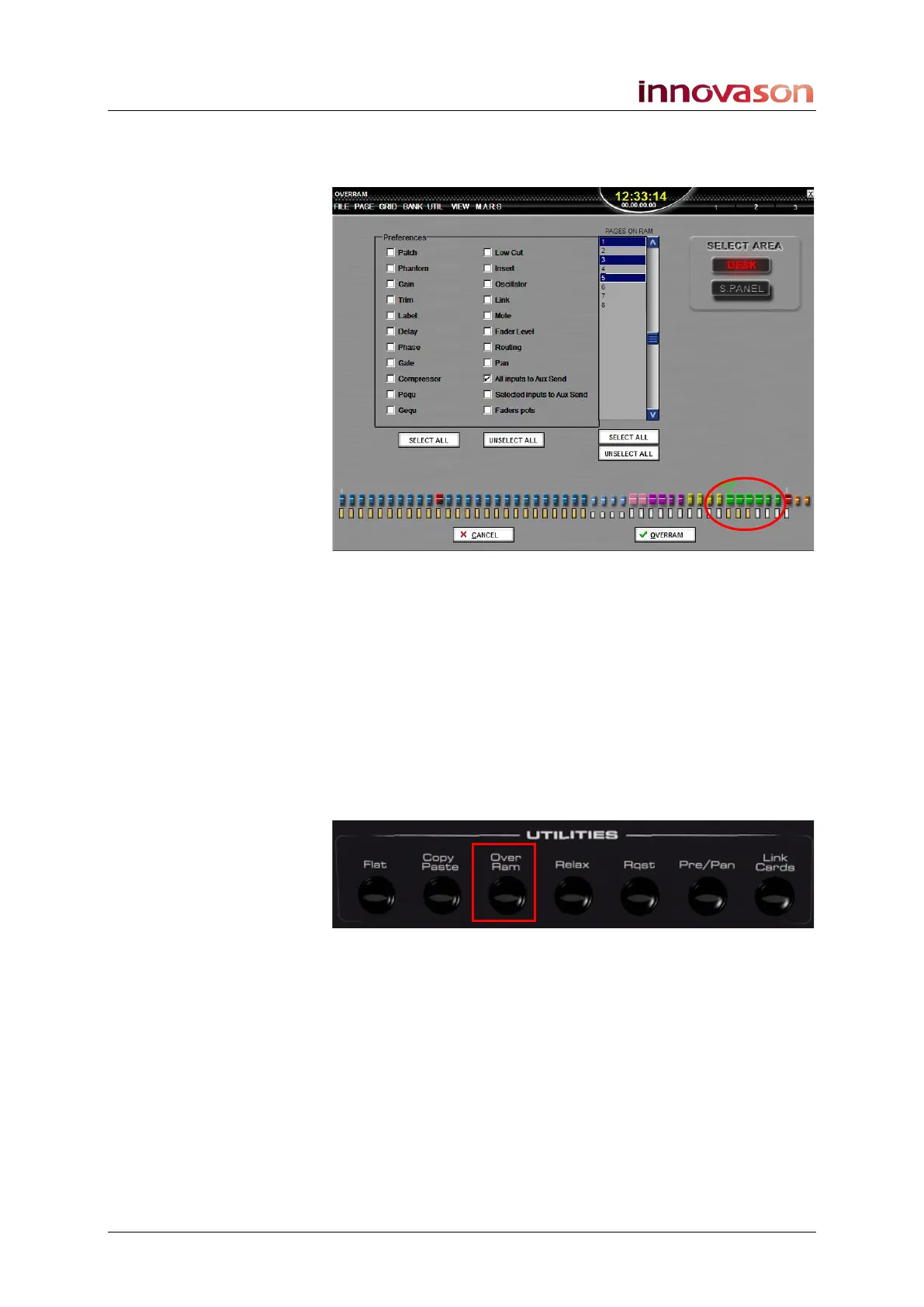
3. Now select the Auxes you wish to Over Ram by
pressing their SEL buttons. You can select multiple
Auxes if you wish:
4. And select the Pages you wish to Over Ram from the list
on the right.
5. When you are ready, press OK to perform the operation.
The selected Aux send mixes (from all input channels) are
written into the selected Pages in RAM.
Selected Inputs to Aux Send
To Over Ram selected sends to an Aux:
1. Press Over Ram on the UTILITIES panel to open the
OVERRAM display:
2. Tick the Selected Inputs to Aux Send option from the
Preferences area.



 To Next Page