Chapter 8: Utilities & Preferences
Linking
Eclipse User Guide 2.0 419/ 526
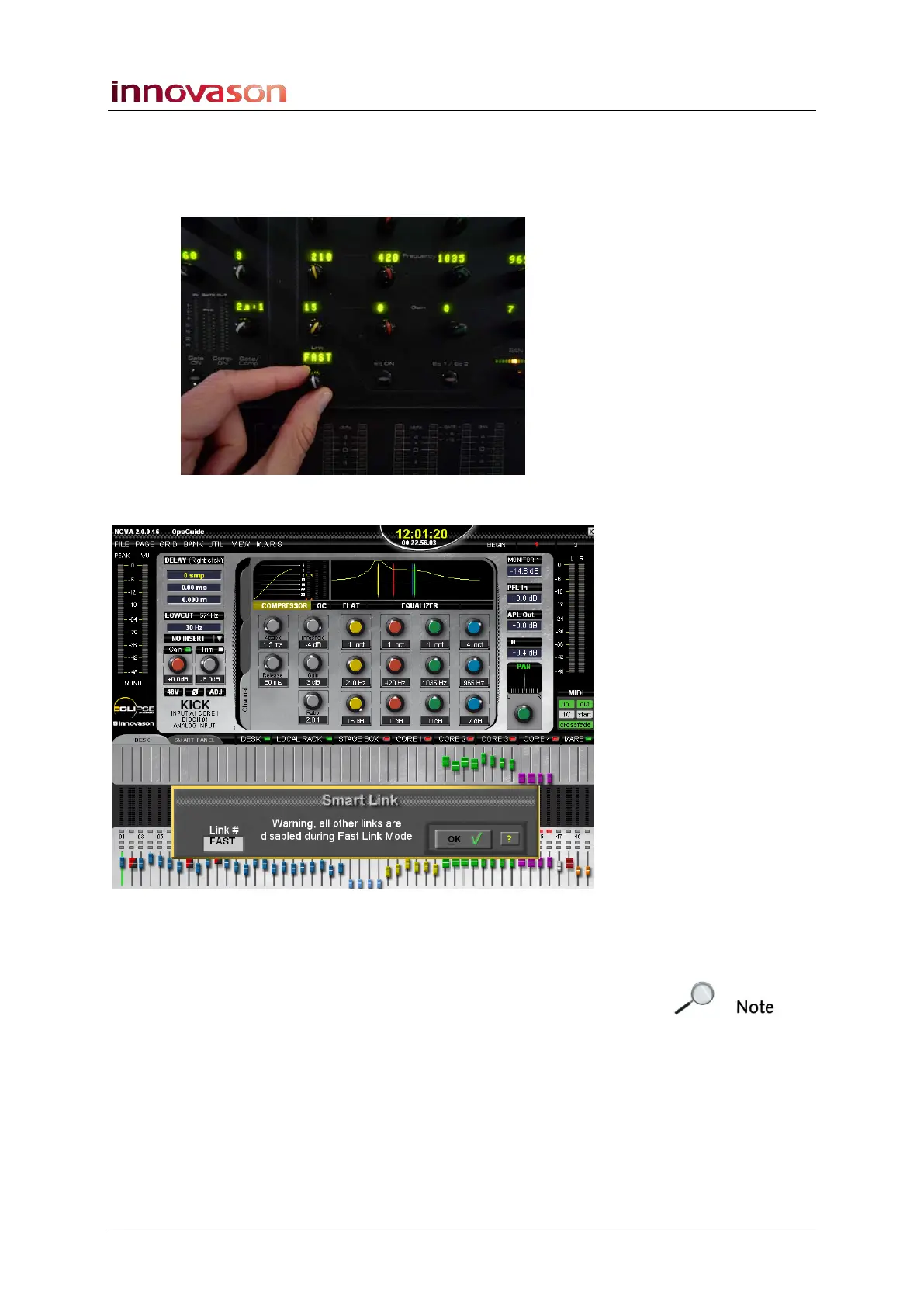
Working in Fast Link Mode:
1. Press down on the LINK rotary control for more than 2
seconds to enter Fast Link mode:
The Fast Link window opens over the current display:
2. Press the channel SEL buttons on the channels you
wish to link.
The SEL buttons light.
Note that you cannot link input and output channels together.



 To Next Page