Chapter 8: Utilities & Preferences
General Preferences
Eclipse User Guide 2.0 429/ 526
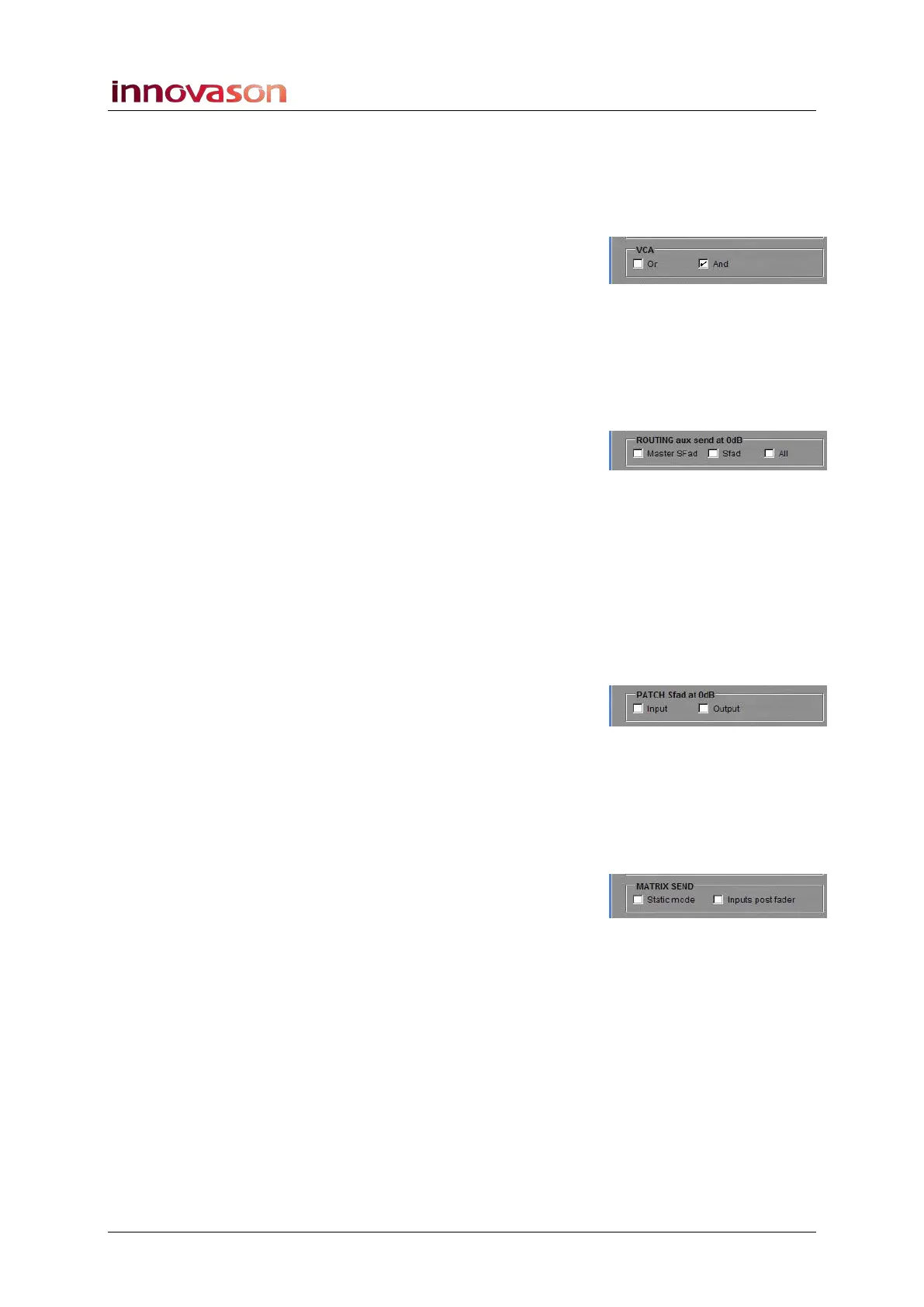
VCA
Determines the logic used when the same channel to assigned
to more than one VCA, see Page 193. The options are:
• OR (Priority logic) – the VCA having the highest level
is applied to the slave channel.
• AND (Additional logic) - the levels of each VCA are
summed and applied to the slave channel.
Route Aux Send 0dB
When ticked, as soon as an input is routed to an Aux, the Aux
send is automatically set to 0dB. You can set this option for:
• Master Sfad – only Smart Fader VCA Aux sends are set
to 0dB.
• Sfad – only Smart Fader slave Aux sends are set to
0dB.
• All – all channels (inputs and Smart Faders) have Aux
sends set to 0dB.
Patch Sfad 0dB
When ticked, as soon as a Smart Fader is patched, the level of
the slave channels are automatically set to 0dB. You can set
this option for:
• Input – Smart Fader inputs are set to 0dB.
• Output – Stereo Bus component channels (Left, Right
and Centre) are set to 0dB.
Matrix Send
Determines the Matrix send mode and send position for input
channels, see Page 170. The options are:
• Static mode – selects Static Matrix send assign mode.
Uncheck this box for Active assign mode.
• Inputs post fader – selects post-fader sends when
Matrices are assigned from input channels. Uncheck this
box for pre-fader sends.



 To Next Page