Chapter 8: Utilities & Preferences
General Preferences
430/ 526 2.0 Eclipse User Guide
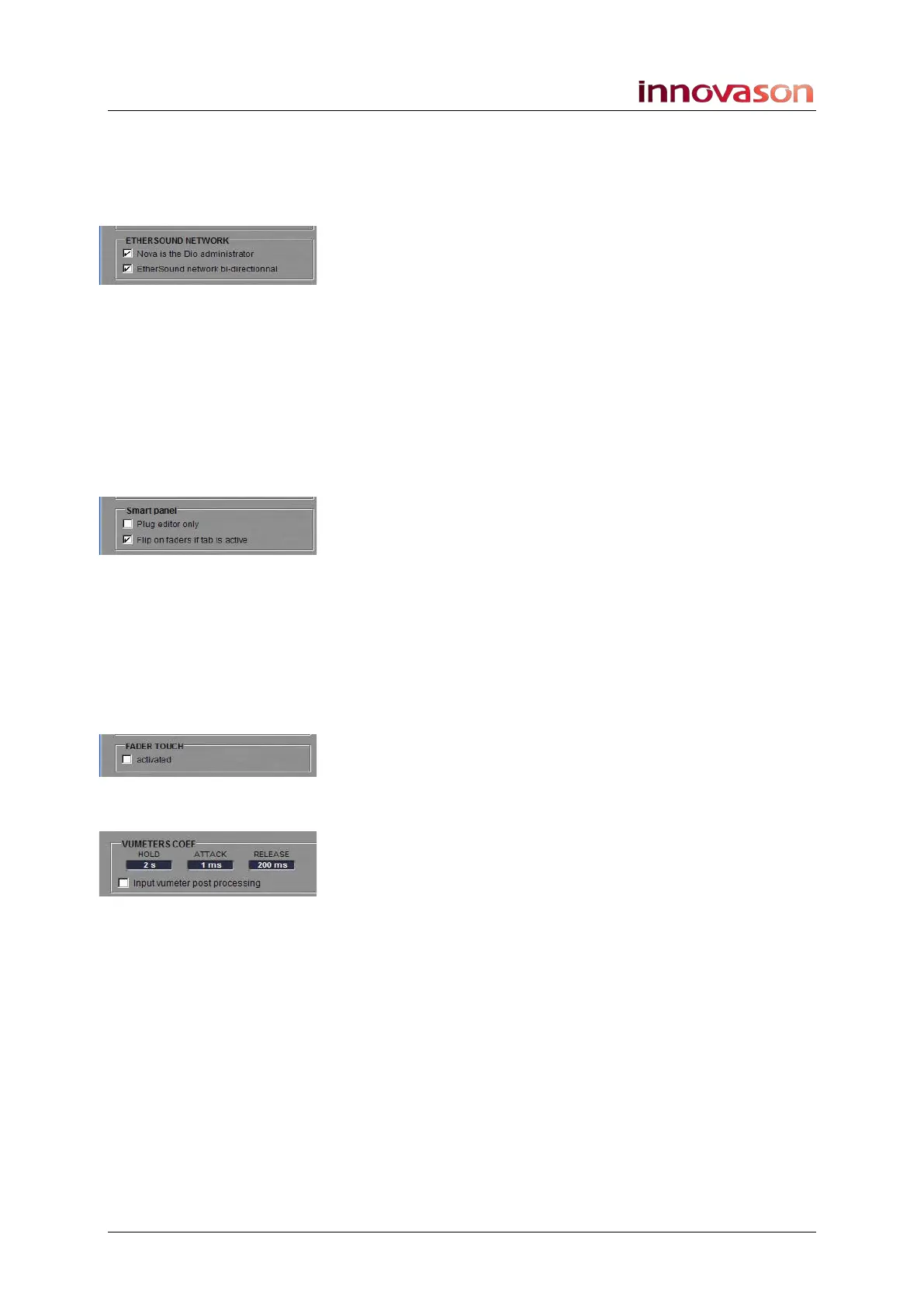
Ethersound Network
Determines Ethersound network preferences if you are working
with a third party Ethersound device. The options are:
• Nova is the Dio administrator – tick this option and
Nova determines the Ethersound configuration; other
administrators can visualise assignments but cannot
modify them.
• Ethersound network bi-directional – untick this option
if you wish the Ethersound network to be mono-
directional (for example, if your network uses Hubs or
Switches).
Please refer to the Eclipse Technical Manual for more
information on these options.
Smart Panel
Sets options for the Smart Panel:
• Plug editor only – tick this option to lock the Smart
Panel into FX Edit mode, see Page 301.
• Flip on faders if tab is active – tick this option and
each time you select Desk or Smart Panel, on the
console or Nova display, the 48 channels assigned to
the Smart Panel are mapped down onto the 48 Faders,
see Page 79.
Fader Touch
When ticked, you will see the fader level (in dB) in the Label
displays when you touch a fader.
VU Meters Coef
Determines the meter ballistics for the console’s VU meters (on
the console and on-screen). The options are:
• HOLD – meter hold time (seconds).
• ATTACK – meter attack time (ms).
• RELEASE – meter release time (ms).
• Input vumeter post processing – tick this option to
switch input channel metering post processing.



 To Next Page