Chapter 3: Operating Principles
Routing, Sends and the SEL Button
Eclipse User Guide 2.0 79/ 526
Don’t Forget the Smart Panel!
Remember that routing may be made from channels assigned
to the 48 Fader strips and the 48 Smart Panel controllers.
To get an overview of the Smart Panel quickly:
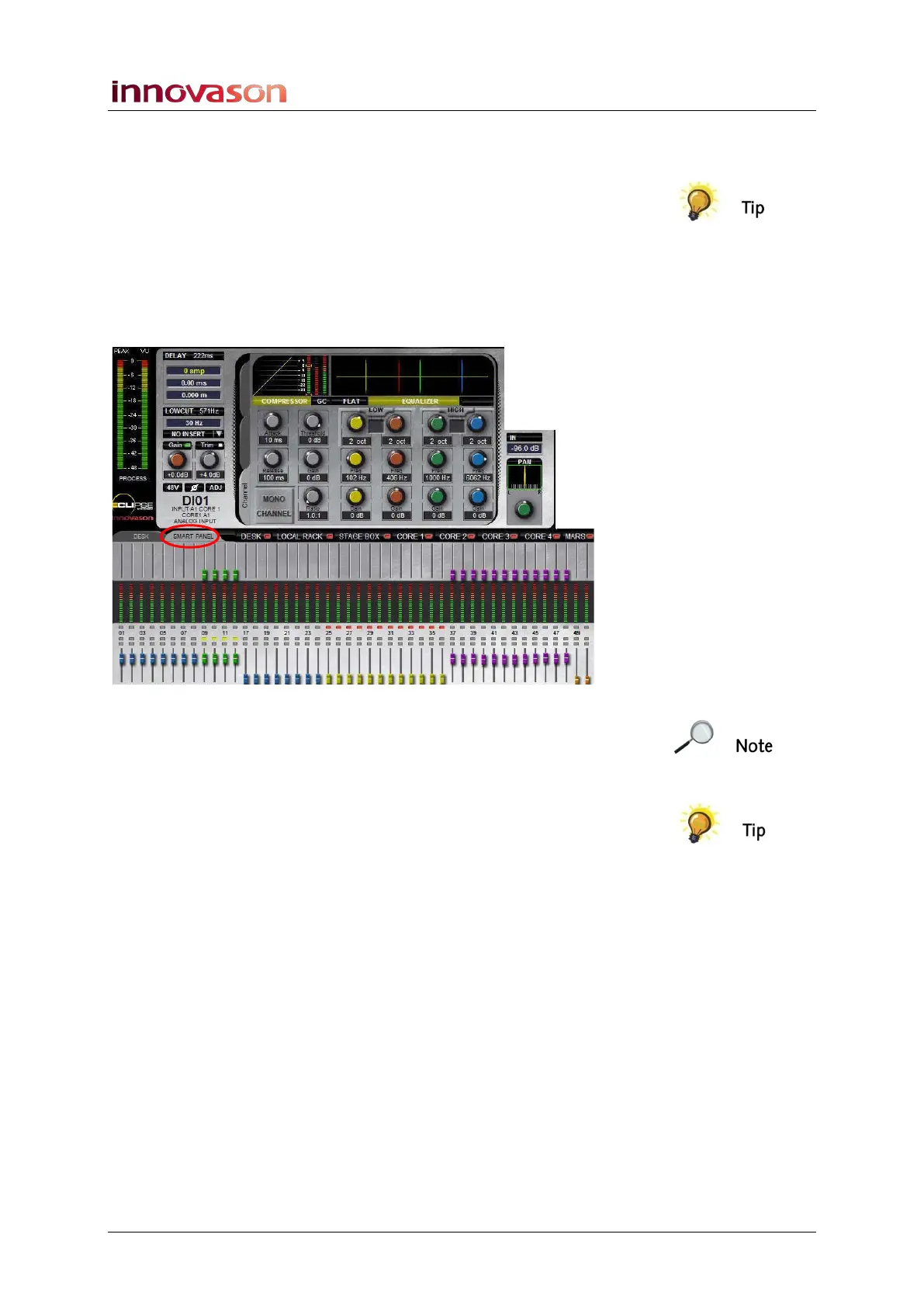
1. Click or touch the SMART PANEL tab on the Main Mix
display.
The display updates to provide an overview of SMART PANEL
main levels, send levels, routing assignments, etc.:
Note that if the “Flip on faders if tab is active” option is set
within the General Preferences window (see Page 428) then
the Smart Panel channels are mapped down onto the 48
console faders:
You can also assign a switch on the User Defined panel to this
function, see Page 322:
• Any steady state SEL buttons indicate routing from the
Smart Panel channels to the selected fader.
• You can move the console faders to quickly set Smart
Panel levels (send or main level depending on the
channel type).
2. Remember to select the DESK tab to return to normal
Fader strip and Main Mix display operation.



 To Next Page