Chapter 6: Console Configuration
Internal Effects (the FM-8VB Card)
Eclipse User Guide 2.0 301/ 526
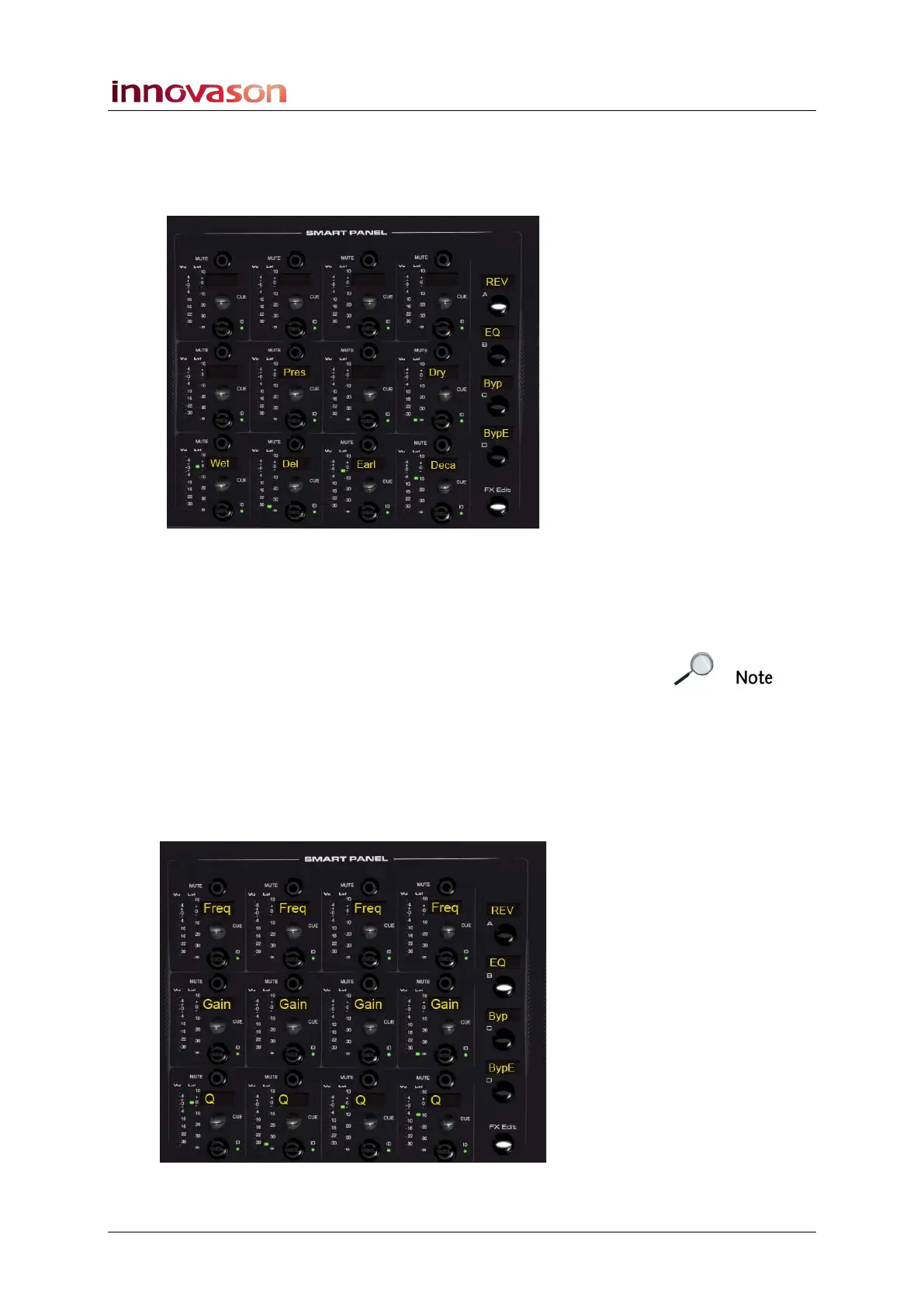
3. You can map the effects controls onto the console’s
Smart Panel by pressing the FX Edit button.
The Smart Panel updates to show which parameters can be
controlled from each controller:
4. Turn the rotary controls to adjust the parameters.
You can view the parameter values on the Main Mix Effects
Editor window.
Note that the Effects Editor window does not have to be open in
order to use the FX Edit function. Each time FX Edit is
selected, the last effects module viewed will be mapped onto
the Smart Panel controls for the selected channel.
You can also lock the Smart Panel into FX Edit mode from the
General Preferences, see Page 428.
For some plug-ins, there may be more than one set of controls:
5. Press the Smart Panel A, B, C and D buttons to page
through the different sets of effects controls:



 To Next Page