Chapter 6: Console Configuration
Internal Effects (the FM-8VB Card)
300/ 526 2.0 Eclipse User Guide
Controlling Effects Parameters
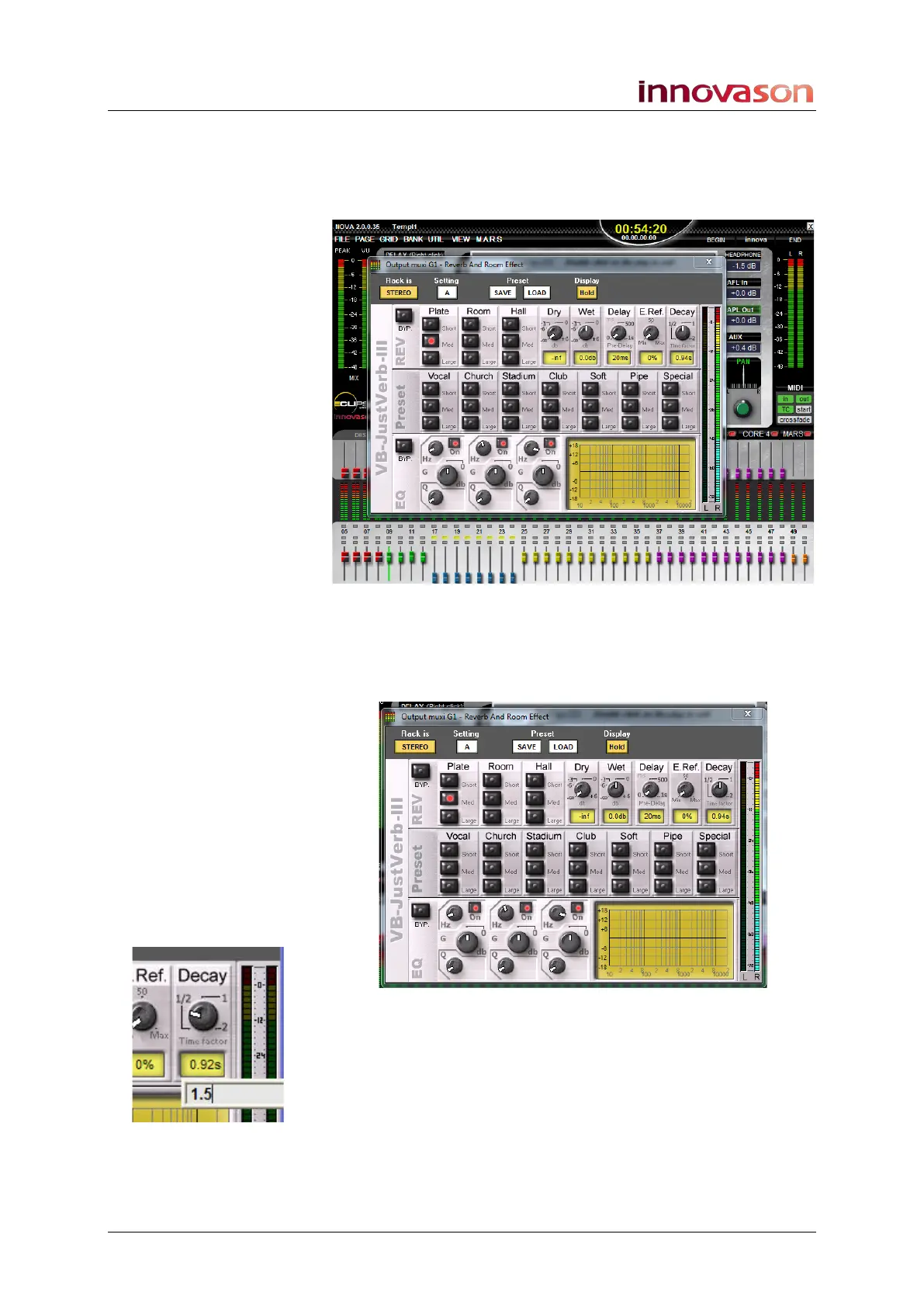
1. Once a plug-in is assigned, double-click on it to open the
Effects Editor window:
You can open multiple windows and position them as you wish
over the Main Mix display.
Details of all available plug-ins are included in Appendix A.
Here we will use the Just-Verb
2
plug-in as an example:
2. To adjust the parameters:
• Click or touch the on-screen buttons.
• Click and drag left or right on a rotary control.
• Click on a parameter value to enter a specific number
from the console keyboard – for example, Decay time.



 To Next Page