Chapter 10: M.A.R.S.
Playing Back the Demo Project
452/ 526 2.0 Eclipse User Guide
Playing Back the Demo
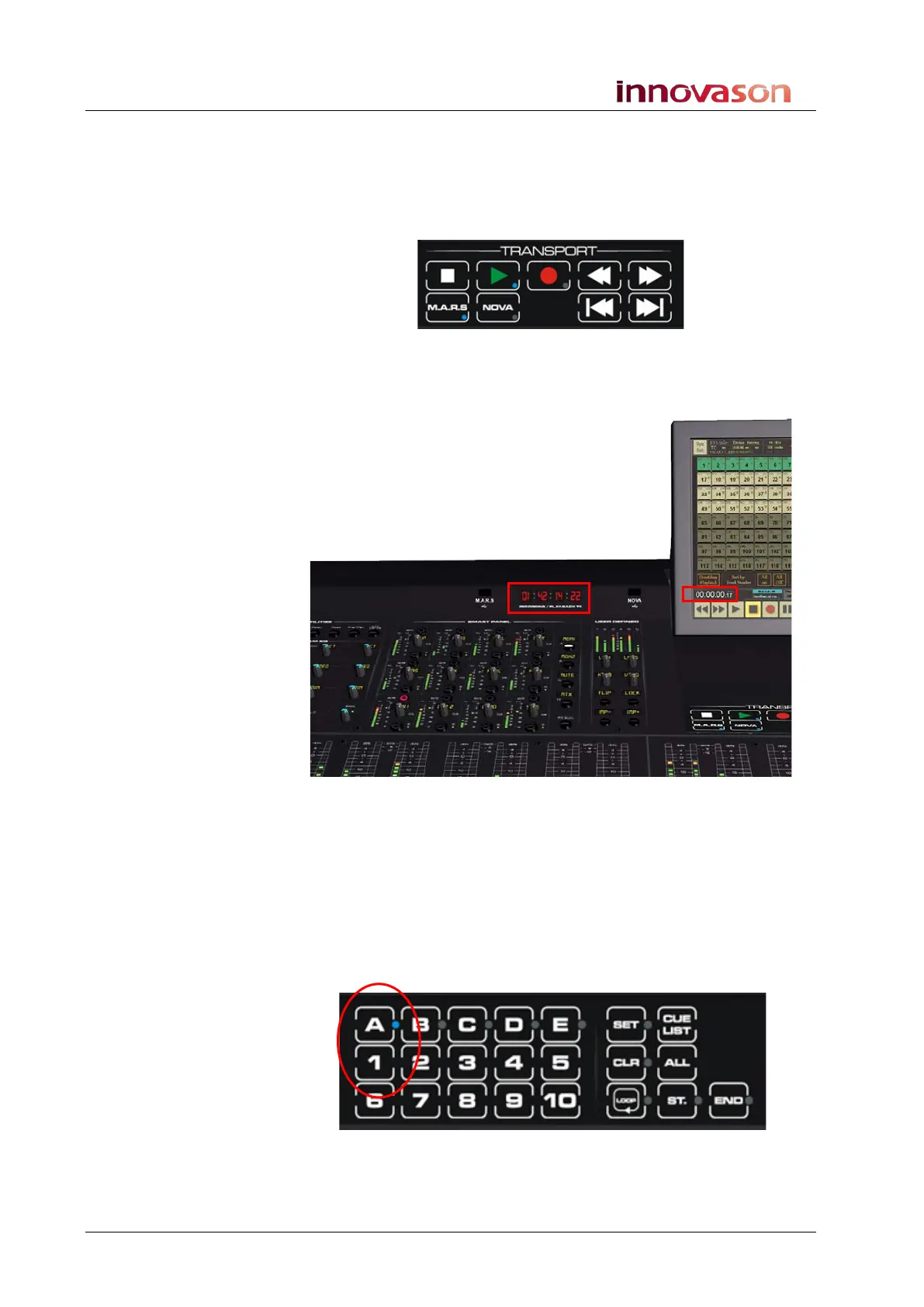
1. Test the audio playback by pressing the Play button on
either the Eclipse TRANSPORT panel or M.A.R.S. touch-
screen.
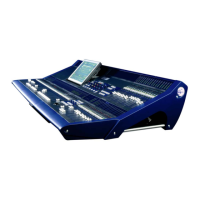
The Play button lights, and you will see timecode running both on
the Eclipse front panel display and M.A.R.S. touch-screen if it is in
view:
The demo song “Walking” starts at 00:00:00:00 so you should now
be hearing audio.
2. Press Stop, either on the TRANSPORT panel or M.A.R.S.
touch-screen to stop the play back.
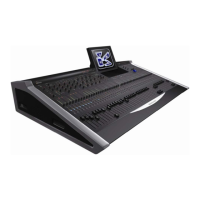
3. To locate back to the start of the song, use the Nova cue
memories on the TRANSPORT panel – press A followed
by cue memory 1:
The timecode should locate to 00:00:00:00.


 To Next Page