Chapter 10: M.A.R.S.
Playing Back the Demo Project
Eclipse User Guide 2.0 451/ 526
Loading a File in Nova
1. Press the NOVA button on the TRANSPORT panel to
switch back to the Nova control computer.
2. Select “File -> Load” from the main menus.
3. And load the demo file called Walking.
You can find more details on loading Nova Files in Chapter 7.
Look across the console, and you will see that each fader is now
labelled according to the tracks of the demo project. Notice that
some input faders (blue IDs) are Smart VCAs, while others are
dedicated inputs. Notice that some Groups (pink IDs), VCAs
(yellow IDs) and mix Masters (red IDs) have also been configured.
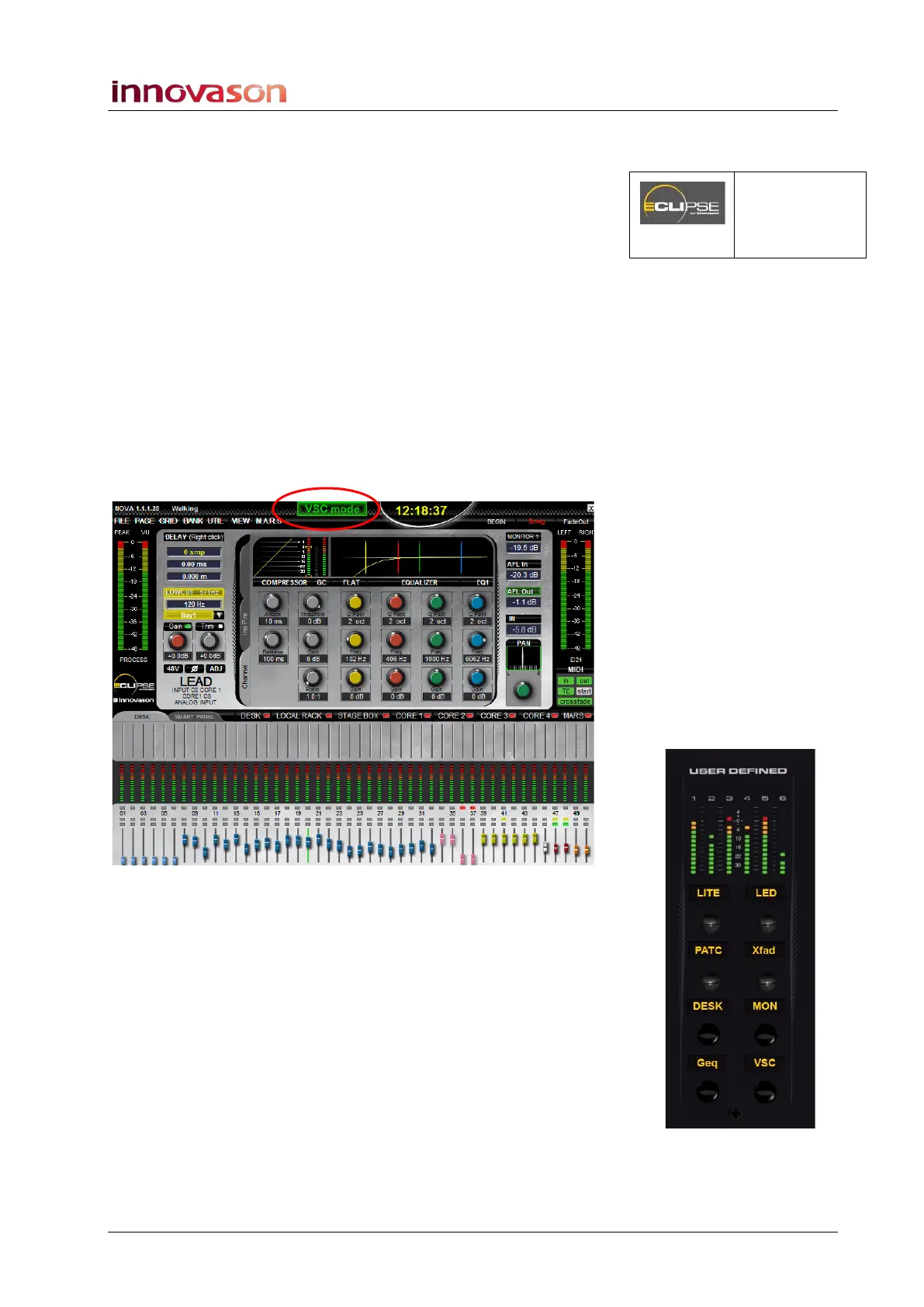
4. Check that Eclipse is running in VSC mode (Virtual Sound
Check) at the top of the Main Mix display:
This mode switches the channels to receive audio from M.A.R.S.
(tracks 1 to 64), instead of the DioCore mic inputs.
VSC mode should have been recalled by the Nova File “Walking”,
but if not:
5. Press the VSC button (on the USER DEFINED panel, if
configured) or select “M.A.R.S. -> Virtual Soundcheck”
from the Nova main menus.
A confirmation pop-up appears.
6. Press OK to confirm.
NOVA
(TRANSPORT
Panel)



 To Next Page