Chapter 10: M.A.R.S.
Transport Control
456/ 526 2.0 Eclipse User Guide
The Eclipse Cue List
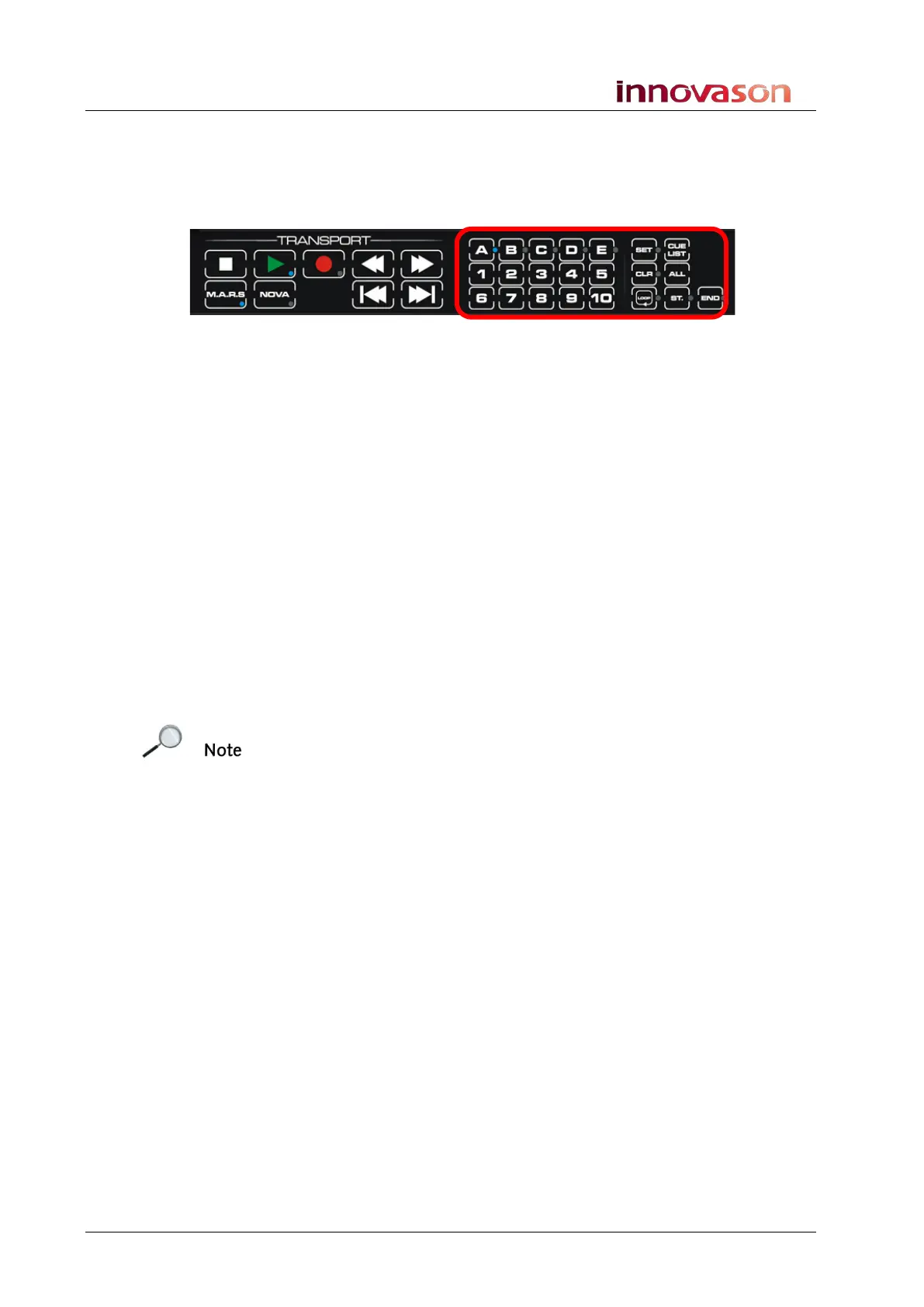
Eclipse’s Nova software includes a Cue List which is controlled
from the TRANSPORT panel:
Cues are arranged in five banks (A to E) of 10 cues (1 to 10)
providing a total of 50 cue memories.
Storing Cues
Cue points can be stored in Stop or in Play.
1. Press SET.
The button flashes (green).
2. Select a bank – e.g. press A.
The button lights (green).
Note that a bank must be selected (lit) before you can choose a
number
3. Select a number – e.g. press 1.
The current timecode is stored in cue memory A1. This is
confirmed by a temporary pop-up which appears on the Nova
display.
Note that if the cue memory has already been used, you will be
asked if you wish to replace it.
4. Select OK to overwrite an existing cue memory or Cancel
to quit the operation.
Note that if timecode is moving when you store a cue, the
timecode is captured at the point when you choose the memory
number (in step 3).



 To Next Page