Chapter 10: M.A.R.S.
Transport Control
Eclipse User Guide 2.0 457/ 526
Recalling Cues
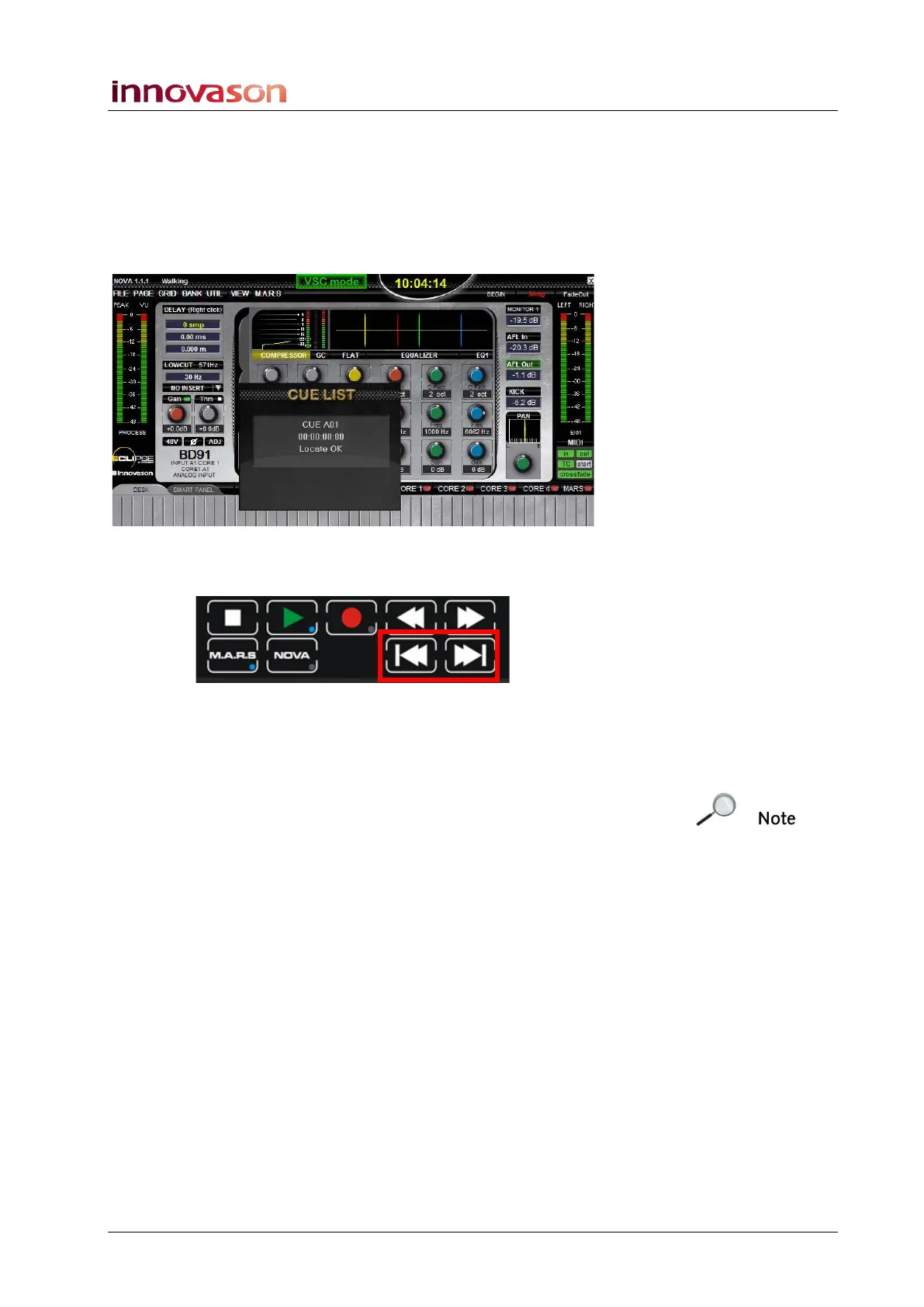
Having stored a cue, it can be recalled while in Stop or in Play:
1. Press the bank and number of the cue – e.g. A and 1.
The cue point is recalled and timecode instantly moves to the
stored value; a confirmation pop-up appears on the Nova display:
Alternatively, you can use the Next and Previous Cue buttons on
the TRANSPORT panel:
2. Press the Next Cue button to step forward to the next cue
point.
3. Press the Previous Cue button to step back.
Note that the next/previous order can be set either to step to the
next timecode value, or to the next cue ID number. This option is
set from the Cue List (see the next page).



 To Next Page