Chapter 10: M.A.R.S.
Transport Control
Eclipse User Guide 2.0 463/ 526
VSC and Broadway Modes
M.A.R.S. is designed for recording and playing back audio in
preparation for a live show or production. The most common
application is to record the sound check so that it can be replayed
later as a “virtual sound check”.
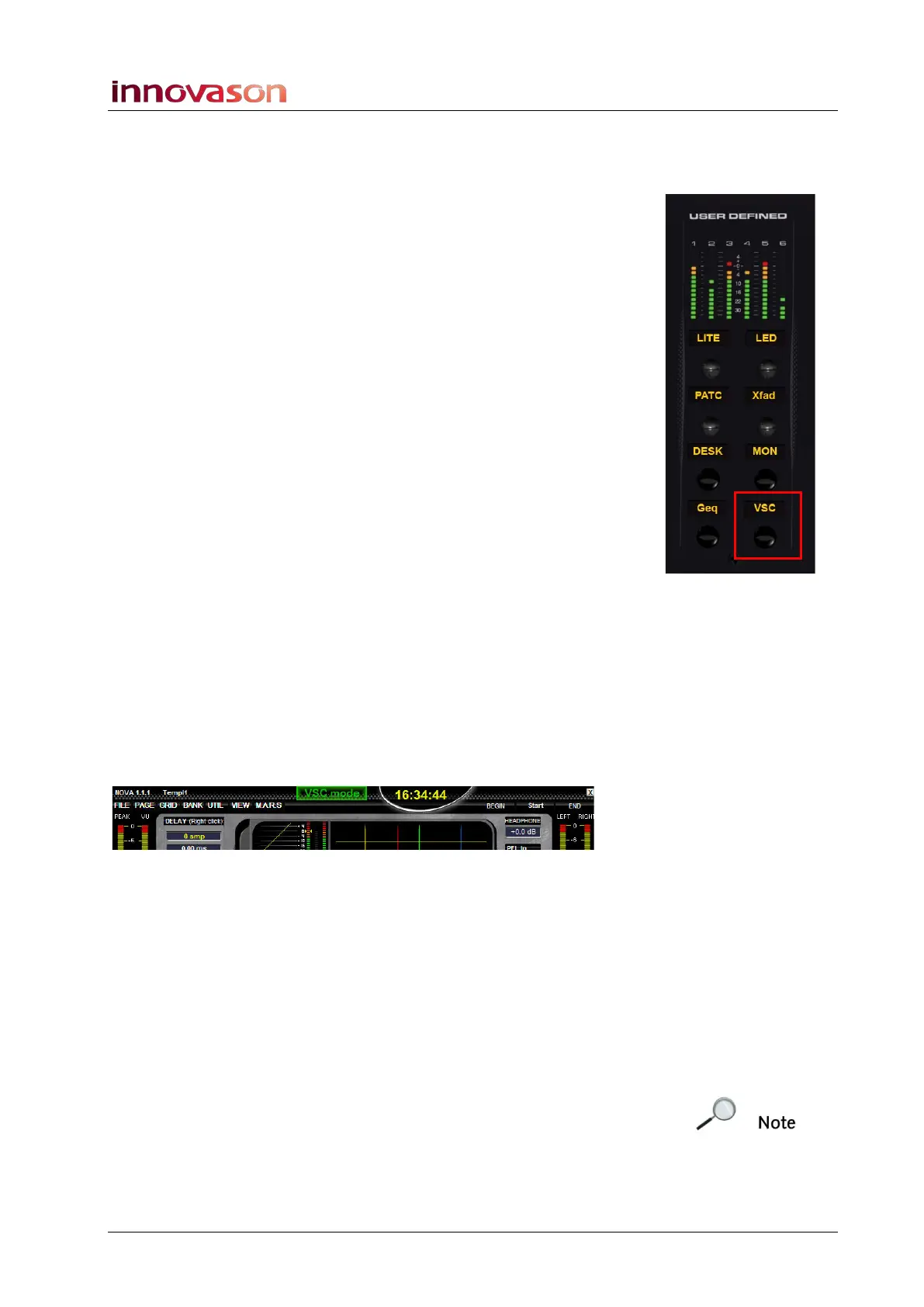
Eclipse provides two modes for virtual sound checking. You can
switch the console into either mode using the BDWY or VSC
buttons on the USER DEFINED PANEL, if configured. Or, from the
Nova main menus (“MARS -> Virtual Soundcheck” or “MARS ->
Broadway”).
Normal ‘Live’ Operation
When neither VSC or BDWY buttons are selected, the console is
in its normal mode of operation and input faders receive the
microphone signals from the DioCore on stage.
Virtual Sound Check Mode
1. Press the VSC button on the USER DEFINED panel, or
select “MARS -> Virtual Soundcheck” to switch to virtual
sound check mode.
You will be asked for confirmation via an on-screen pop-up.
Note that if the touch-screen is switched to M.A.R.S., then you will
not see this confirmation pop-up. Switch back to the NOVA
displays to view and confirm the mode change.
2. Select OK to confirm.
Once enabled, you will see VSC mode at the top of the Main Mix
display:
Any faders which were patched from DioCore mic inputs are now
re-patched from the corresponding tracks of M.A.R.S.
3. Locate to the start of your recording and press Play on the
TRANSPORT panel to playback the pre-recorded sound
check.
4. To return the console to its normal live mode of operation,
deselect VSC.
Using VSC mode, you can switch between live mics (from the
DioCore) and a recorded sound check (from M.A.R.S.).
Note that the operation described above is based on a standard
Eclipse configuration and standard patching. For more details on
how audio is routed within the Ethersound network, see Page 446.



 To Next Page