Chapter 10: M.A.R.S.
Transport Control
464/ 526 2.0 Eclipse User Guide
Broadway Mode
Broadway mode is very similar to VSC mode but instead of
replacing all DioCore mic feeds with tracks from M.A.R.S., you can
switch each input on an individual basis using its CUE button.
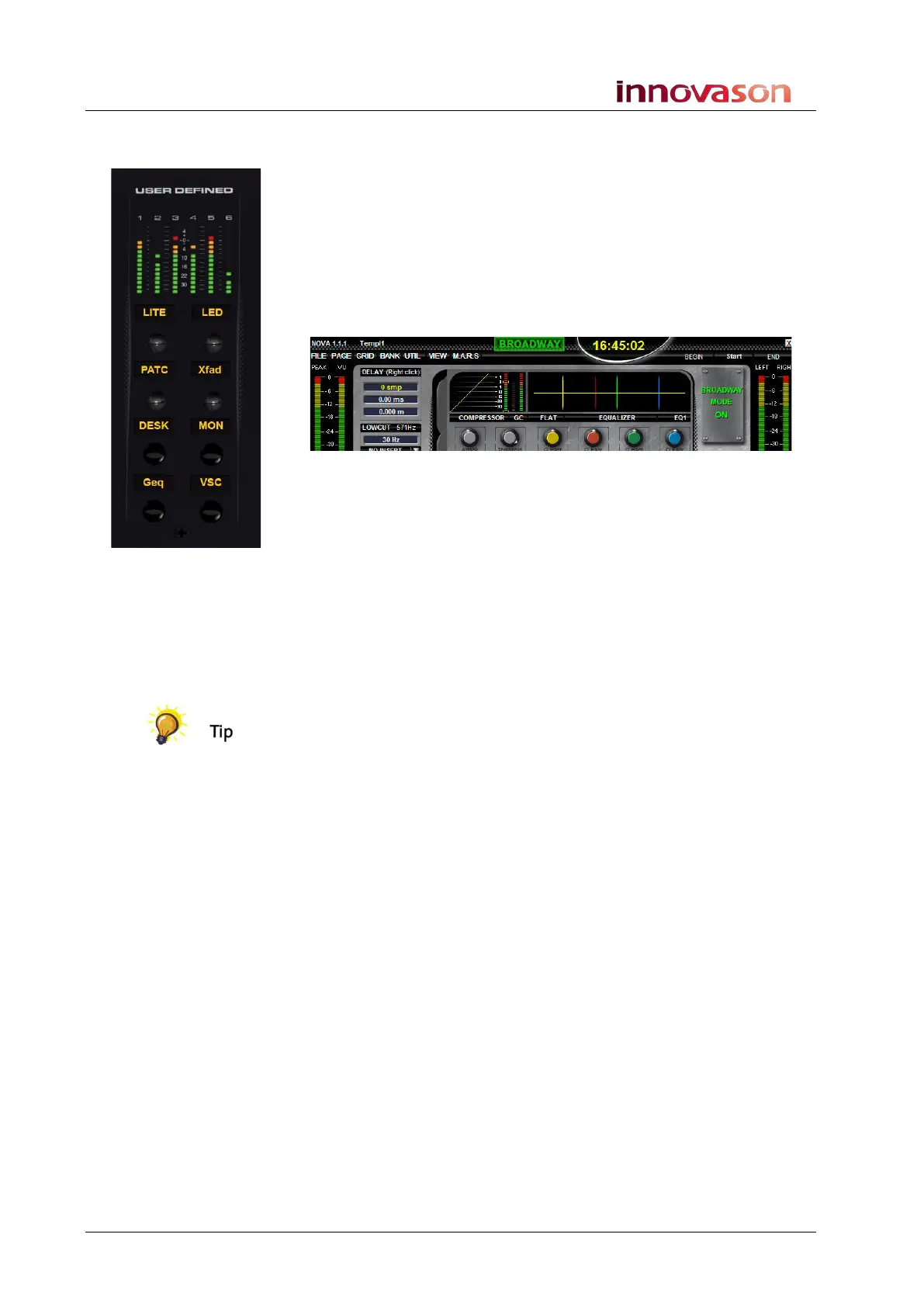
1. Press the BDWY button on the USER DEFINED panel, or
select “MARS -> Broadway”, to switch to Broadway mode.
Once enabled, you will see BROADWAY at the top of the Main
Mix display:
Input faders which have CUE buttons active are now fed from
M.A.R.S., while other faders continue to receive mic inputs from
the DioCore.
2. Enable the CUE buttons on the faders you wish to switch to
M.A.R.S.
If you are in play and at the correct timecode, you should hear
M.A.R.S. playback on these channels.
You can configure any combination of live mics and M.A.R.S.
tracks using this mode – for example, the rest of the band can play
along to pre-recorded drums.
You can also use the CUE buttons on VCA masters to switch a
group of channels into replay.
3. To return the console to its normal live mode of operation,
deselect BDWY.



 To Next Page