Chapter 10: M.A.R.S.
Recording
472/ 526 2.0 Eclipse User Guide
2. Deselect the track arm buttons.
3. Select All off below the track buttons to quickly disable
record arming for all 64 tracks.
This switches each track to replay; the track buttons should be
green to indicate that audio clips are present.
4. Return to the Nova Main Mix display, and select VSC
mode:
Remember to confirm by pressing OK.
This switches the console’s incoming Ethersound channels to
receive audio from M.A.R.S...
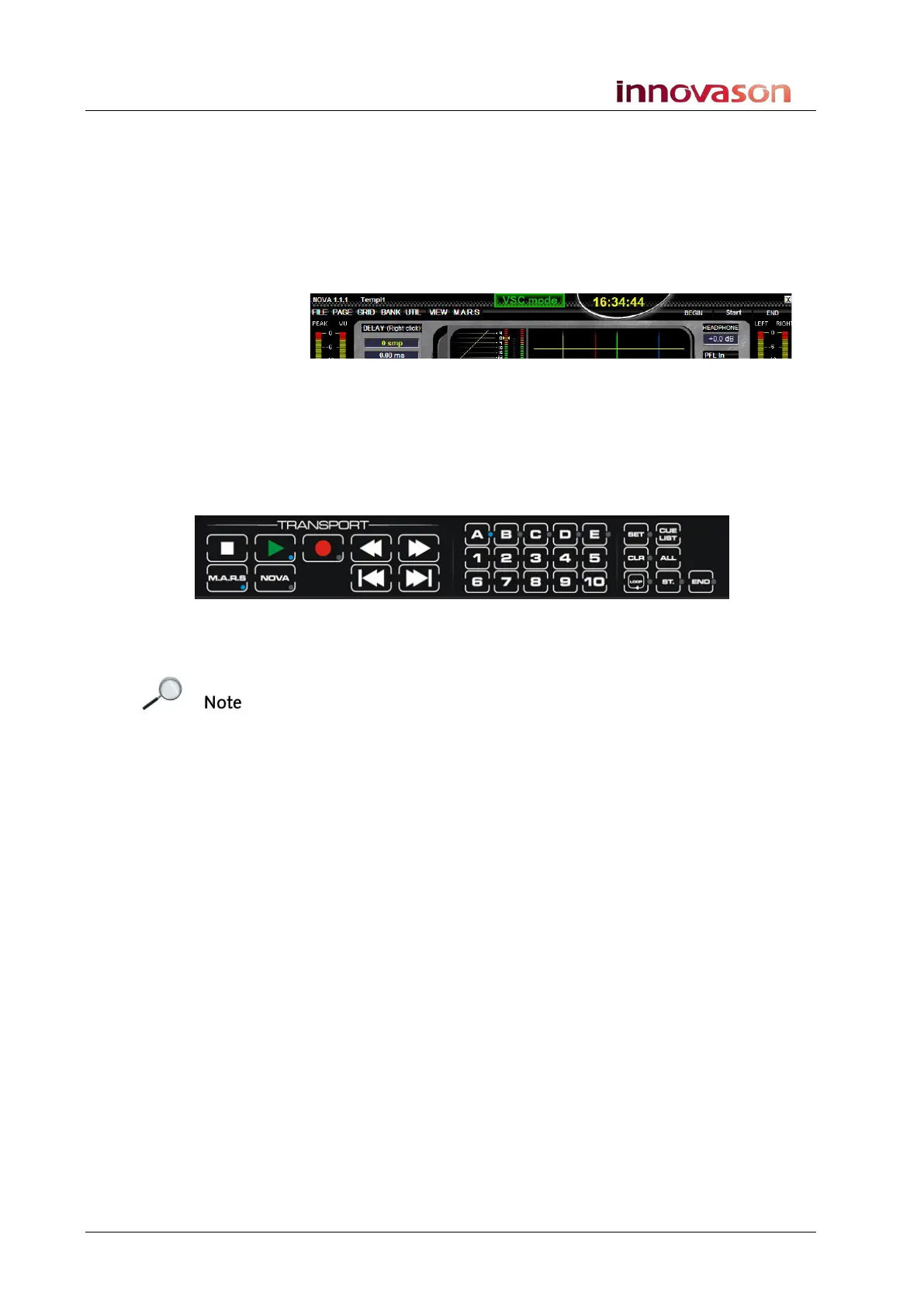
5. Locate back to start timecode and press Play using the
TRANSPORT control panel:
You should now be hearing your recording!
Note that there is no need to save the M.A.R.S. Project; when you
shut down M.A.R.S. or load a different project, the current Project
is automatically updated.



 To Next Page