Chapter 10: M.A.R.S.
Recording
Eclipse User Guide 2.0 471/ 526
Recording
Having prepared the Project and armed the tracks, you can now
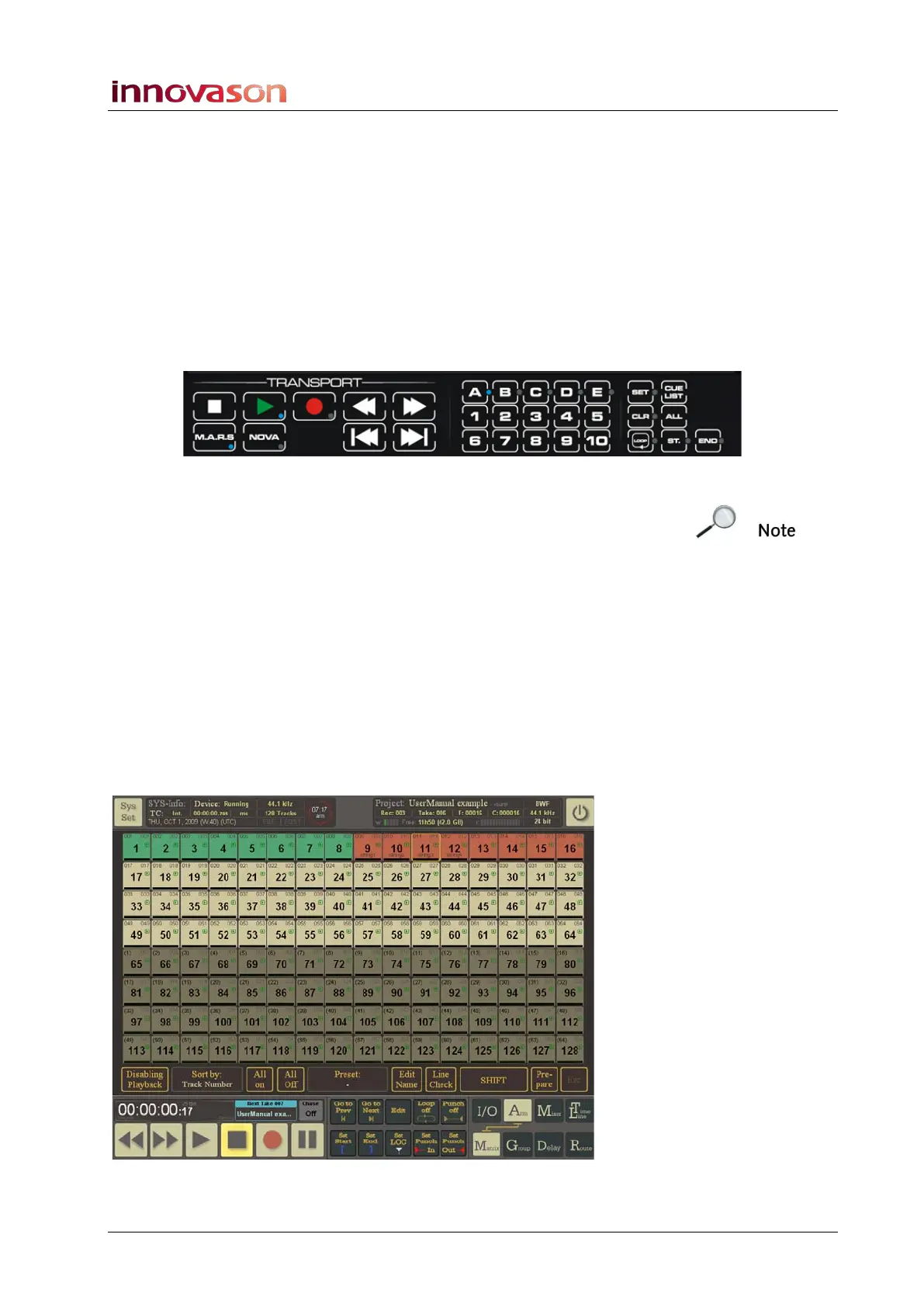
start and stop recording from either the Eclipse TRANSPORT
control panel or from the M.A.R.S. touch-screen.
So that you can return to the Nova displays during the sound
check, use the Eclipse TRANSPORT control panel:
1. Locate to the desired start timecode by recalling a cue.
2. Then, on the TRANSPORT control panel, press both Play
and Record:
Note that if you only press Record, you are in record ready, but
timecode is paused until you press Play.
Once the recording begins, timecode will roll forwards and the
Play and Record button LEDS light (green and red).
3. Use the Cue buttons to store cue memories as the sound
check records.
4. At the end of the sound check, press Stop.
Playback
To play back the recording:
1. Return to the M.A.R.S. touch-screen displays, and select
the Arm -> Matrix page:



 To Next Page