Chapter 10: M.A.R.S.
Advanced Functions
474/ 526 2.0 Eclipse User Guide
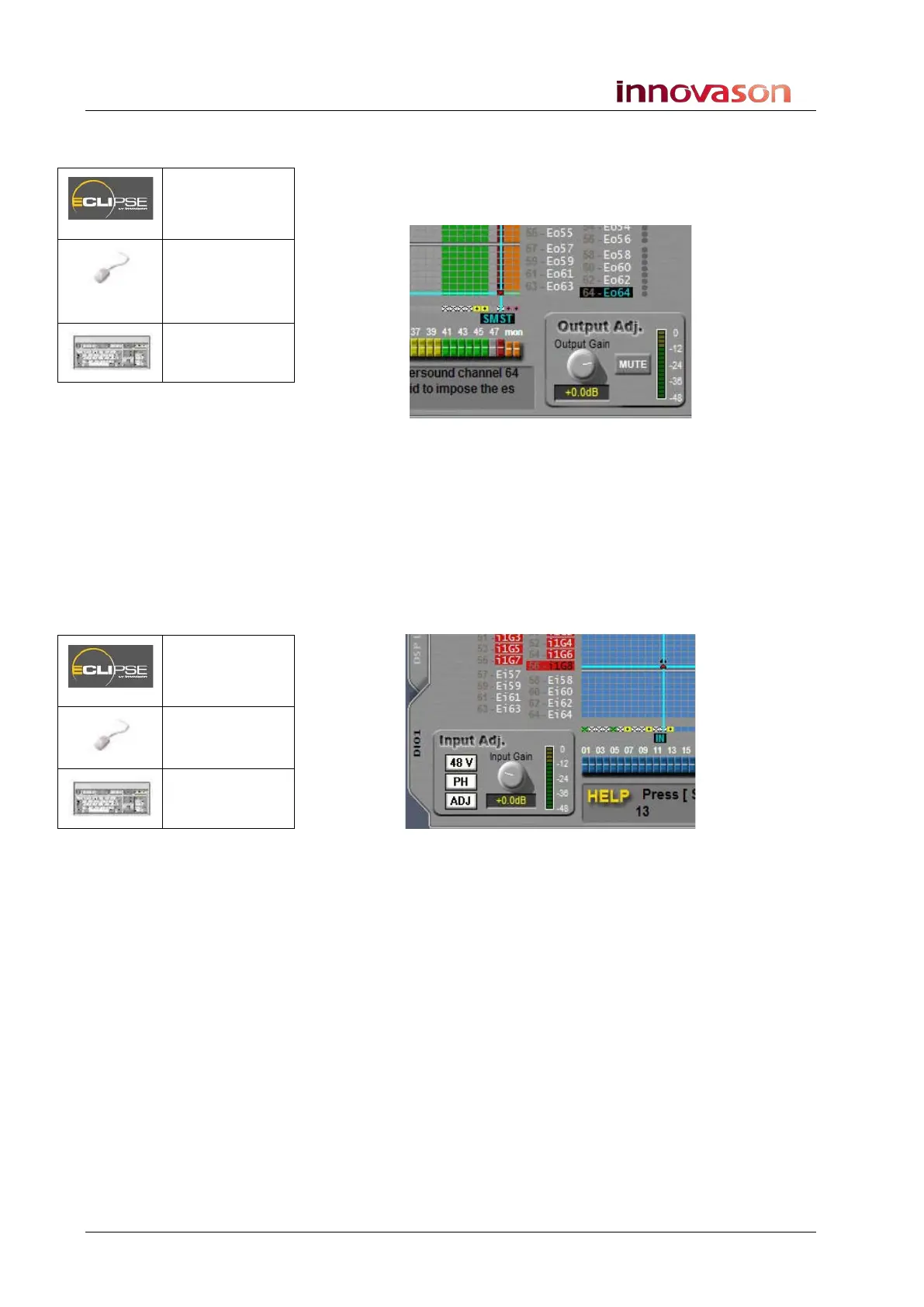
1. From the PATCH OUT grid, patch the mix busses you want
to record to Ethersound channels 57 to 64 (downstream).
In our example, Master Left and Master Right are patched to
Ethersound channels 63 and 64:
If you wish, you can Label the Ethersound channels, and use the
Tx Labels button to transfer the Labels to M.A.R.S. See Page 475
for details.
2. Now track arm the tracks from the Arm -> Matrix page
within M.A.R.S., and record in the usual manner.
To replay the tracks, they must be patched to input faders.
3. From the PATCH IN grid, patch Ethersound channels 63
and 64 (upstream) to a stereo input.
4. Make sure that you have disarmed the tracks in M.A.R.S. –
the track buttons on the Arm -> Matrix page should be
green.
5. Make sure Eclipse is switched to VSC mode.
6. Then play back the audio!
Patch OUT
(UTILITIES)
“GRID ->
Patch
Output”
[F12]
Patch IN
(UTILITIES)
“GRID ->
Patch Input”
[F11]



 To Next Page