Chapter 10: M.A.R.S.
Advanced Functions
Eclipse User Guide 2.0 475/ 526
Transferring Labels from Eclipse to M.A.R.S.
If you have labelled the DioCore mic inputs using the PATCH grids
on Eclipse, then you can transfer these Labels to M.A.R.S. before
you record. The advantage is that each audio clip will be labelled
according to its source – e.g. kick, snare, HiHat, etc.
You can perform this operation from the PATCH INPUT or PATCH
OUTPUT grid, depending on whether the Ethersound channel you
are recording is upstream or downstream. In our example, let’s
transfer the Labels from the 56 DioCore microphone inputs:
1. Create a New Project on M.A.R.S.
2. Before you arm any tracks, return to the Nova displays.
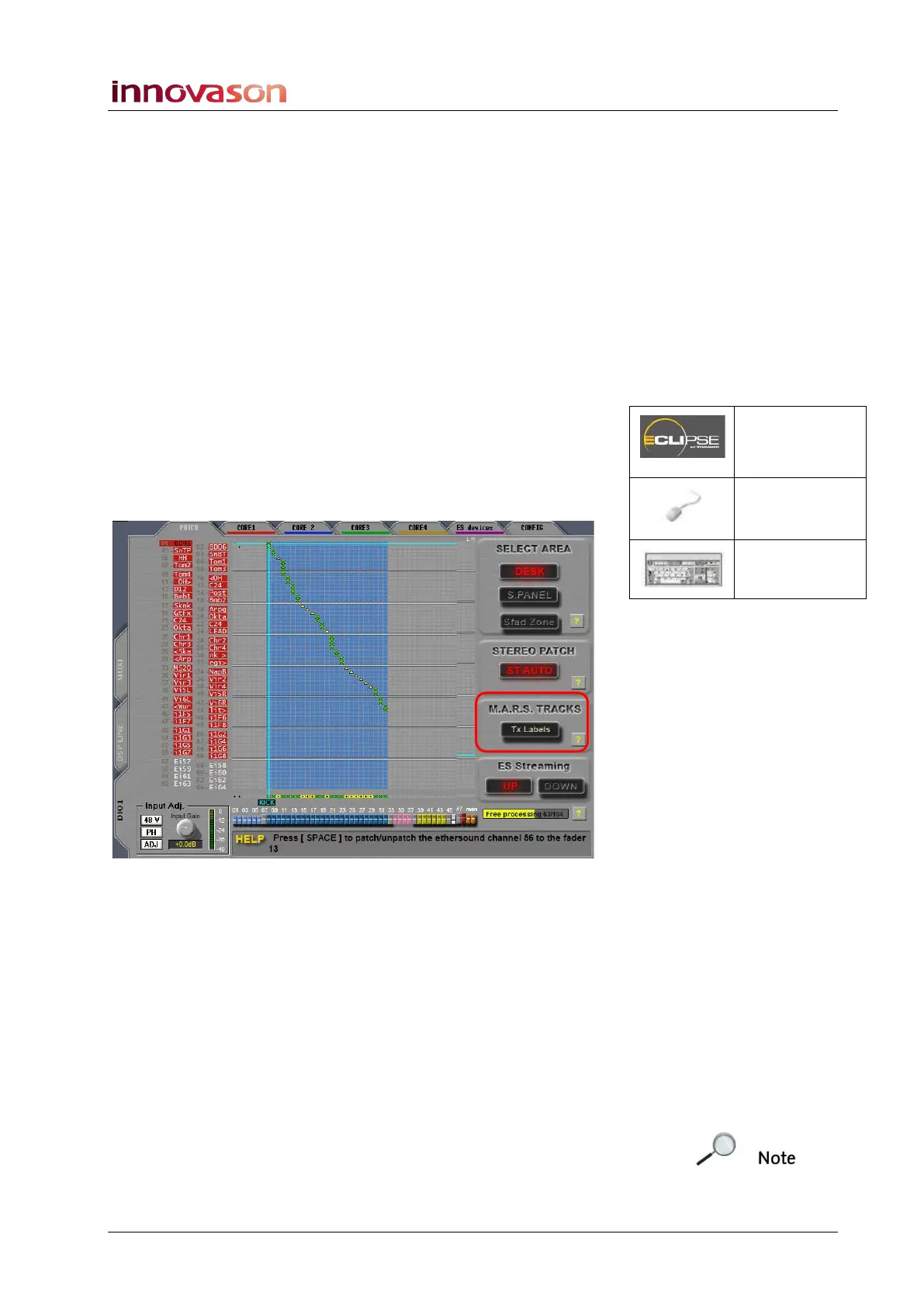
3. Open the PATCH INPUT grid.
4. And select the DIO1 and PATCH tabs.
The Labels running down the left of the display are the Labels
entered for each mic input from the DioCore:
5. Select the Tx Labels button (below M.A.R.S. Tracks).
6. And exit the PATCH INPUT grid.
7. Return to the M.A.R.S. touch-screen displays – press
M.A.R.S. on the TRANSPORT panel.
8. Select the Arm-> Matrix page.
Below each track number, you will see a track name in smaller
lettering; these should match the Labels of your DioCore mics.
9. Now arm the tracks and make the recording.
Each audio clip on M.A.R.S. now includes the transferred Label.
Note that this operation performs a one-time transfer. However,
M.A.R.S. can continue to pickup changes to Eclipse channel
Labels, by enabling the following option:
Patch IN
(UTILITIES)
“GRID ->
Patch Input”
[F11]



 To Next Page