Chapter 10: M.A.R.S.
Advanced Functions
476/ 526 2.0 Eclipse User Guide
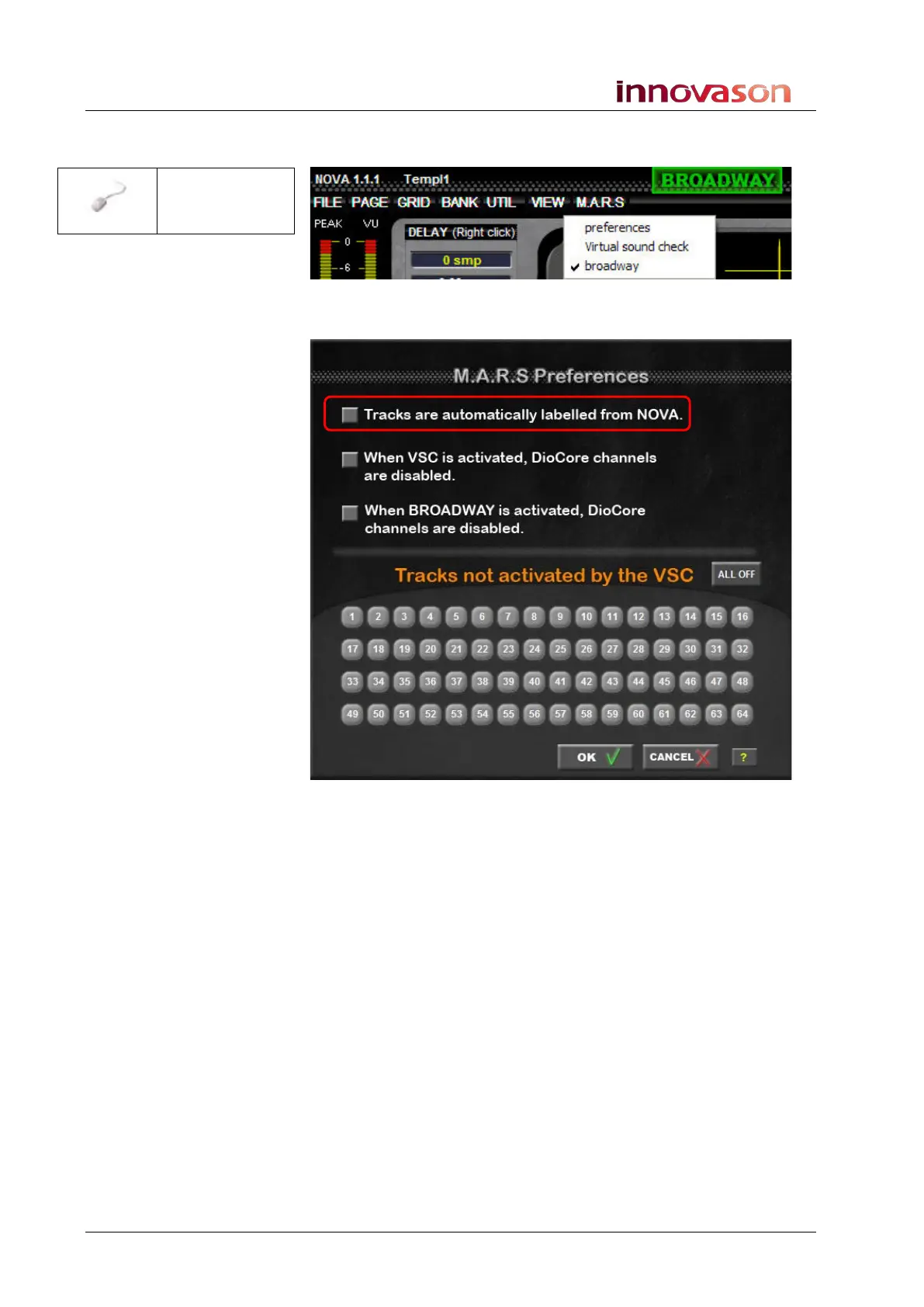
1. Return to the Nova displays and select M.A.R.S. ->
preferences from the main menus:
The M.A.R.S. Preference window appears:
1. Tick the top option - Tracks are automatically labelled
from NOVA.
When ticked, any Label changes from Nova are transmitted to
M.A.R.S.
“MARS ->
preferences”



 To Next Page