Chapter 10: M.A.R.S.
Troubleshooting
Eclipse User Guide 2.0 499/ 526
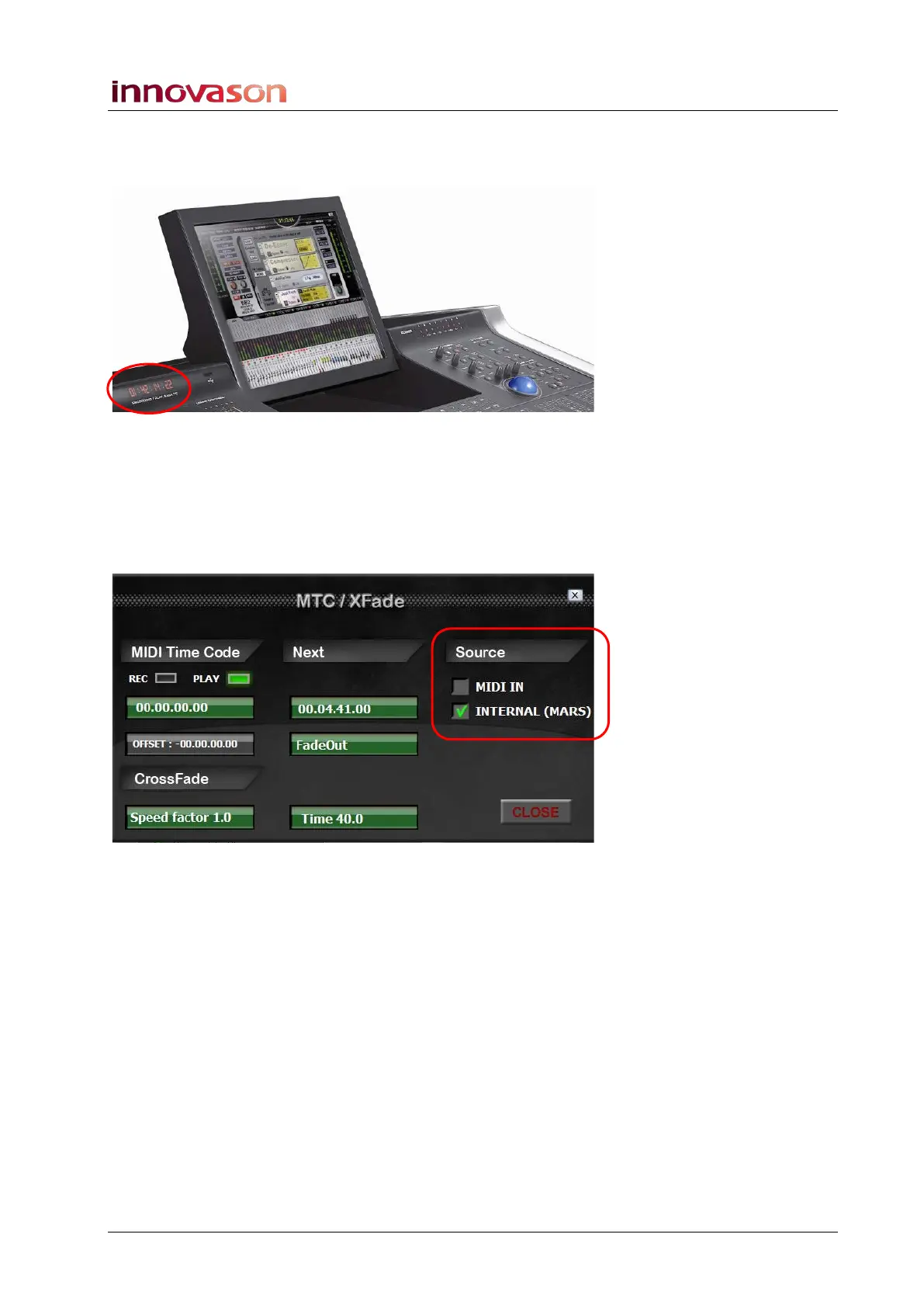
M.A.R.S. plays back but the correct timecode does
not appear in the front panel display:
This timecode display can be switched between Internal
(M.A.R.S.) and MIDI timecode within the Nova software.
1. Switch the touch-screen to NOVA.
2. Select VIEW -> MTC/Xfade from the main menus.
The MTC/Xfade window appears:
3. Under Source, select INTERNAL (MARS).
This will switch the display to show timecode from M.A.R.S.
If MIDI IN is selected, the timecode display shows timecode
received at the Eclipse (Nova) MIDI Input.
4. Select CLOSE to quit the window.



 To Next Page