Chapter 3: Operating Principles
Nova Operating Principles
Eclipse User Guide 2.0 83/ 526
Returning to the Main Mix Display
While you can continue mixing while viewing displays such as
the PATCH grids, it is always a good idea to return to the Main
Mix display (so that you have a clear overview of your mix
parameters). You can use any of the following methods to
cancel an active display:
1. Press CANCEL (to the left of the trackball).
2. Turn off the display button – for example, turn off
PATCH IN.
3. Press [ESC] on the console keyboard.
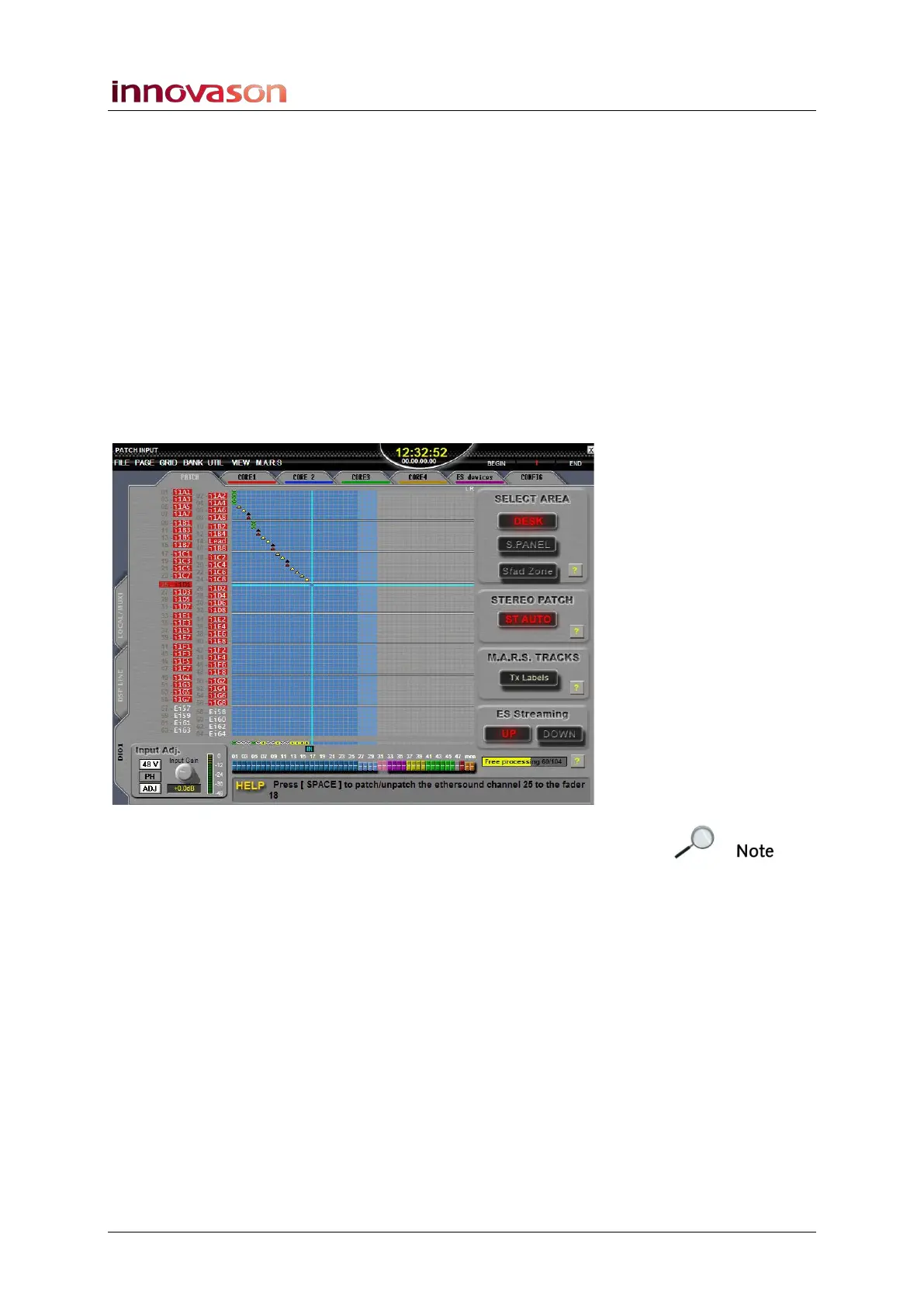
4. Using the trackball, click on the X at the top right of the
display:
Note that if you click on the X at the top right of the Main Mix
display, you will shut down the Nova software.



 To Next Page