Chapter 3: Operating Principles
Nova Operating Principles
84/ 526 2.0 Eclipse User Guide
Floating Windows
There are also a number of floating windows which can be
overlaid on top of the current display and moved like in MS
Windows
TM
.
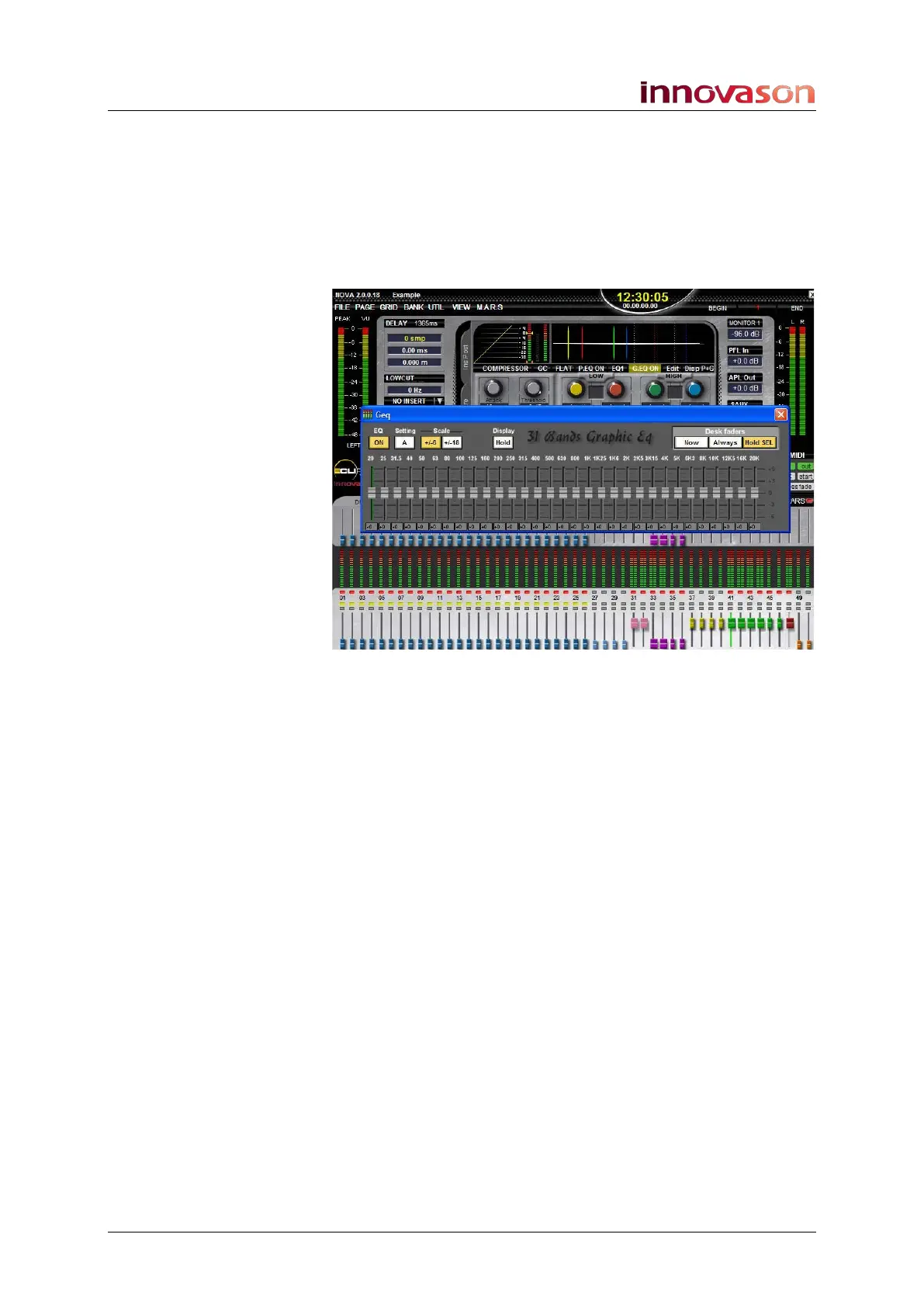
Floating windows are used for functions such as Effects Editing,
Graphic EQ Editing, and the Play List:
Depending on the window, you may have access to some or all
of the following options:
1. Using the trackball you can move the Geq window
anywhere on the screen.
2. Some windows, such as the Playlist, can be resized by
selecting and dragging the window borders. If
information within a window is hidden, then left/right or
up/down scroll bars will automatically appear. Select a
scroll bar at the bottom to scroll left/right or up/down.
Any changes you make to window sizes and positions are
stored with the current File when it is saved. This means that
your mix will come back exactly as it looked when you last
saved the File.
3. To close a floating window, such as the Geq Editor, click
on the red and white X at the top right of the window.



 To Next Page