Chapter 3: Operating Principles
Nova Operating Principles
Eclipse User Guide 2.0 85/ 526
Confirmation Boxes
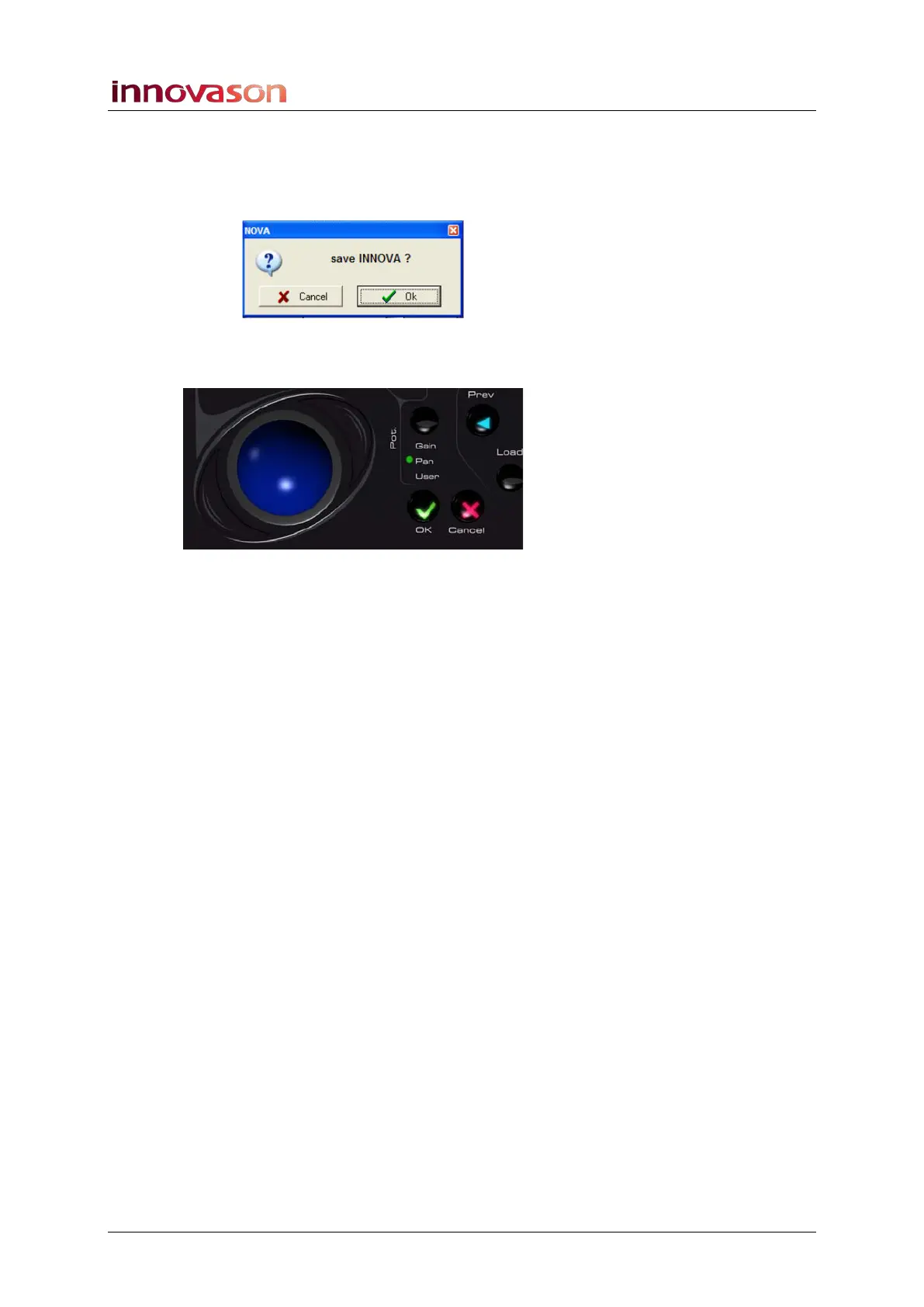
For some operations you will be asked for confirmation with a
pop-up dialogue box:
1. Press the OK or CANCEL buttons beside the trackball
to confirm or cancel the operation:
2. Or, click on the screen buttons.
3. If you are using the console keyboard, you can also
press [ENTER] to confirm or [Esc] to cancel.



 To Next Page