Chapter 4: Getting Started (The Standard Template)
Loading a File
90/ 526 2.0 Eclipse User Guide
The following dialogue box appears:
This is asking if you wish to save the current PAGE (in our
example, INNOVA) before loading the File.
When you load a File, any Pages in memory are replaced.
Therefore, you will be asked if you wish to save each of these
Pages before the load takes place.
4. If you have nothing new to save, press CANCEL.
The Nova software now loads the Templ File from hard disk to
the console memory. The Temp1 File contains a single Page
(INNOVA). When the load is complete, the console resets to
the settings stored in this Page.
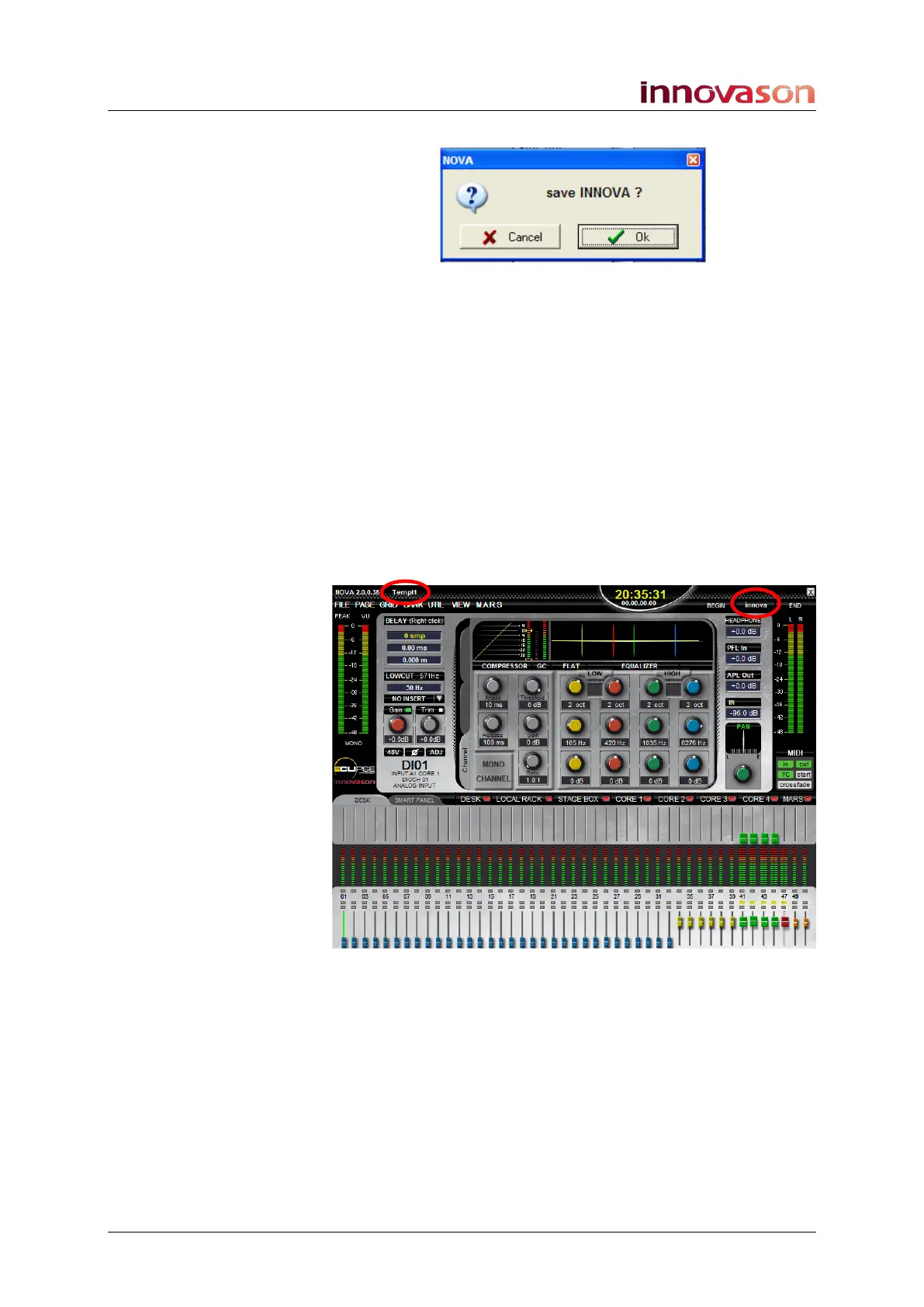
Note that the active File and current Page names are shown at
the top of the Main Mix display:



 To Next Page