Description of fields
Field Option Description
From Selectable list Defines from which storage device the data
is impo
rted.
From file Selectable list All files with extension *.xml in the \DATA
directory on the data storage device can be
selected.
Import
points,
lines, coor-
dinate sys-
tems &
point codes
Check box When the box is checked, a job can be selec-
ted to import the data to.
Import
global
codelist
Check box When this box is checked, a global codelist is
imported. The codelist must be stored in the
\CODE directory of the data storage device.
Import
alignments
Check box When the box is checked, the job type Road,
Rail or Tunnel can be chosen.
A job name can be entered and a Road, Rail
or Tunnel job is created once the data is
imported.
Import DTM Check box When this box is checked, a job name can be
entered and a DTM job is created once the
data is imported.
Next step
OK star
t the import.
10.4 Importing DXF Data
At least one file in DXF format with the file extension *.dxf has to be stored in
the \D
A
TA directory of the data storage device.
Do not remove the data storage device while importing the data.
From the job menu select Impo
rt data\DXF.
Requirements
☞
Access
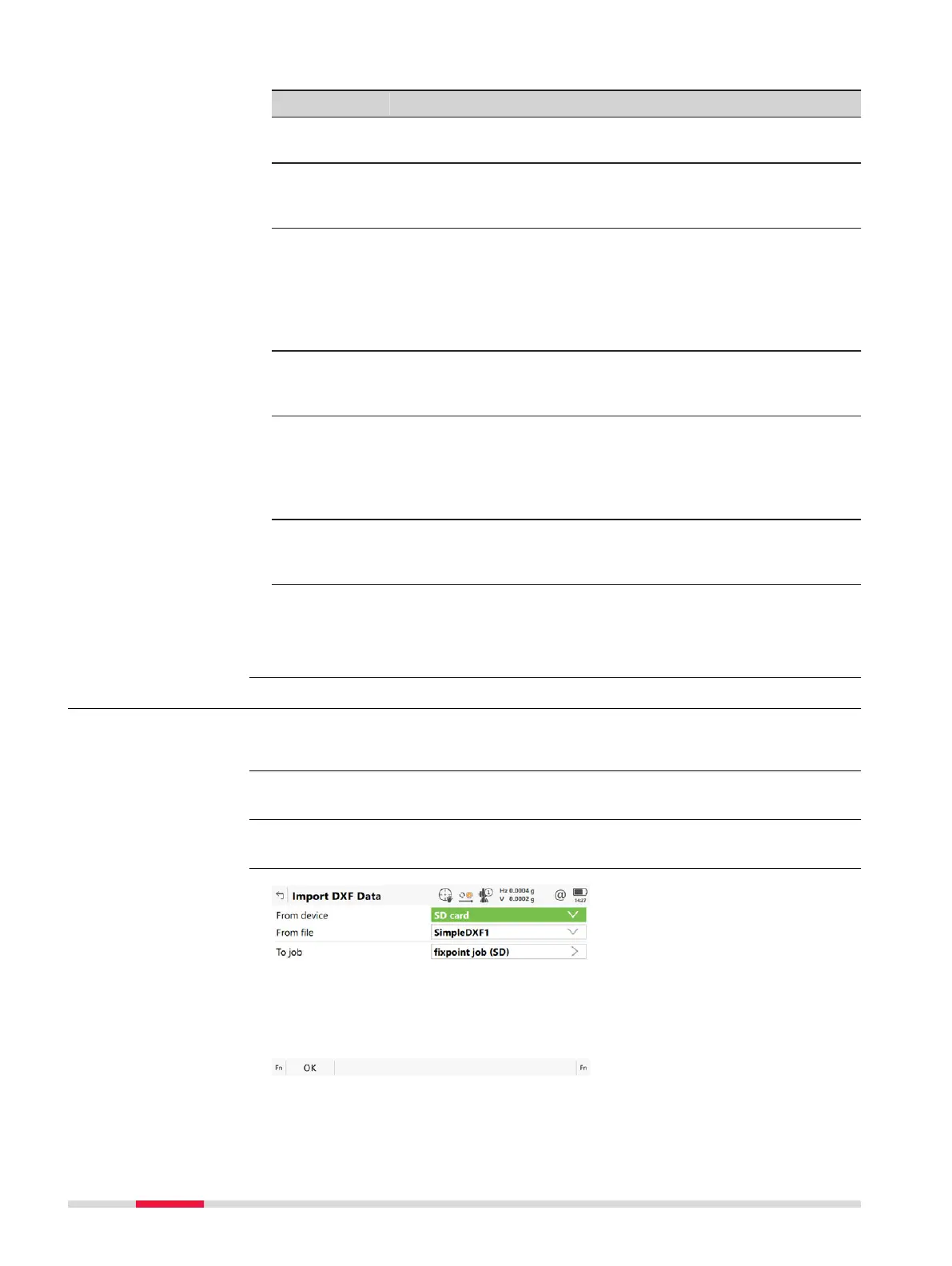
Import DXF Data
124 Job Menu - Import data













 To Next Page