44.2 Starting Alignment Editor
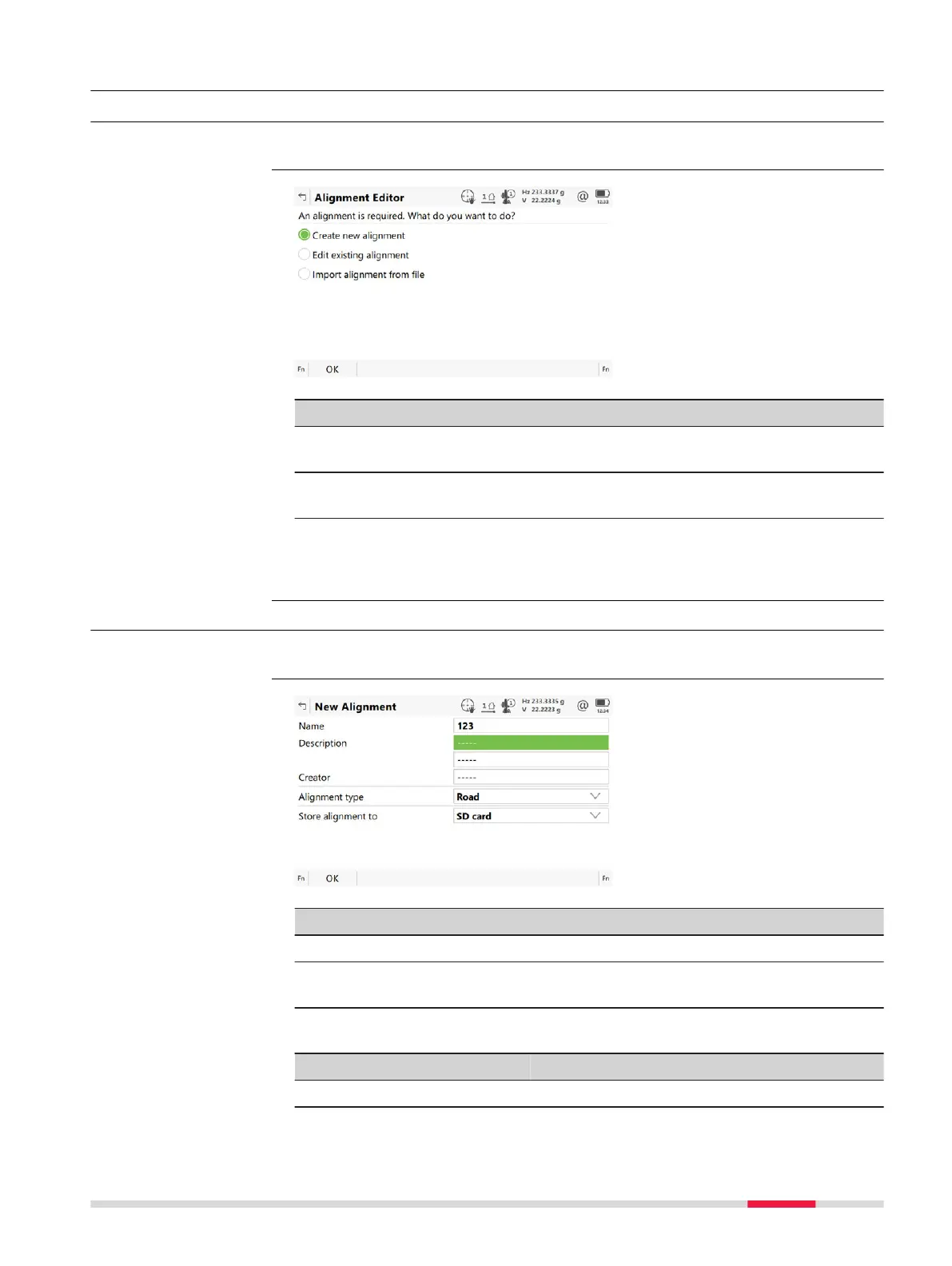
44.2.1 Accessing Alignment Editor
Select Leica Cap
tivate - Home: Alignment editor.
Key Description
OK To select the highlighted option and to continue with the
subsequen
t panel.
Fn Settings To configure the app. Refer to "44.3 Configuring Alignment
Editor".
Next step
Select an o
ption and press OK.
44.2.2 Creating a New Alignment
Select Create new alignment in Alignment Editor and press OK.
Key Description
OK To accept the panel entries and continue.
Fn Settings T
o configure the app. Refer to "44.3 Configuring Alignment
Editor".
Description of fields
Field Option Description
Name Editable field The name of the new raw alignment.
Access
Alignment Editor
Access
New Alignment
Roads - Alignment Editor 705













 To Next Page