Next step
Page
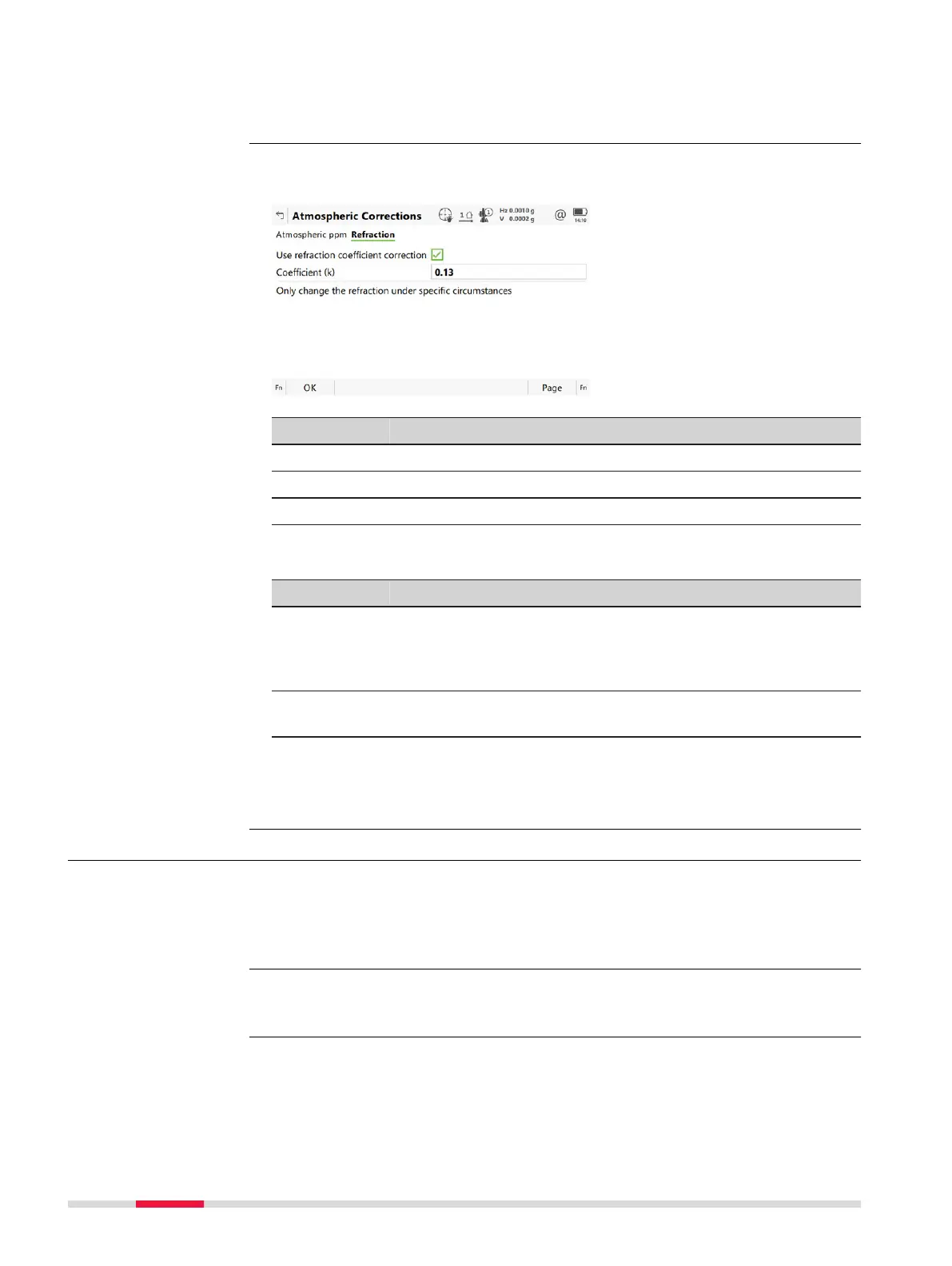
changes to the Refraction page.
The refraction correction is taken into account during the calculation of the
heigh
t difference.
Key Description
OK To accept changes and return to Leica Cap
tivate - Home.
Page To change to another page on this panel.
Fn Default To recall the default settings.
Description of fields
Field Option Description
Use refrac-
tion coeffi-
cien
t correc-
tion
Check box If checked, refraction correction is applied to
measurements.
Coefficient
(k)
Editable field Refraction coefficient to be used for calcula-
tion.
Next step
Page
changes to another page.
22.4 Level & compensator
For raw data display and recording, the compensator and the horizontal correc-
tio
n can b
e deactivated.
☞
The graphical level bubble is displayed correctly for the situation when
the fir
st panel is aligned with two footscrews.
Select Leica Cap
tivate - Home: Settings\TS instrument\Level & compen-
sator.
Atmospheric Correc-
tions,
R
efraction page
Description
Access
258 Settings - TS instrument













 To Next Page