Key Description
New To create a new traverse. Refer to "58.3 Creating/Editing a
Tr
averse".
Edit To edit the traverse ID and description of the highlighted tra-
verse. Refer to "58.3 Creating/Editing a Traverse".
Data To display traverse data. Refer to "58.5 Traverse Data" for
more information.
Fn Settings To configure the Traverse app. Refer to "58.6 Configuring
Traverse".
58.5 Traverse Data
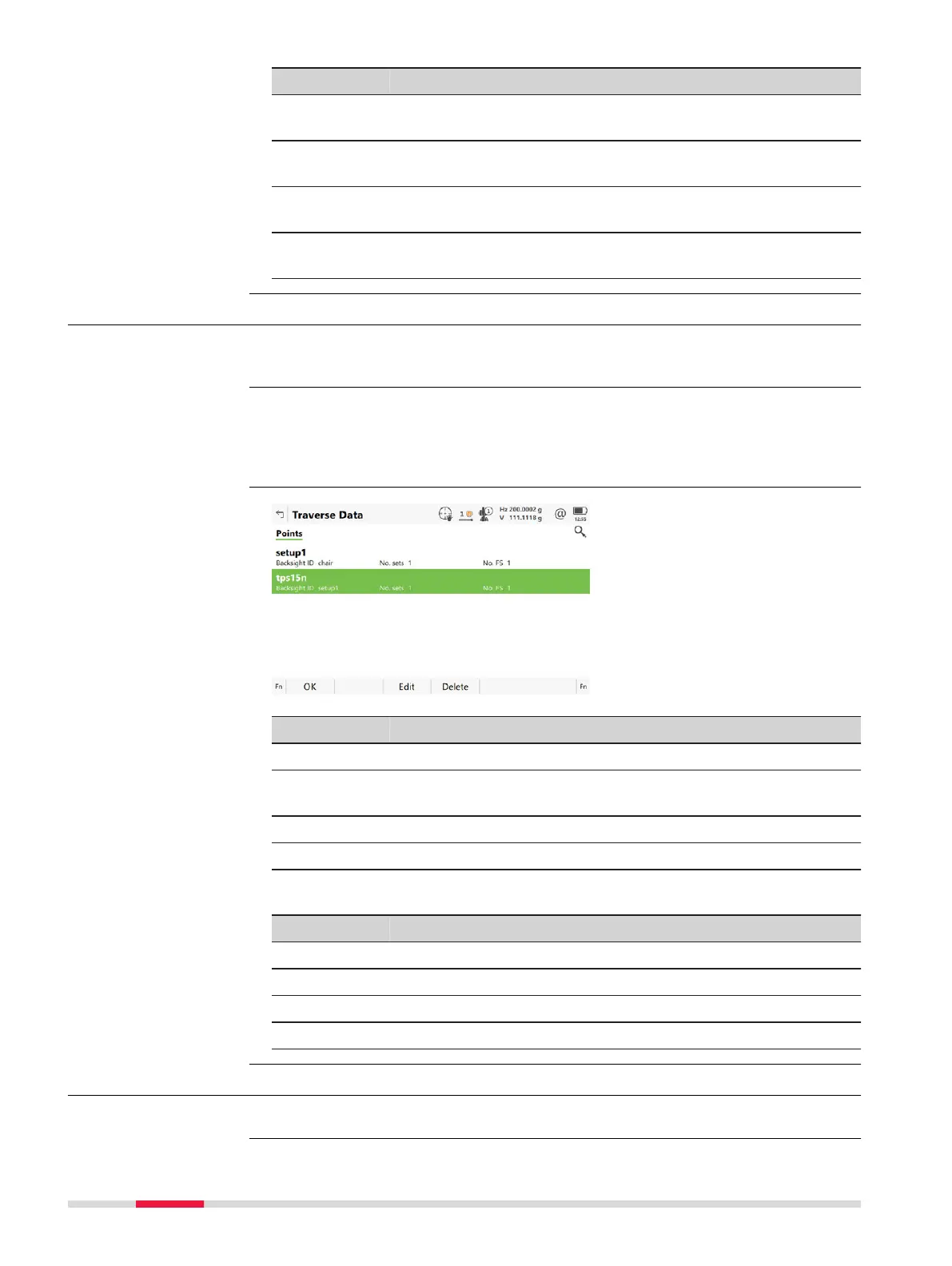
This panel allows the review and editing of traverse setups inside of a traverse.
Allows ac
cess to Point Results for editing.
Data in Manage Traverses.
O
R
Data in a confirmation window of the Point Results panel.
Key Description
OK To return to where this panel was accessed from.
Edit To access the Poin
t Results panel. Refer to "58.8 Traverse
Point Results".
Delete To delete the LAST traverse setup permanently.
Page To change to another page on this panel.
Description of metadata
Metadata Description
- Point ID of the setup.
Backsight ID The backsight point measured from the current setup ID.
No. sets Number of measured sets.
No. FS Number of measured foresight points.
58.6 Configuring Traverse
Select Leica Cap
tivate - Home: Traverse. Press Fn Settings.
Description
Access
Traverse Data
Access
952 Traverse













 To Next Page