Field Option Description
Template
name
Selec
table list The cross section template to be assigned to.
All existing cross section templates currently
stored to the alignment can be selected.
Select an existing template from the list or
create a template to be assigned to the
Chainage.
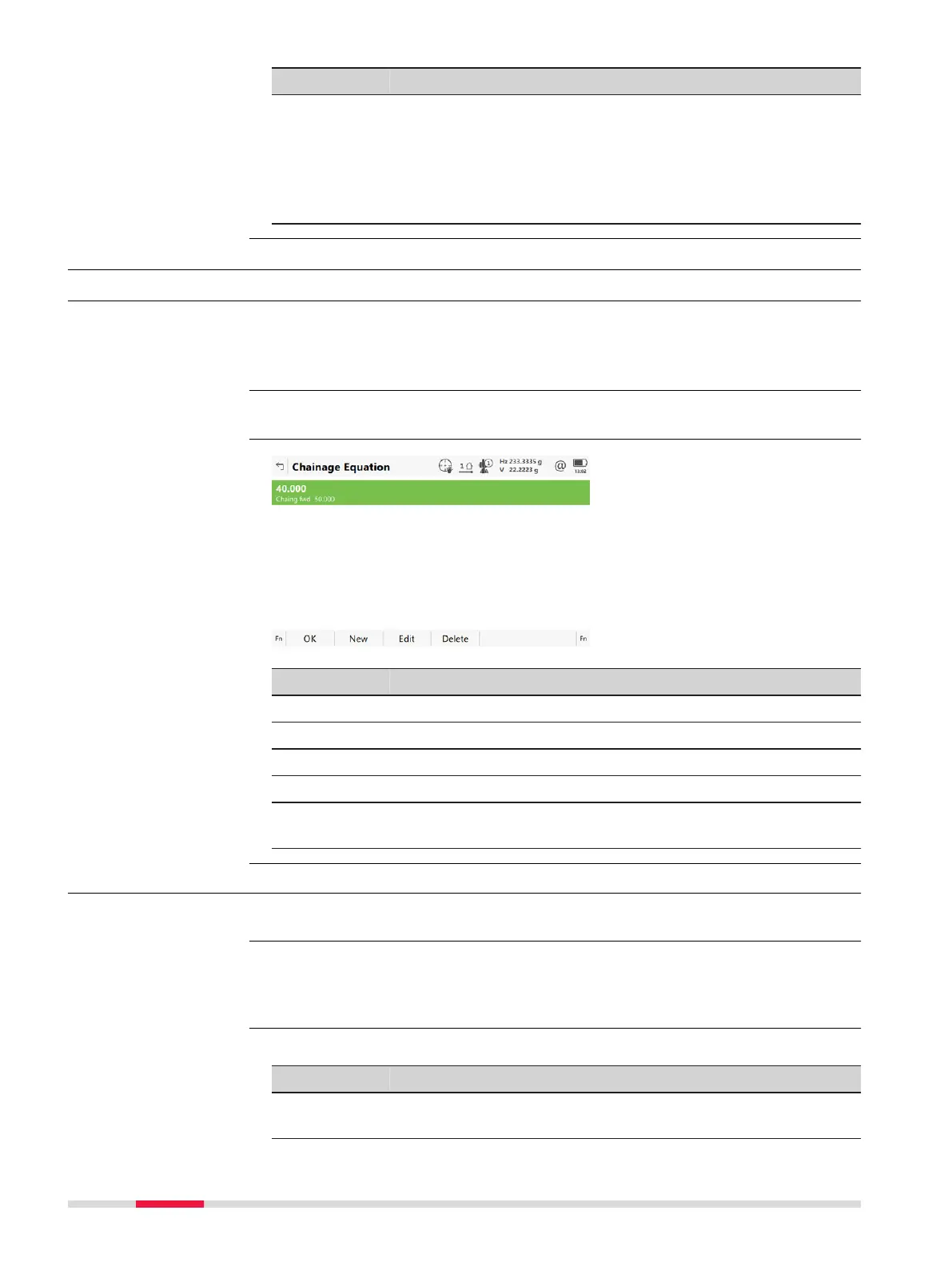
44.10 Edit Chainage Equation
44.10.1 Overview
Allows creating, editing and deleting of:
•
Gaps
•
Ov
erlaps
In Alignment Editor Menu highlight Edit chainage equation. Press OK.
Key Description
OK To accept the panel entries and continue.
New To create a chainage equation.
Edit To edit a chainage equation.
Delete To delete a chainage equation.
Fn Settings T
o configure the app. Refer to "44.3 Configuring Alignment
Editor".
44.10.2 Creating/Editing a Chainage Equation
In Chainage Equat
ion press New or Edit.
Creating and editing a Chainage equation are similar processes. For simplicity,
onl
y the creation of a Chainage equation is explained and differences are
clearly outlined.
Description of fields
Field Option Description
Chainage
bac
k
Editable field Chainage back. Type in or edit the value.
Description
Access
Chainage Equation
Access
☞
New Chainage Equa-
tion
736 R
oads - Alignment Editor













 To Next Page