Field Option Description
Point ID of
last s
tored
point
Display only ID of the last measured point of the chosen
surface.
Date stored Display only Date of the last measured point of the
chosen surface.
Time stored Display only Time of the last measured point of the
chosen surface.
Surface sta-
tus
Triangula-
tion done
The surface has been triangulated and not
been modified since the last triangulation.
Triangula-
tion needed
The surface has been modified since the last
triangulation or no triangulation exists.
Next step
Page
changes to the Points page.
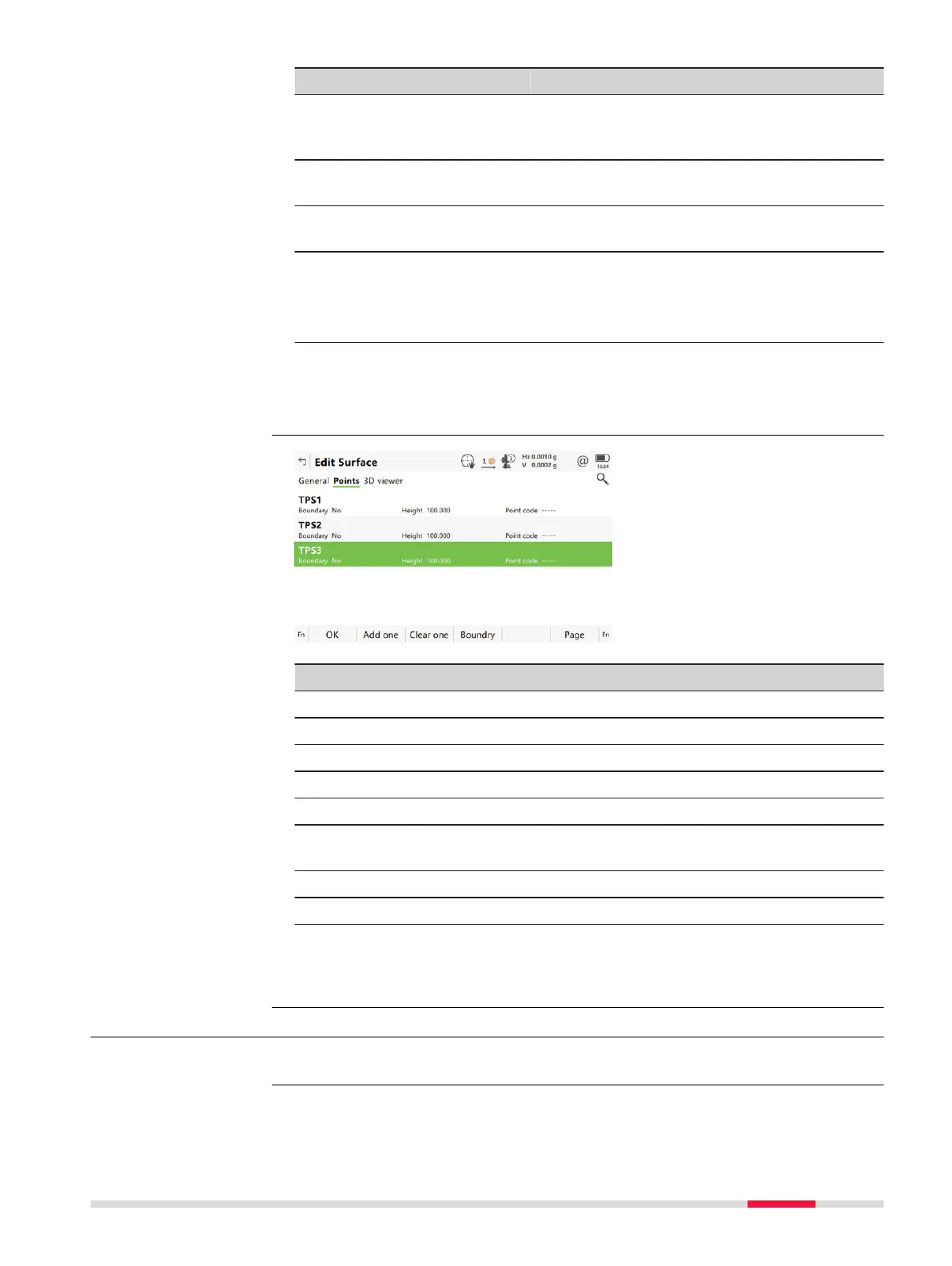
Key Description
OK To accept all settings and continue with the next panel.
Add all To add one point from the job to the surface.
Clear one To remove one point from the surface.
Boundry To use this point for the boundary.
Page To change to another page on this panel.
Fn Settings T
o configure the Volume Calculations app. Refer to "59.3
Configuring Volumes & Surfaces".
Fn Add all To add all points from the job to the surface.
Fn Clear all To remove all points from the surface.
Next step
OK co
ntinues to Surface Task Selection.
59.4.4 Choosing an Existing Surface
Select Choose an existing surface in Volume Calculations.
Edit Surface,
Edit Surfa
ce page
Access
Volumes & Surfaces 971













 To Next Page