Description of metadata
Inf
ormation about the type of data recorded, the time and the date of when it
was stored or for lines when they were created and the codes if stored with
any object.
7.6 Point Sorting and Filters
7.6.1 Sorting and Filters for Points and Lines
The sort settings define the order of the objects in the job. The filter settings
def
ine the objects to be viewed.
Two types of filters are available:
Type Description
Point filter: An active point filter shows selected points in Job name
,
Points page.
Line filter: An active line filter shows selected lines in Job name, Lines
page.
For information on camera and images refer to "32.4 Image Management".
The sort and filter settings are stored in the job. They are remembered after
turning o
ff the instrument.
When a job becomes active, then the sort and filter settings of this job are
saved in the internal memory. If the data storage device is formatted then
these last used sort and filter settings are used for the default job.
When a new job is created, the sort and filter settings from what was the job
are copied to the new job.
Changing the job influences the sort and filter settings for the objects. The set-
tings are changed t
o those of the selected job.
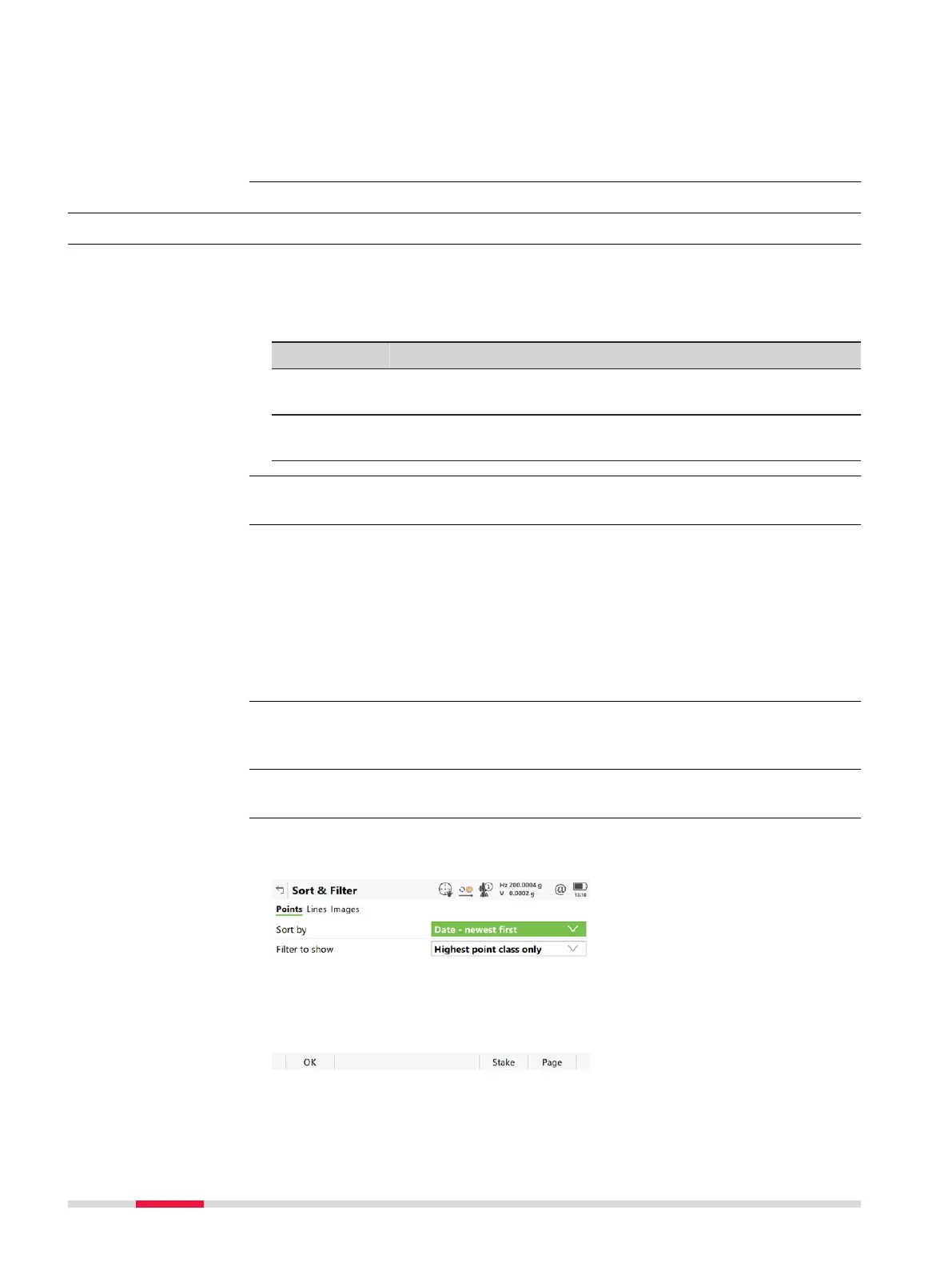
On the Points or Lines, press Fn Filter to access Sort & Filter.
The available fields on this panel depend on the selected setting for Filter to
show.
Description
☞
☞
☞
Access
Sort & Filter,
P
oin
ts page
96 Job Menu - View & edit data













 To Next Page