The list shows all images linked to the line. Each image has a thumbnail image
and an image name.
Key Description
Store To store the changes and update the line.
Sketch To sketch over an image taken with a camera.
Delete To delete the highlighted image.
Page To change to another page on this panel.
Fn Unlink To remove the link from the image to the line.
Next step
Page
changes to another page on this panel.
7.5 Data Log
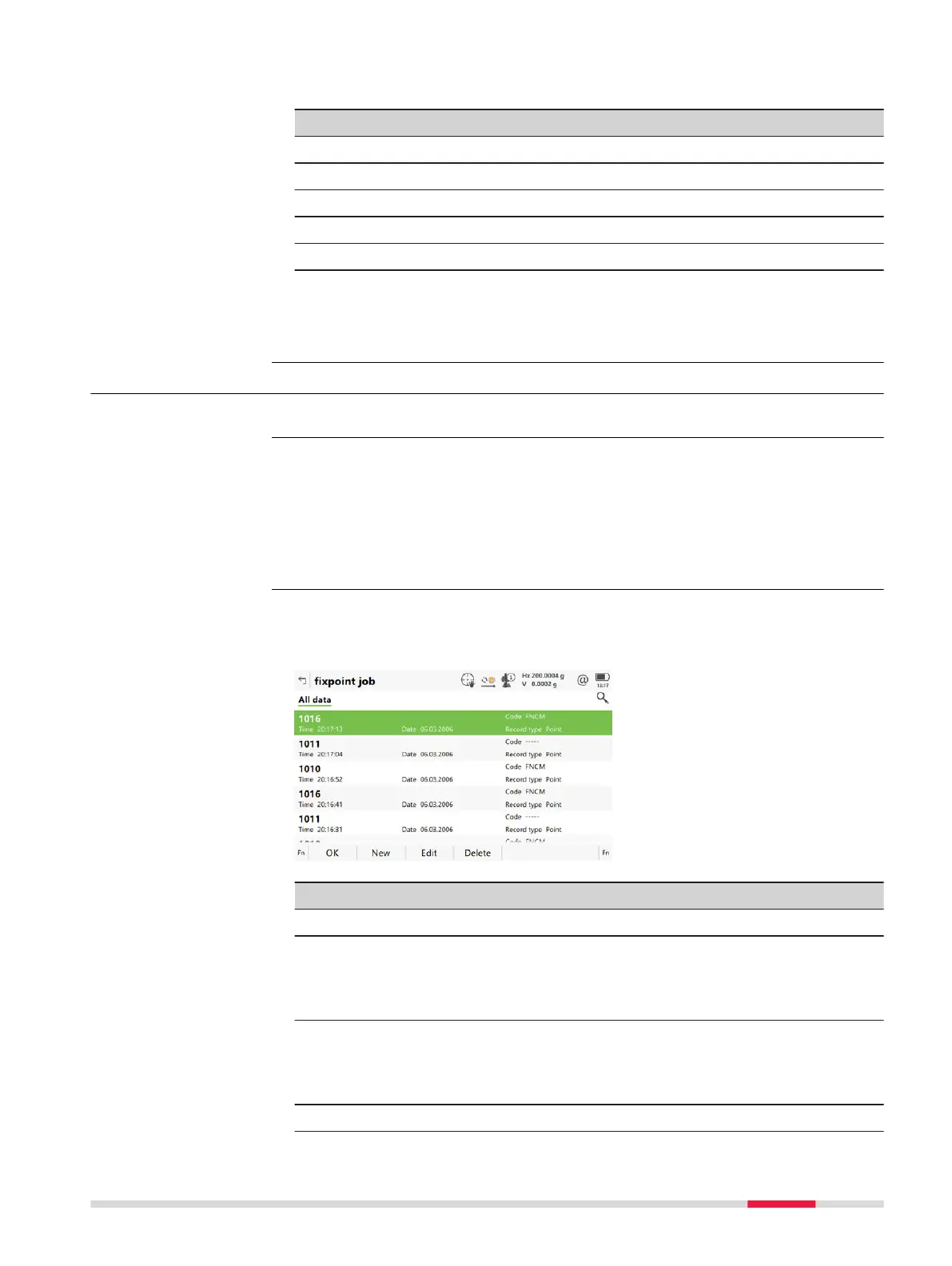
A list of all objects and free codes in the job is displayed in order of time.
Access within data management
In Job name
, Points page, press Fn Log.
Access within job management
In Job name
, General page, press Fn Log.
All points, lines and free codes stored within the job are displayed. They are
alwa
ys s
orted by time with the most recent record at the top. For lines, the
value for Start time is relevant.
Key Description
OK To close the panel.
New To insert a free code below/before the currently highlighted
objec
t o
r record. The functionality of inserting a free code is
identical to the functionality of entering a free code during a
survey.
Edit To edit the highlighted object or free code. The functionality
of editing a free code is identical to the functionality of
entering a free code during a survey. Refer to "27.4 Free
Coding".
Delete To delete the highlighted object or free code.
Line ID,
Images page
Description
Access step-by-step
Data log
Job Menu - View & edit data 95













 To Next Page