Field Option Description
Easting and
No
rthing
Display only The calculated coordinates.
Height Editable field The height of the first point used in the
COGO calculation is suggested. A height
value to be stored with the calculated point
can be typed in.
Next step
On the Code
page, type in a code if desired.
On the 3D viewer page, arrows point from the known points to the calculated
COGO point.
Store stores the result.
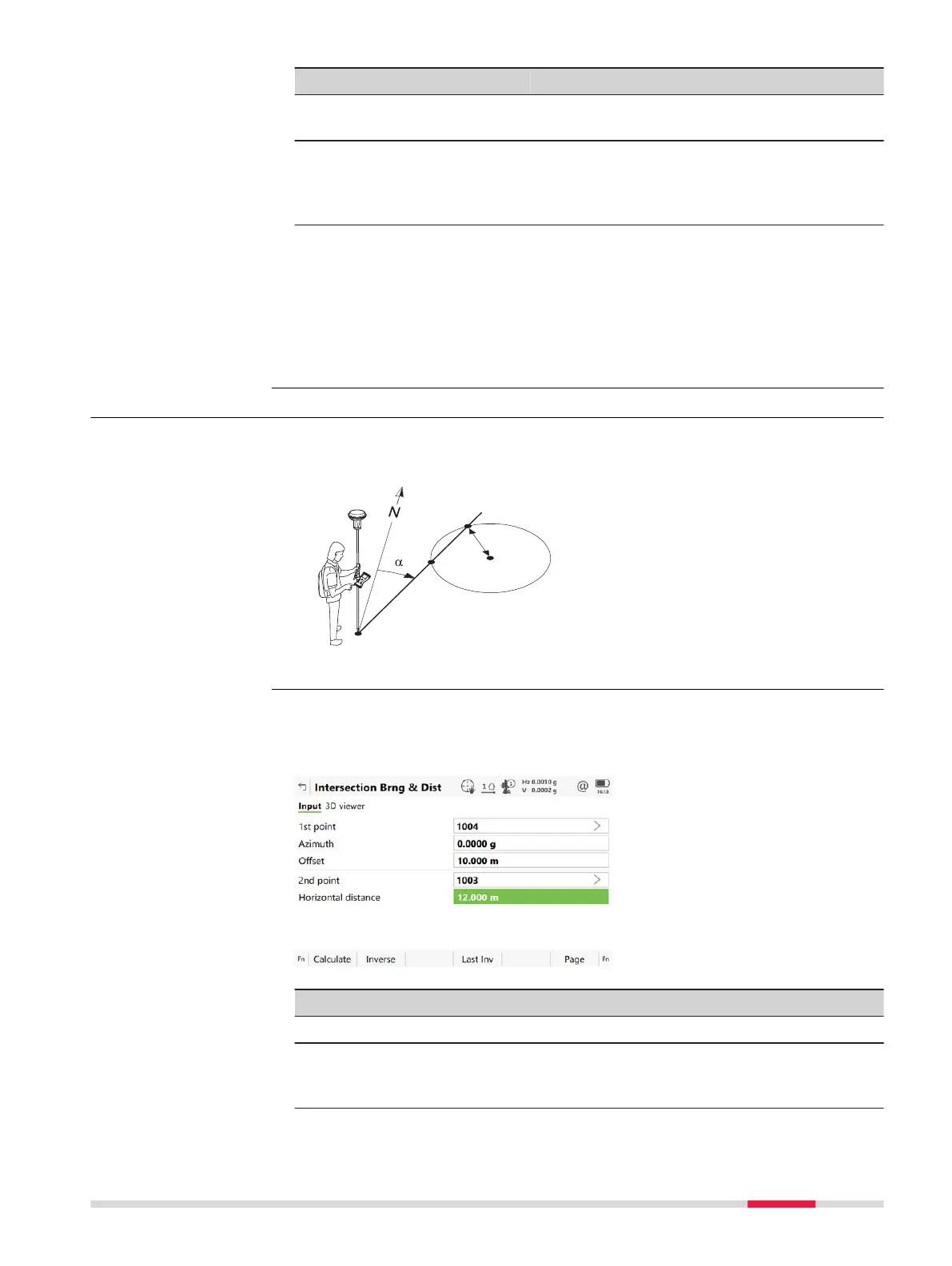
38.6.4 Intersection with Bearing & Distance
Known
P0 First known point
P1 Sec
ond known point
α
Direction from P0 to P2
r Radius, as defined by the dis-
tance from P1 to P2
Unknown
P2 First COGO point
P3 Second COGO point
For all point fields, the 3D viewer can be used to select the desired point.
To typ
e in coordinates for a known point open a selectable list. Press New to
create a point.
Key Description
Calculate To calculate the result.
Inverse To calculate the values for the distance and the offset from
two existing p
oints. Available when Azimuth, Horizontal
distance or Offset is highlighted.
Diagram
Intersection Brng &
Dist,
Input page
COG
O 487













 To Next Page