•
Fo
r a "Standard" setup, the user must always measure all setup points
consecutively to complete the setup. This type of setup is always regarded
as a complete setup.
•
For "On-the-Fly" setups, the setup points can be measured together with
the survey points. It is not necessary to complete the setup before meas-
uring survey points. Until the user selects Set in Setup Results, this type
of setup is regarded as incomplete.
An incomplete setup, or a setup where more targets can be added, can
be accessed in th
e following ways:
1. In the Measure app, Setup can be accessed by
selecting the Setup softkey.
2. When entering any panel where measurements are possible, a mes-
sage is displayed to notify that the setup is incomplete. It is then
possible to:
a) continue with the existing app, or OK
b) start Setup and create a setup, or New
c) start Setup and continue to measure more fix-
points.
Setup
3. Assigning the function TS - Continue open setup to the favourites
or a hot key.
Linked jobs will overwrite the points and lines from the global design job selec-
ted in
Design Data.
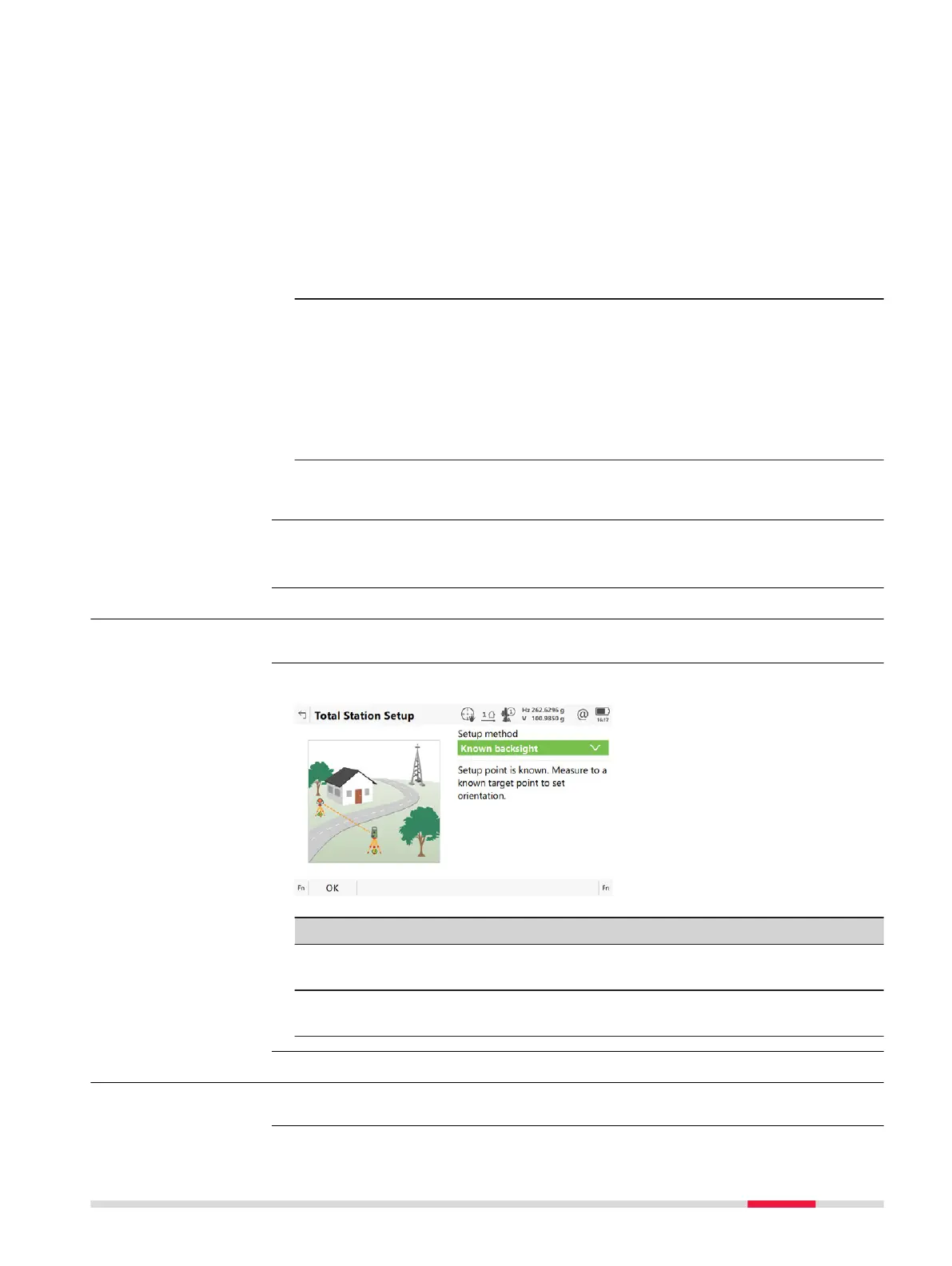
50.2 Accessing Setup
Select Leica Cap
tivate - Home: Setup.
An illustration and a description is shown for each Se
t
up method.
Key Description
OK To accept changes and access the subsequent panel. The
chosen s
ettings become active.
Fn Settings To configure the Setup app. Refer to "50.3 Configuring
Setup".
50.3 Configuring Setup
Press Fn Sett
ings in Total Station Setup.
Incomplete setups
Linked jobs and global
dat
a
Access
Total Station Setup
Access
Setup - TS 871













 To Next Page