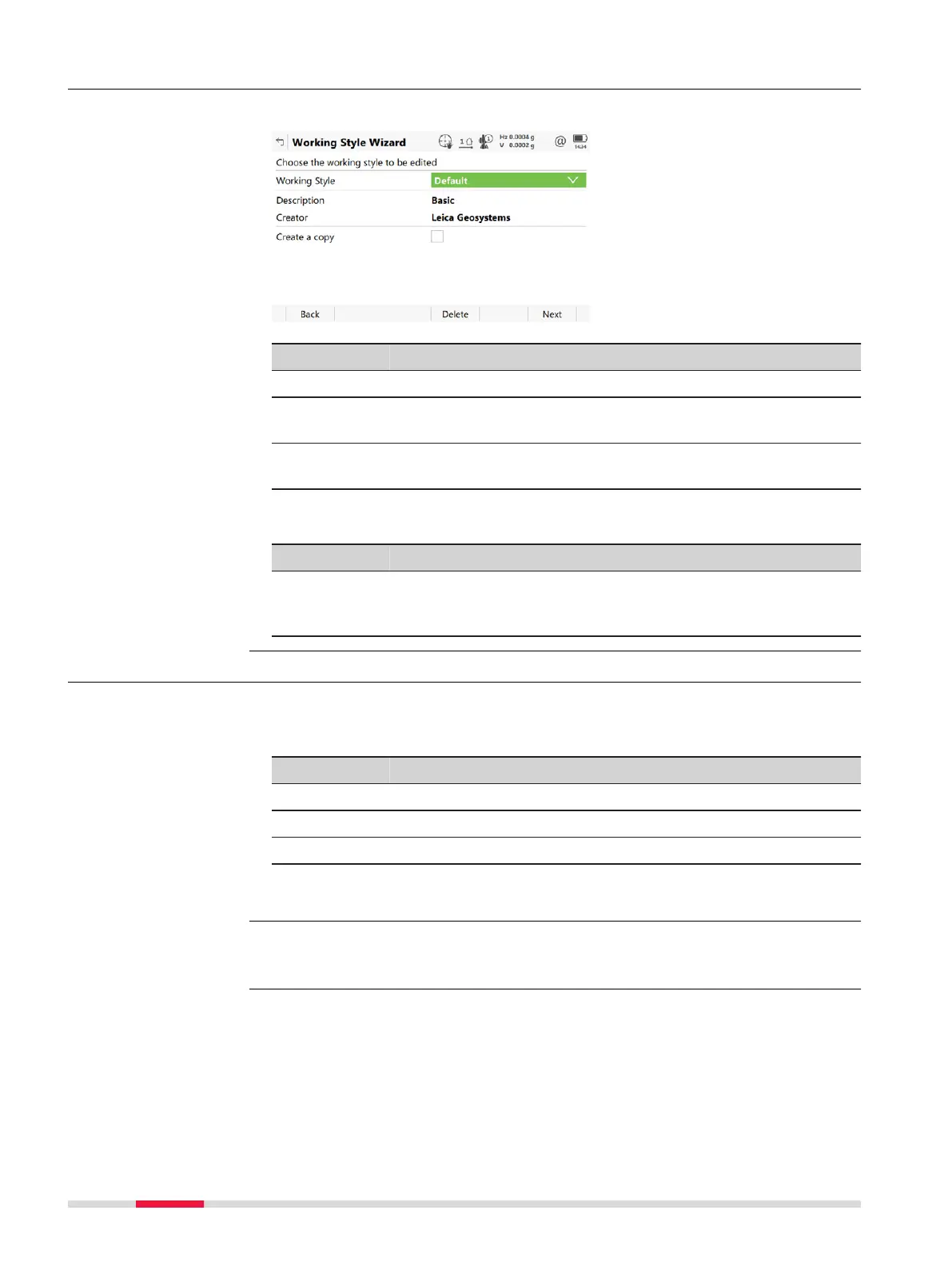
26.1.5 Editing a Working Style
Select the working style to be edited from the selectable list.
Key Description
Back To return to the previous panel.
Delete To delete the working style currently shown in the selectable
list immedia
tely.
Next To accept changes and to continue with the subsequent
panel within the wizard.
Description of fields
Field Option Description
Create a
copy
Check box When this box is checked, a copy of the
highlig
hted working style is created before
the editing process starts.
26.2 User defined pages
Display settings define the parameters shown on a page on the Measure panel.
Four pages are definable.
Page Description
Page 1 Always shown on the Measure panel.
Page 2 Can be shown or hidden on the Measure panel.
Page 3 Can be shown or hidden on the Measure panel.
The settings on this panel define the layout of the four pages.
Select Leic
a Cap
tivate - Home: Settings\Customisation\User defined
pages.
Working Style Wizard,
Choose th
e working
style to be edited
Description
Access
310 Settings - Customisation













 To Next Page