16 RTK rover wizard
16.1 Overview
Using this wizard, the settings for a real-time rover behaviour are defined at
one g
lance. These settings are stored in an RTK profile.
Select Leica Cap
tivate - Home: Settings\Connections\RTK rover wizard.
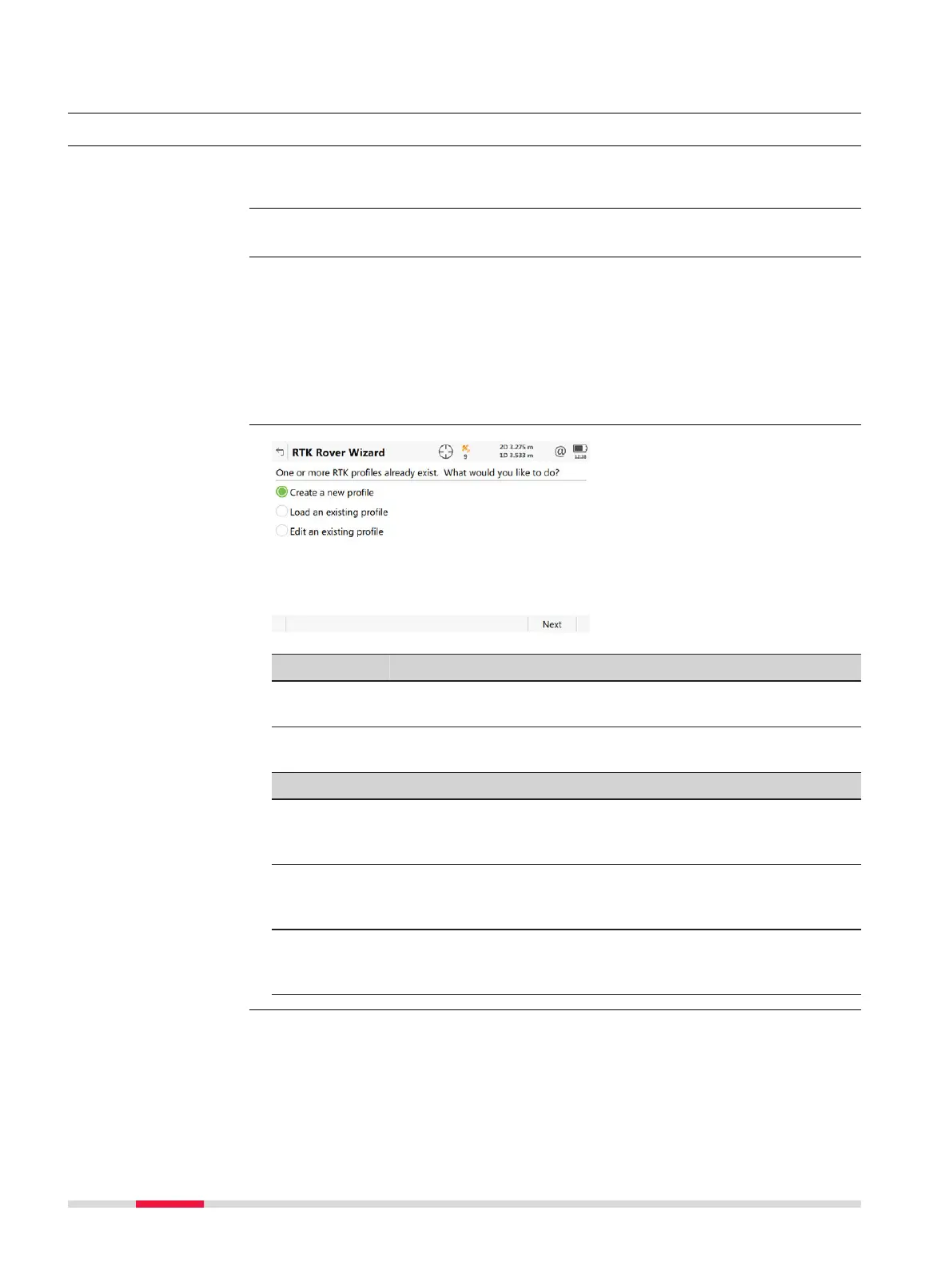
If RTK profiles exist, the wizard starts with the panel shown in this section.
Otherwis
e, the wizard starts the process of creating a RTK profile. In this case,
refer to "16.2 Creating a New RTK Profile".
For CS35: The RTK Rover Wizard is reduced to GS specific settings. Use Win-
dows for all other settings required. While using the RTK Rover Wizard, the
CS35 must physically be connected to the GS.
Key Description
Next To accept changes and to continue with the subsequent
panel within the wizard.
Next step
IF you want to THEN
create a set of settings select Create a new profile, press Next and
c
ontinue with "16.2 Creating a New RTK Pro-
file".
select a different set of set-
tings
select Load an existing profile, press Next
and continue with "16.3 Loading an Existing
RTK Profile".
edit an existing set of set-
tings
select Edit an existing profile, press Next
and continue with "16.4 Editing an Existing
RTK Profile".
Description
Access
☞
RTK Rover Wizard
166 RTK rover wizard













 To Next Page