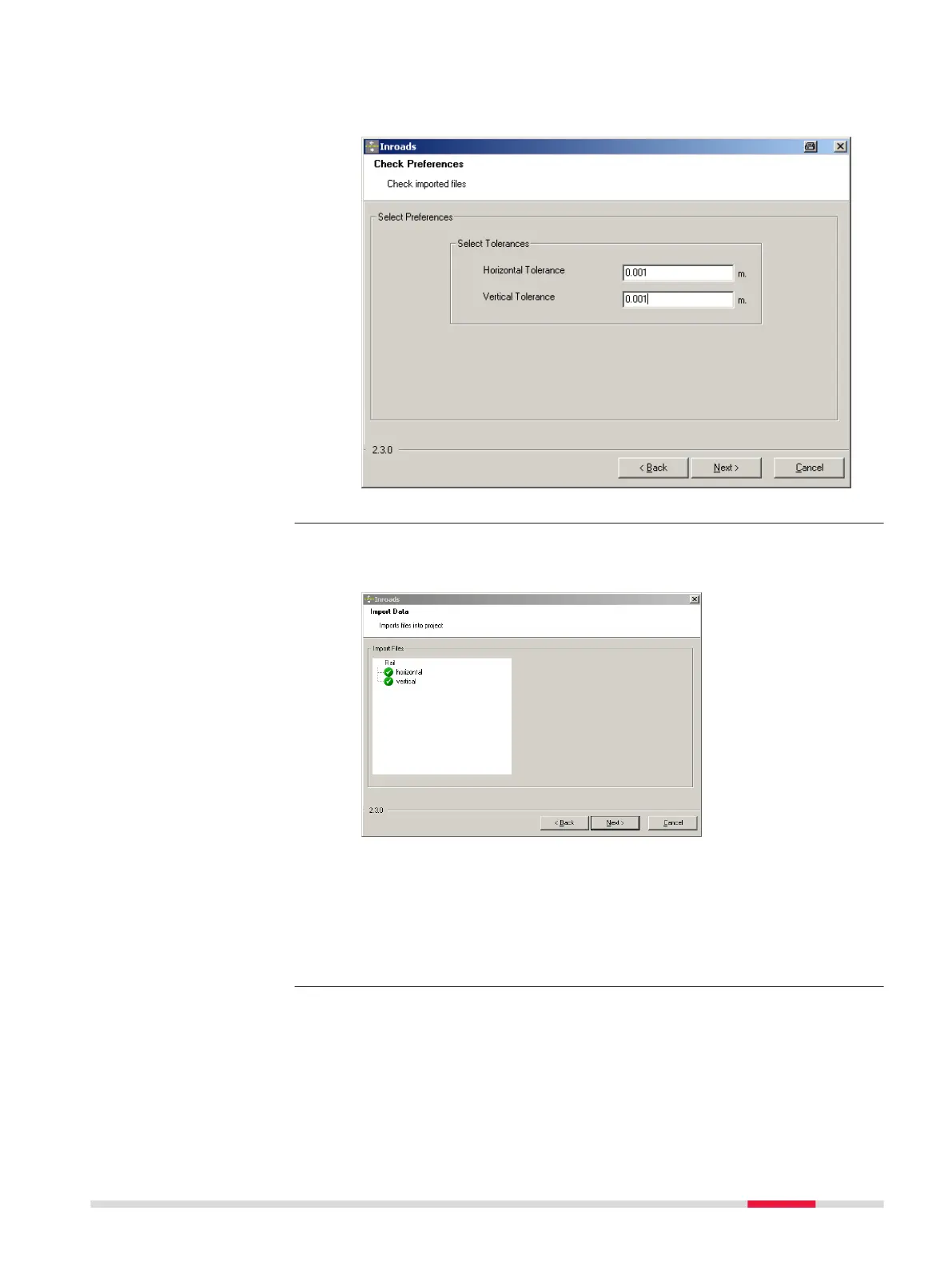
8. Entering the alignment tolerances
Ent
er the appropriate horizontal and vertical tolerances to be used
during the checking of the alignments.
Click Next to move to the next page of the wizard.
9. Ch
ecking the track design
When the track design has been imported, information is displayed
to show the success or failure of the import.
•
When the imp
o
rt is successful: Click Next to move to the next
page of the wizard.
•
When the import is unsuccessful: Click Back to step back
through the wizard.
•
If a problem is encountered a red symbol appears. Double-click
on the red symbol and a window containing a description of the
problem appears.
Roads - Rail 793













 To Next Page