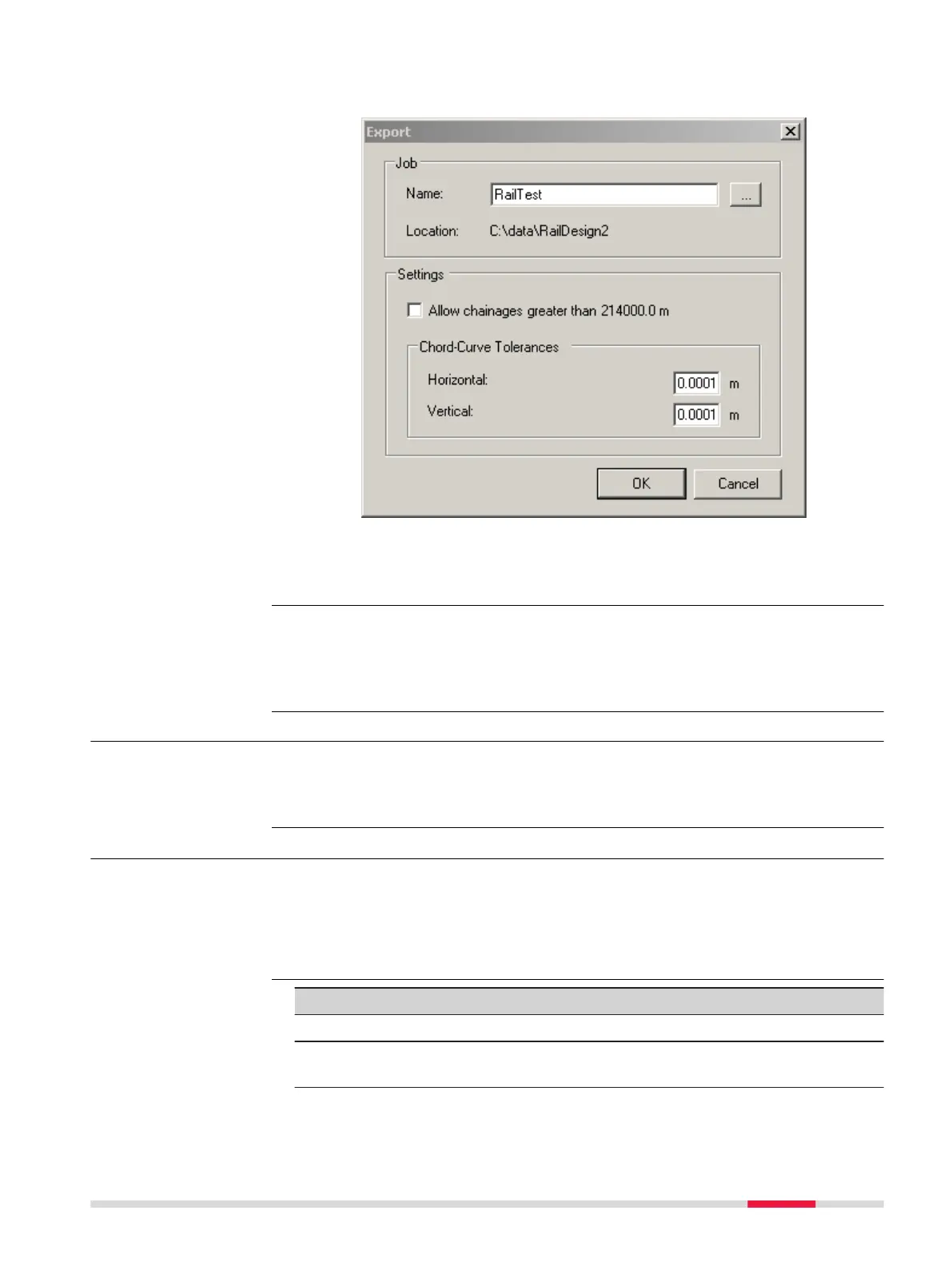
13. Creating the files for onboard use
The tr
ack design can now be prepared.
Click OK to create the files for onboard use. The database files are
cr
eated and are located in the same folder as the source alignment
files.
Refer to the Design to Field User Manual for details on importing various types
of da
ta with various field importers. This manual is included in the Design to
Field Converters install application RR_Design_to_Field.exe, which can be down-
loaded.
46.1.4 Loading the Track Design onto the Instrument
Once the track design has been converted, copy all the database files to the
\DBX f
older of the data storage device of the instrument. Refer to "B Directory
Structure of the Memory Device".
46.2 Defining the Work
1. Select Leica Cap
tivate - Home: Stake rail or Check rail.
2. In the job selection panel, select the required jobs. Refer to "6.3
Choosing a Job".
3. Press OK.
Key Description
OK To continue to the next panel.
Fn Settings T
o configure the app. Refer to "43.3 Configuring Roads
Apps".
☞
Loading the design
Access
Task
Roads - Rail 795













 To Next Page