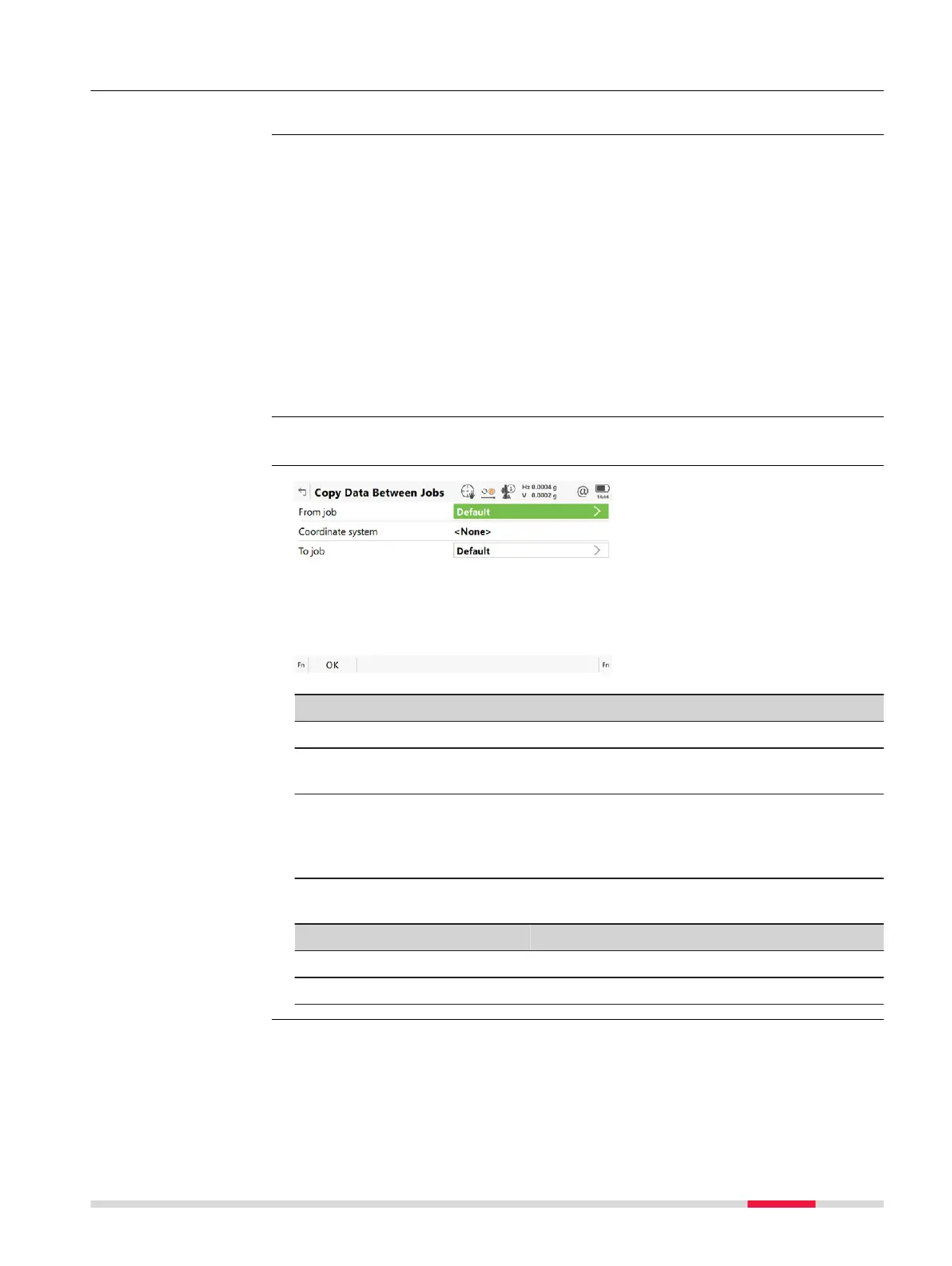
11.8 Copy Data Between Jobs
This chapter explains the process of copying data from one job to another.
Important features:
•
P
oin
ts are copied as defined by the point filter settings.
•
Points selected for copying can be viewed in a points listing. The point sort
settings define the order of the points in the listing. The point filter set-
tings define the points to be viewed in the listing.
•
Only points are copied - observation data is not copied.
•
When points are copied from one job to another:
•
the point codes and attached attributes are also copied.
•
the Class is retained.
•
the Sub class is retained.
•
the Source is changed to Copied Point.
•
the point coordinate quality is retained.
•
the Date and Time is retained.
From the job menu select Expo
rt data, scroll down and select Between jobs.
Key Description
OK To copy a selection of points.
Filter To define the point sort and/or point filter settings of points
fr
om the job. Refer to "7.6 Point Sorting and Filters".
Data To view, edit and delete points and lines stored with the job.
Points and lines are shown on separate pages. Selected sort
and filter settings apply. Refer to "7 Job Menu - View & edit
data".
Description of fields
Field Option Description
From job Selectable list Describes where the points are copied from.
To job Selectable list Describes where the points are copied to.
Description
☞
Access
Copy Data Between
Jobs
Job Menu - Export data 147













 To Next Page