Next step
OK to ac
cess the next panel.
44.8 Edit Cross Section Templates
44.8.1 Overview
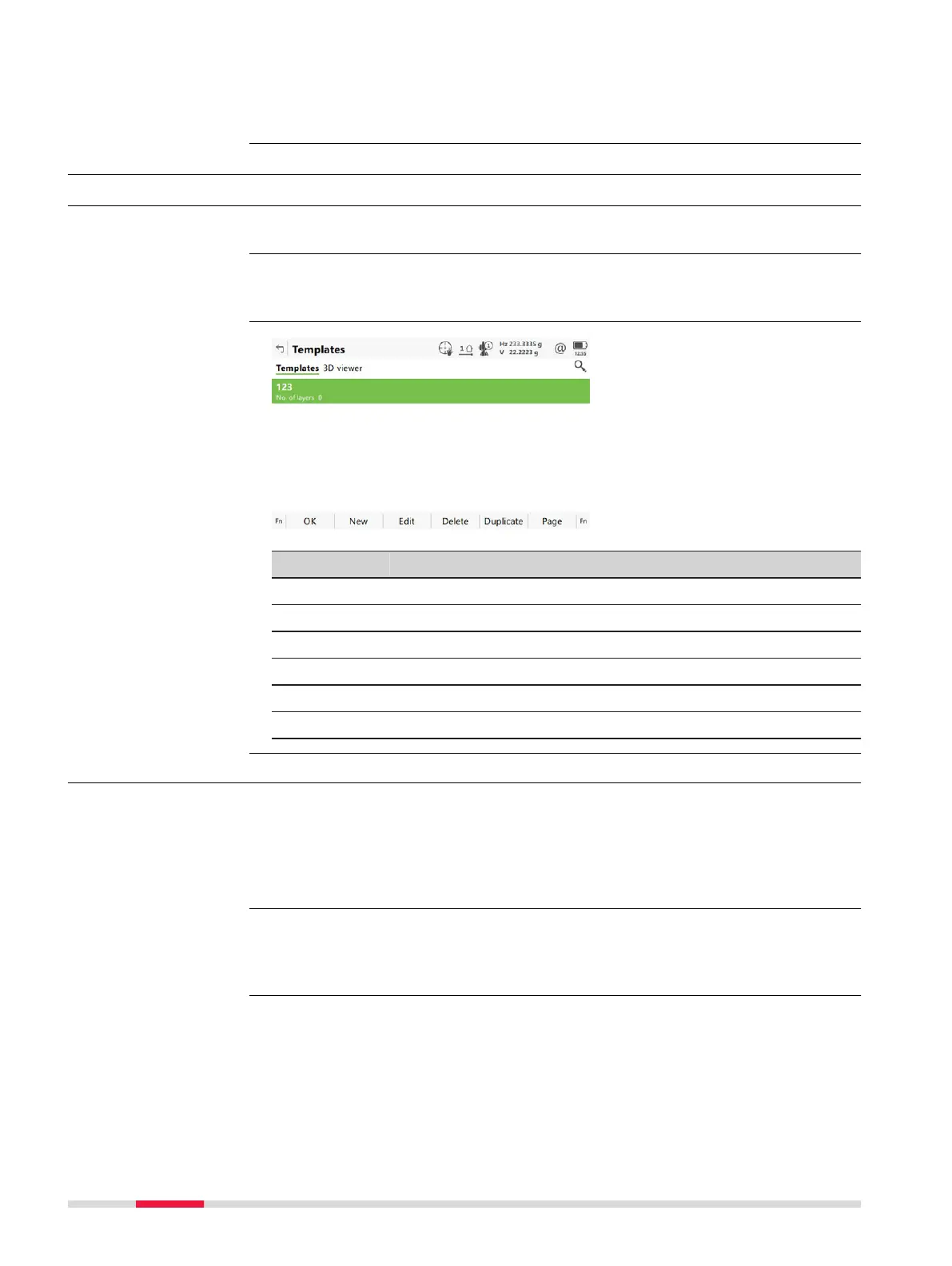
Allows creating, editing, deleting and duplicating of cross section templates.
In Alignment Editor Menu highlight Edit cross section templates. Press
OK
.
Key Description
OK To accept the panel entries and continue.
New To create a cross section template.
Edit To edit the highlighted cross section template.
Delete To delete the highlighted cross section template.
Duplicate To duplicate the highlighted template.
Page To change to another page on this panel.
44.8.2 Creating/Editing a Cross Section Template
In Templates
p
ress New to create a new cross section template
OR
highlight an existing template and press Edit.
Creating and editing a cross section template are similar processes. For simplic-
ity, o
nly the creation of a cross section template is explained and differences
are clearly outlined.
Description
Access
Templates
Access
☞
730 Roads - Alignment Editor













 To Next Page