Field Option Description
Offset Display only Offset from base point to offset point. Posi-
tive t
o the right and negative to the left of
the line.
Bearing to
offset point
Display only Bearing from base point to offset point.
Line length Display only Length of line from start point to end point.
Line bearing Display only Bearing of line from start point to end point.
Easting and
Northing
Display only The calculated coordinates.
Height Display only The height of the calculated point.
Next step
Page
changes to the 3D viewer page.
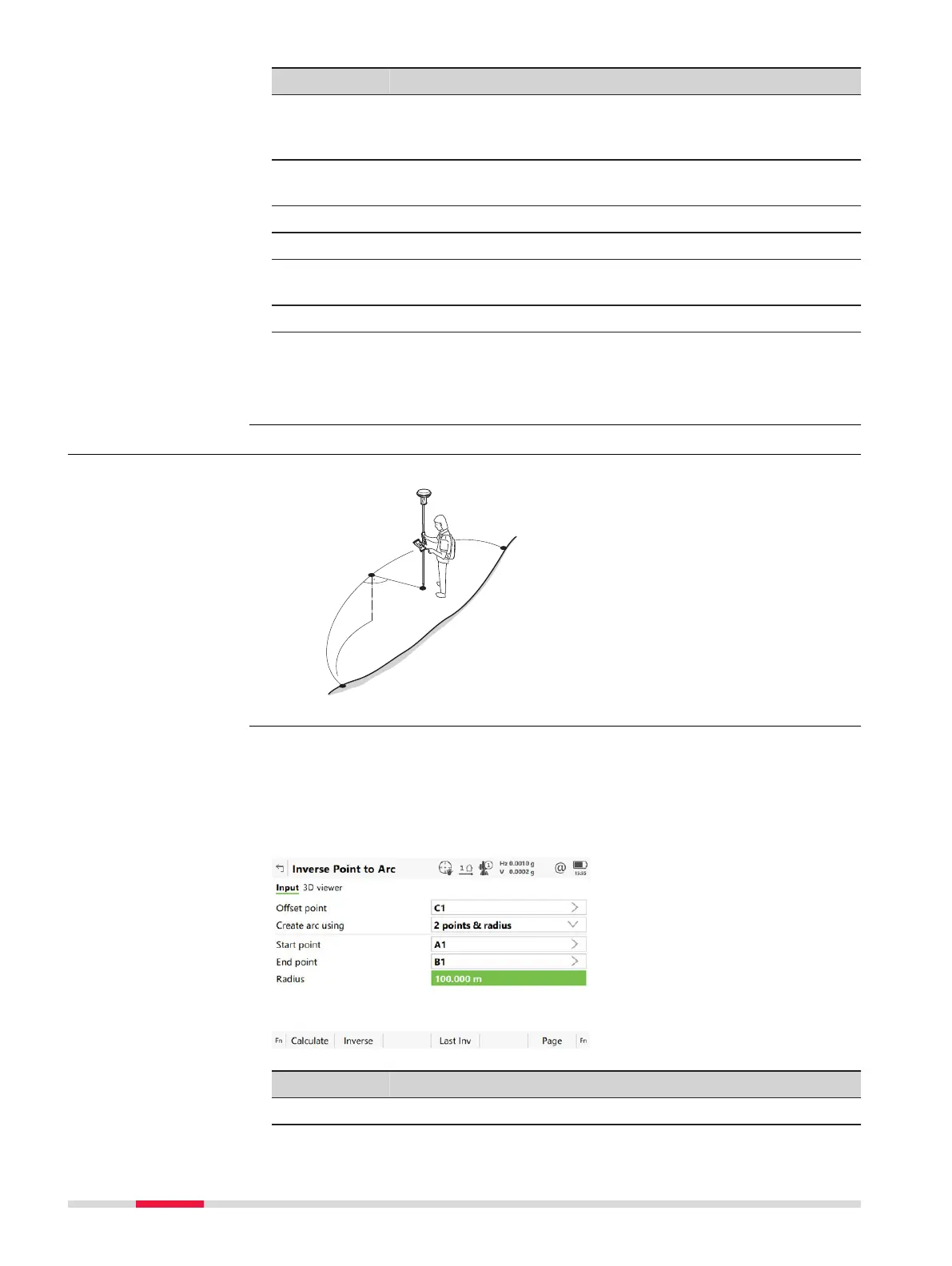
38.4.4 Point to Arc and Current Position to Arc
Known
P0 Start point
P1 End p
oint
P2 Offset point
Unknown
P3 Base point
d1 Offset-XX
d2 ΔArcDist-XX
For all point fields, 3D viewer can be used to select the desired point.
To typ
e in coordinates for a known point open a selectable list. Press New to
create a point.
----- is displayed for unavailable information, for example Height difference
cannot be calculated if a position only point is used.
Key Description
Calculate To calculate COGO point.
Diagram
Point to arc/
Curren
t position to
arc,
Input page
474 COGO













 To Next Page