Field Option Description
North axis The second point measured defines the
direc
tion of the positive North axis.
East axis The second point measured defines the
direction of the positive East axis.
Refer to "24 Antenna Heights" for further information regarding height values
used in a Smar
tStation.
50.6 Setup Methods
50.6.1 Set orientation and Known backsight
The position coordinates of the setup point are required.
Fo
r Set orientation: The instrument is set up and oriented to either a known
or unknown target point, to which a true or assumed azimuth is set.
For Known backsight: The instrument is set up and oriented to a known back-
sight target.
For SmartStation, the position coordinates of the setup are unknown and are
determined with GS. The instrument is set and oriented to either a known or
unknown target point, to which a true or assumed azimuth is set.
A setup using the Set o
rientation method, is always automatically flagged
with an ’update later’ attribute. If the backsight point is measured again, for
example from another setup, and found to have different coordinates, then a
message appears. You can then select whether to update the original setup or
not. The update uses the backsight point coordinates to recalculate the orien-
tation and updates all measured points connected to the setup.
For information on camera and images refer to "32 Camera & Imaging".
In Total Station Setup, select Setup method: Set orientation or Known
ba
cksight. Press OK.
In Choose Setup Point, select a setup. Press OK.
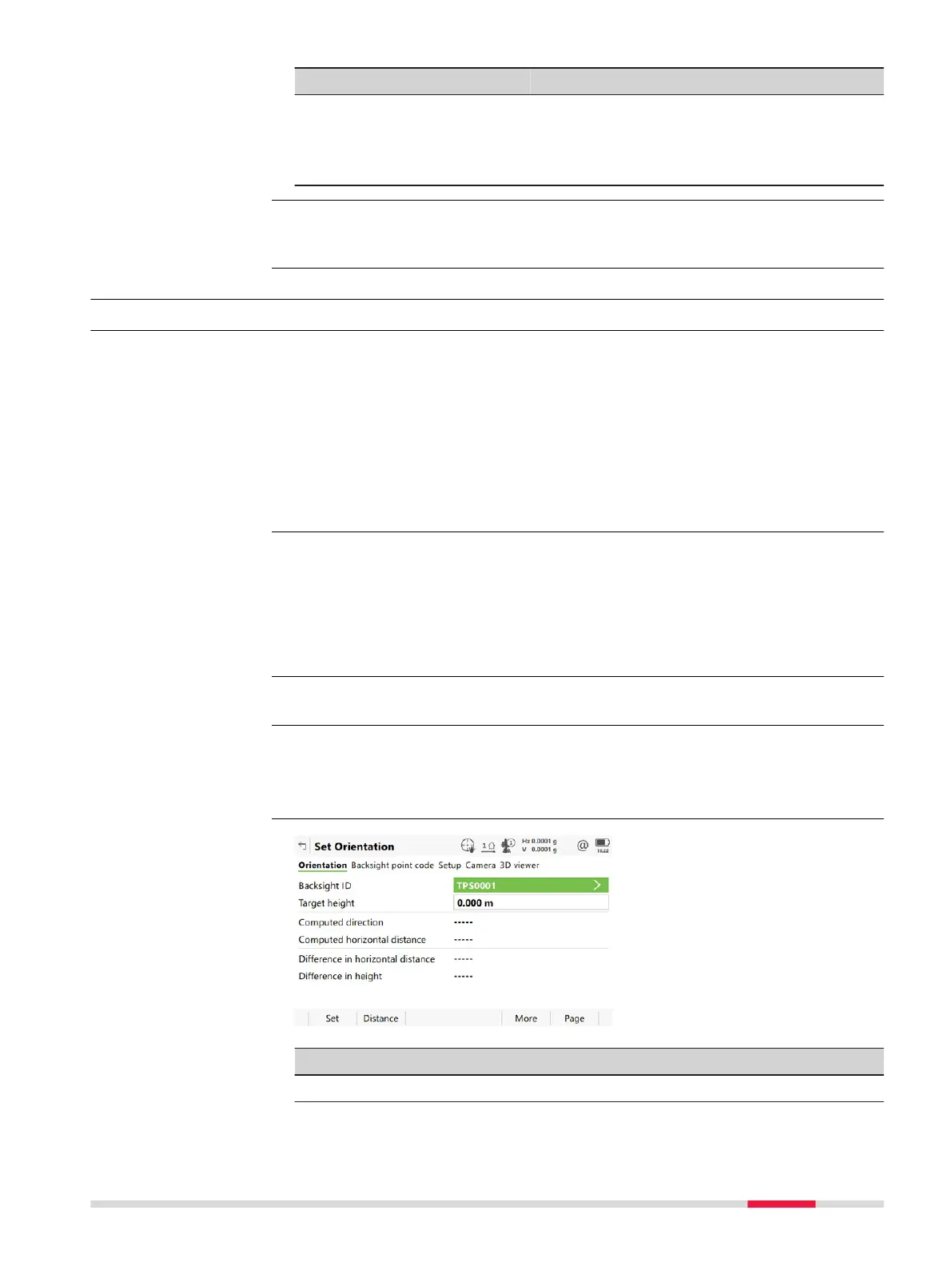
Key Description
Set To set the setup and orientation and exit the Setup app.
Distance To measure a distance to the point being used to set the azi-
muth.
☞
Requirements
Updating Hz measure-
men
ts
☞
Access
Set Orientation,
Orient
ation page
Setup - TS 879













 To Next Page