Field Option Description
Height Editable field The limit above which Height residuals are
flagged as p
ossible outliers.
Next step
Page
changes to the Advanced page.
Description of fields
Field Option Description
Model Bursa-Wolf
or
M
oloden-
sky-Badekas
The transformation model to be used. Refer
to standard surveying literature for details on
the models.
Prompt me
to enter
fixed trans-
formation
parameters
Check box To configure Classic 3D transformation
parameters during the process of calculation.
Next step
OK r
e
turns to Choose Jobs.
39.3.2 Determining a New Coordinate System
Press OK in Cho
ose Jobs
with Use one point localisation method NOT
checked.
Key Description
OK To confirm the selections and to continue with the subse-
quen
t panel.
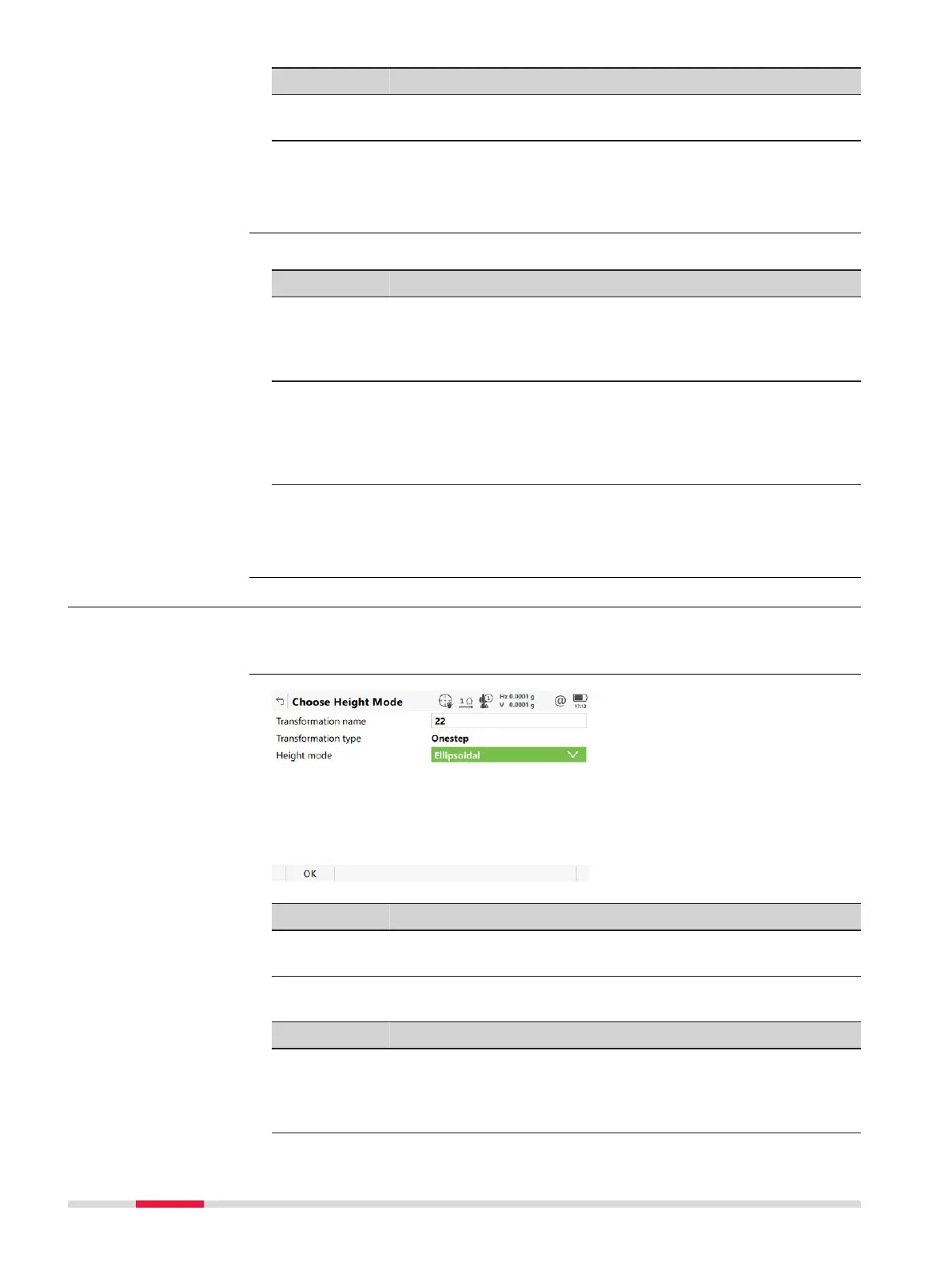
Description of fields
Field Option Description
Transforma-
t
ion nam
e
Editable field A unique name for the transformation. The
name can be up to 16 characters in length
and include spaces. If a coordinate system is
being updated then its name is displayed.
Settings,
Advanced page
Access
Cho
ose Height Mode
534 Determine Coordinate System













 To Next Page