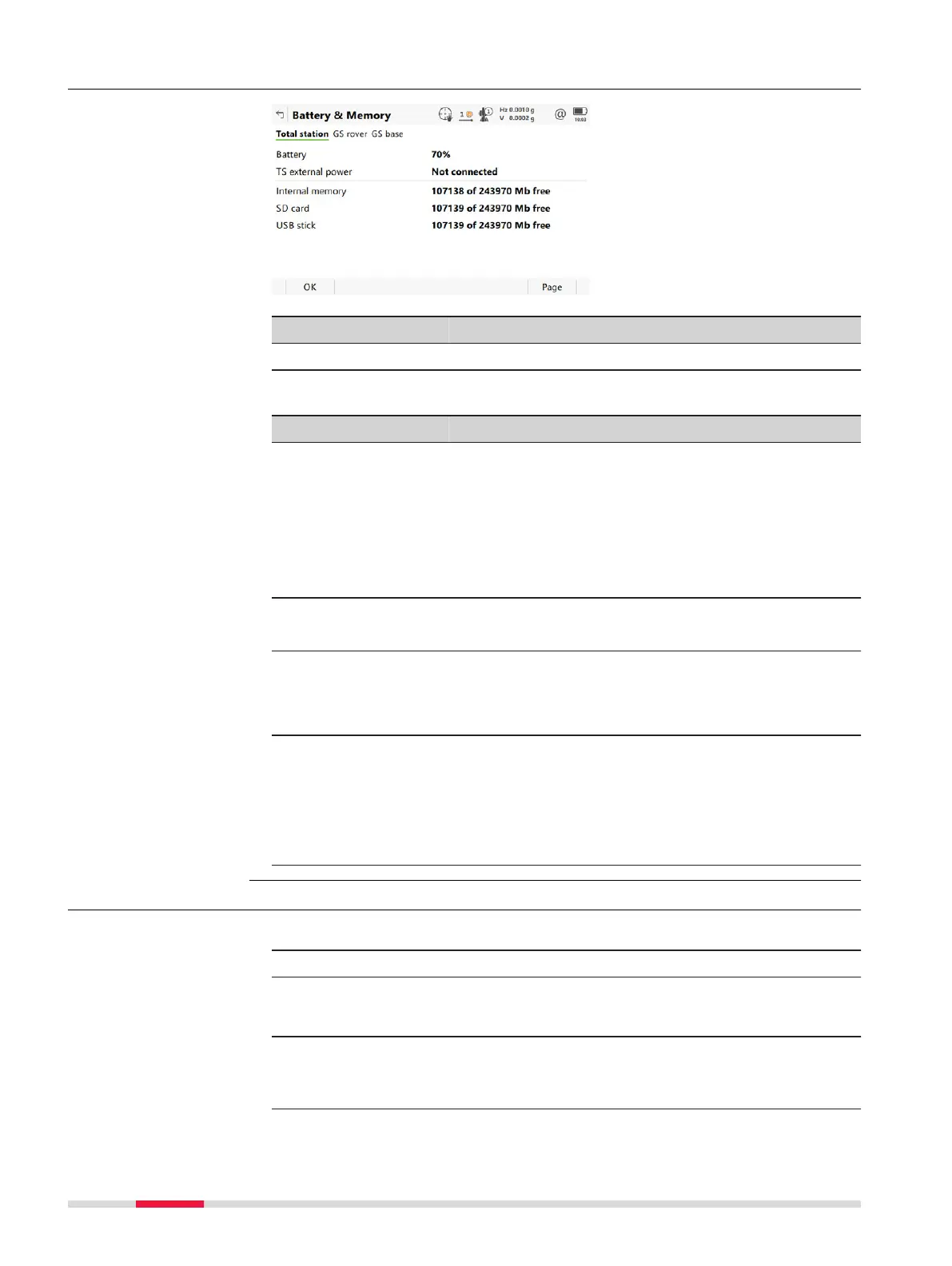
5.9.2 Battery / memory
Key Description
Page To change to another page on this panel.
Description of fields
Field Description
Battery, Batter
y 1
or Battery 2
The percentage of remaining power capacity for the
internal battery is displayed numerically. If no infor-
mation for a field is available, for example no battery
is inserted, then ----- is displayed.
☞
On the MS60/TS60, if the battery gets
charged, (charging) is stated behind the
percentage of the battery power level.
☞
When the battery is getting low on the TS,
a warning message is displayed on the CS.
TS external power,
GS external power
or
CS external power
Shows if an external power supply is connected.
If an external battery is connected, the percentage of
remaining power capacity is displayed numerically.
Applies also to wall plugs.
Internal memory,
SD card or USB
stick
The total/free memory for data storage on the data
storage device. If no information for a field is availa-
ble, for example no data storage device is inserted,
then ----- is displayed.
☞
The CS35 has two USB ports. The USB
stick, that was inserted first, is used.
5.9.3 Camera
1. Aim the camera to the desired target.
2. Check the view at the display.
3. Click Capture to take the picture.
☞
Cap
ture changes to Store.
4. Click Store.
☞
The image is stored in the DBX\JOB\IMAGES folder of the
data storage device.
Battery & Memory
Taking a picture step-
by-step
50 Icon P
op-up Bubbles













 To Next Page