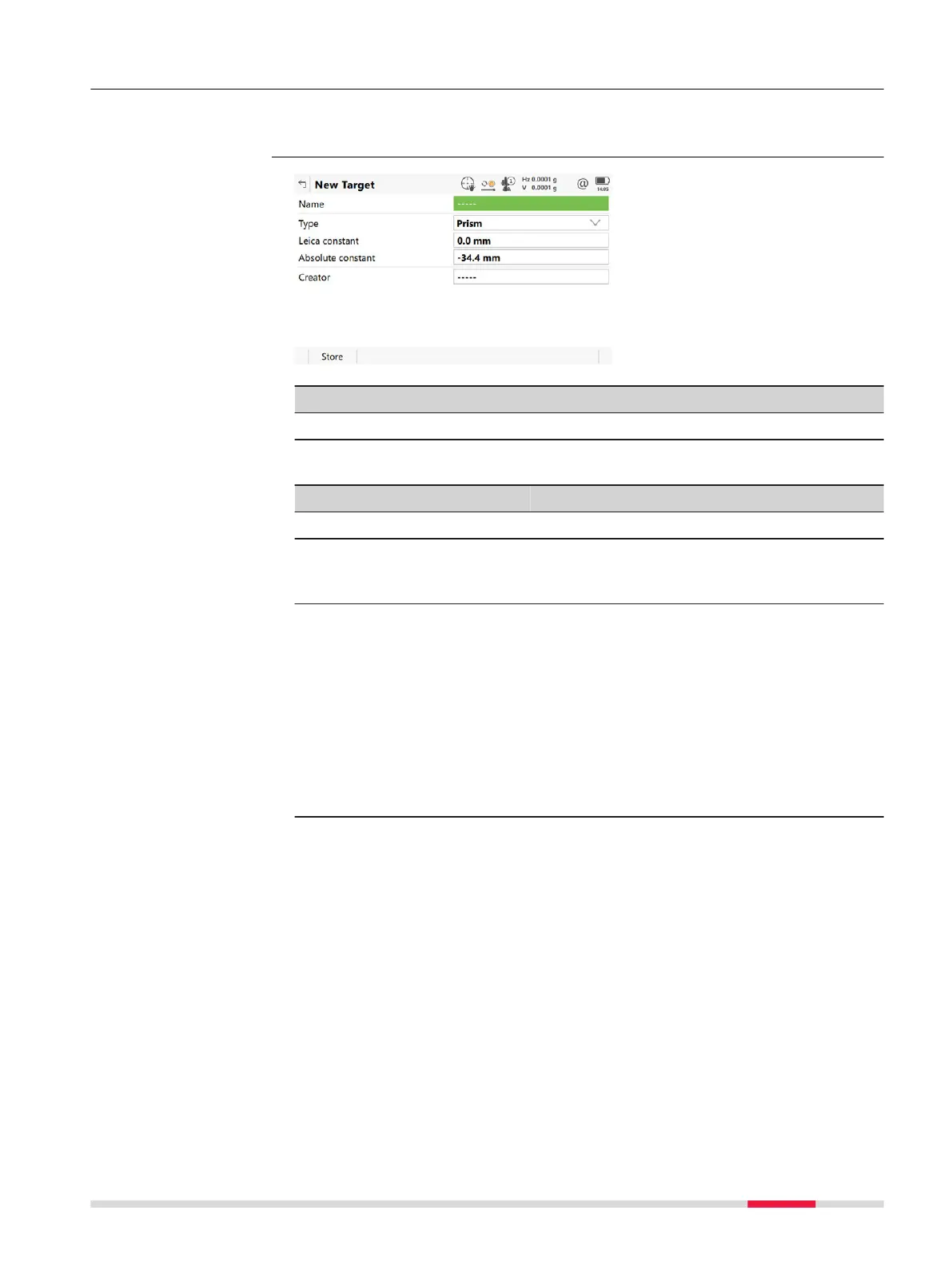
22.1.3 Creating/Editing a Target
In Targets, highlight a target. All constants are copied from this target. Press
N
ew or Edit.
Key Description
Store To store the target.
Description of fields
Field Option Description
Name Editable field A significant name for the new target.
Type Prism,
Tap
e or
Undefined
The type of target to be defined.
Leica con-
stant
Editable field The additive constant for the selected prism
as stored in the software.
☞
An additive constant of 0.0 mm
has been defined for the Leica
Geosystems standard targets
GPR1, GPR111, and so on. All
entered or selected additive con-
stant values are differences to the
0.0 mm based Leica Geosystems
TS prism system.
Absolute
constant
Editable field The true additive constant. The additive con-
stant is always in mm.
Access
New Target
Settings - TS instrument 253













 To Next Page