☞
Measure Foresight from the toolbox for apps cannot be used when
this se
tup method was used.
•
T
he me
asured setup points must have 3D coordinates. 1D (height only) or
2D (position only) coordinates are not allowed.
•
Distances must be measured to at least three target points.
•
The scale factor of 1 is used. A user defined scale factor is ignored.
To check the current scale factor select Current setup in the Instrument.
The scale factor is defined on the TS scale page when creating or editing
a job.
In Total Station Setup, select Setup method: Orientate to object. Press
OK
.
In Setup Details type in the required information. Press OK.
For a description of the Measur
e Target panel, refer to "50.6.2 Multiple back-
sights".
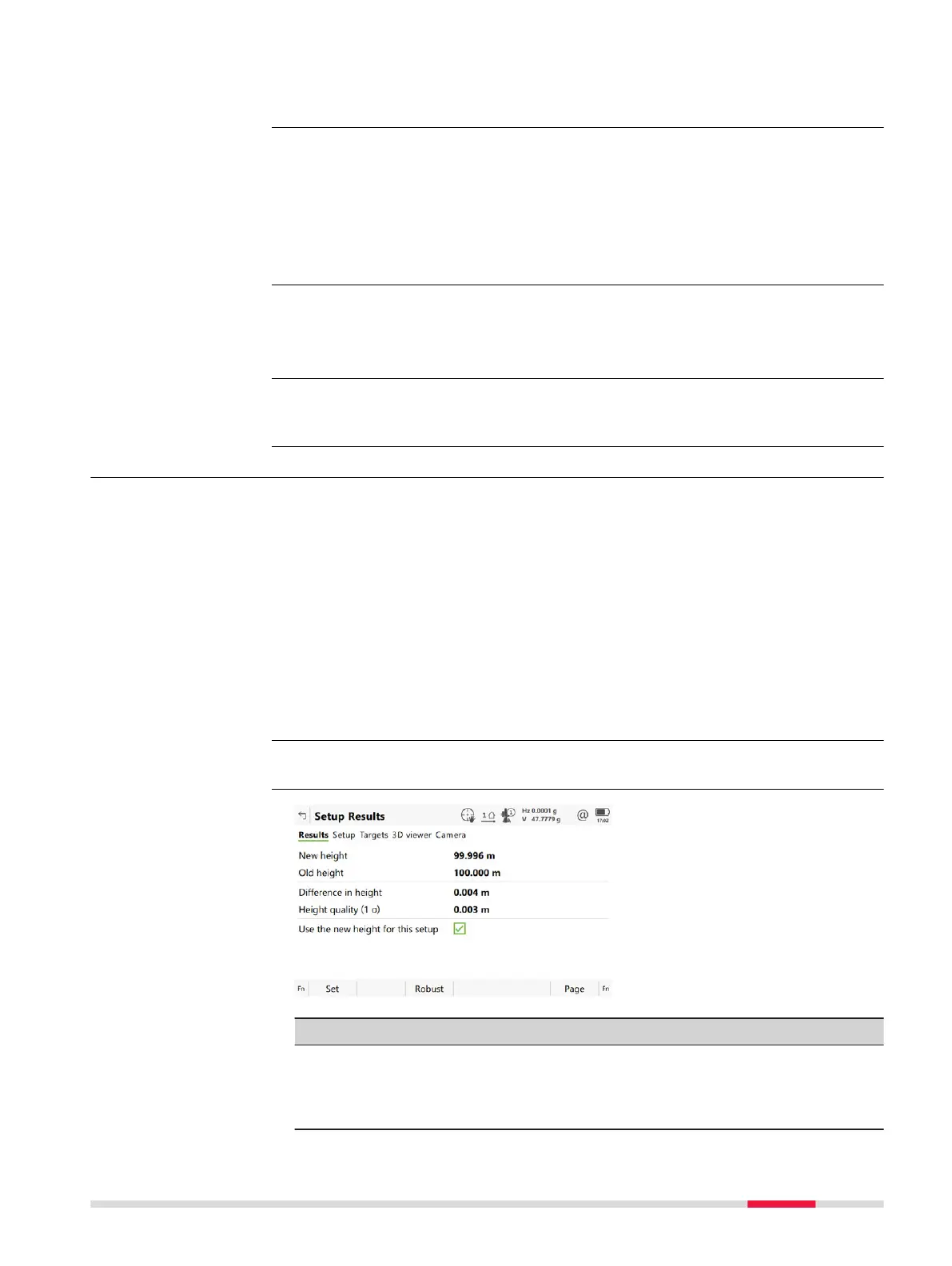
50.7 Setup Results
The results panel is displayed after pressing Calcula
te in the Measure Target
panel. The results panel is part of the Multiple backsights, Transfer height,
Resection, Orientate to line and Orientate to object setup methods.
After three measurements to known targets, the calculations can be done
using the robus
t method or the least squares method.For Resection, the cal-
culations can also be done using the Helmert method.For Orientate to
object, the calculations are always done using the robust method. For Orien-
tate to line, no adjustment is applicable.
After the setup is set, all following measurements will be related to this new
se
tup and orientation.
For information on camera and images refer to "32 Camera & Imaging".
Key Description
Set To set the orientation, to store all setup data and exit the
app.
F
or Transfer height:
To store all setup data and exit the app.
Requirements
Access
☞
Description
☞
Setup Results,
R
esult
s page
Setup - TS 887













 To Next Page