22 Settings - TS instrument
22.1 Measure & target
22.1.1 Measure & Target
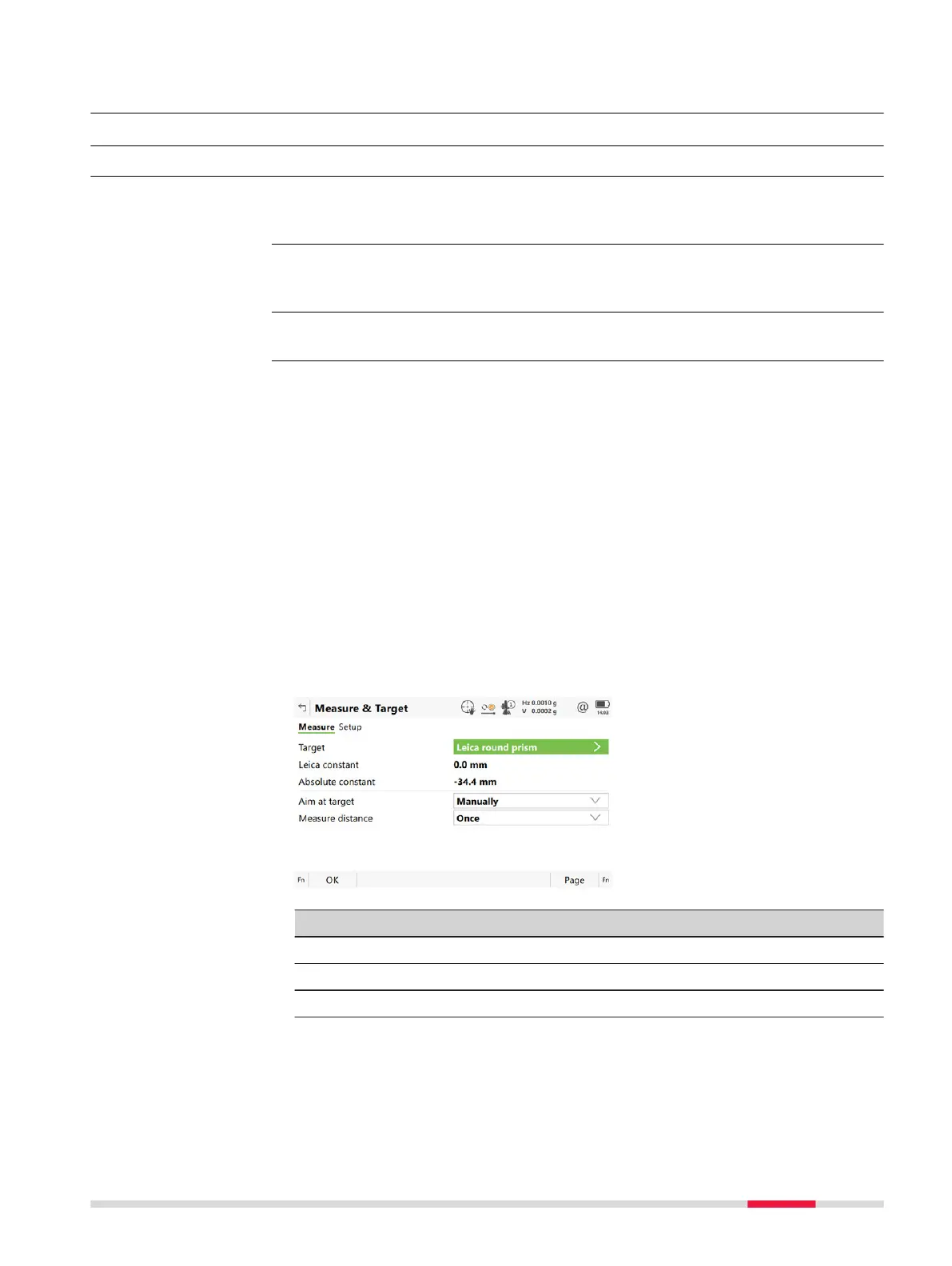
The settings on this panel define the active EDM (Electr
onic Distance Measure-
ment) and ATRplus (Automatic Target Recognition) settings.
Available options depend on the purchased model, for example with or without
AT
Rplus.
Select Leica Cap
tivate - Home: Settings\TS instrument\Measure & target.
Description
•
This panel has two page
s - the Measure page and the Setup page.
•
The Measure page and Setup page contain identical fields.
•
The settings made in the Measure page are used by all apps and all meas-
urements taken outside of the Setup app.
•
The settings made in the Setup page are only used inside the Setup app.
•
Any changes made to the Measure & Target, for example using icons or
hotkeys, while the Setup app is active, only affect the SetupMeasure &
Target.
•
Any changes made to the Measure & Target, for example using icons or
hotkeys, while the Setup app is not active, only affect the MeasureMeas-
ure & Target.
•
When entering the Setup app, the SetupMeasure & Target are active.
•
When leaving the Setup app, the MeasureMeasure & Target are active.
•
Both Measure and SetupMeasure & Target are part of the working
styles.
Key Description
OK To accept changes and return to Leica Cap
tivate - Home.
Page To change to another page on this panel.
Fn Test To access the Measurement Signal Test panel.
Description
☞
Access
Measure & Target
Settings - TS instrument 249













 To Next Page