7 Job Menu - View & edit data
7.1 Overview
Data management is the administration of data stored in the job, including
•
viewing da
ta and r
elated information.
•
editing data.
•
creating new data.
•
deleting existing data.
•
filtering existing data.
7.2 Accessing Data Management
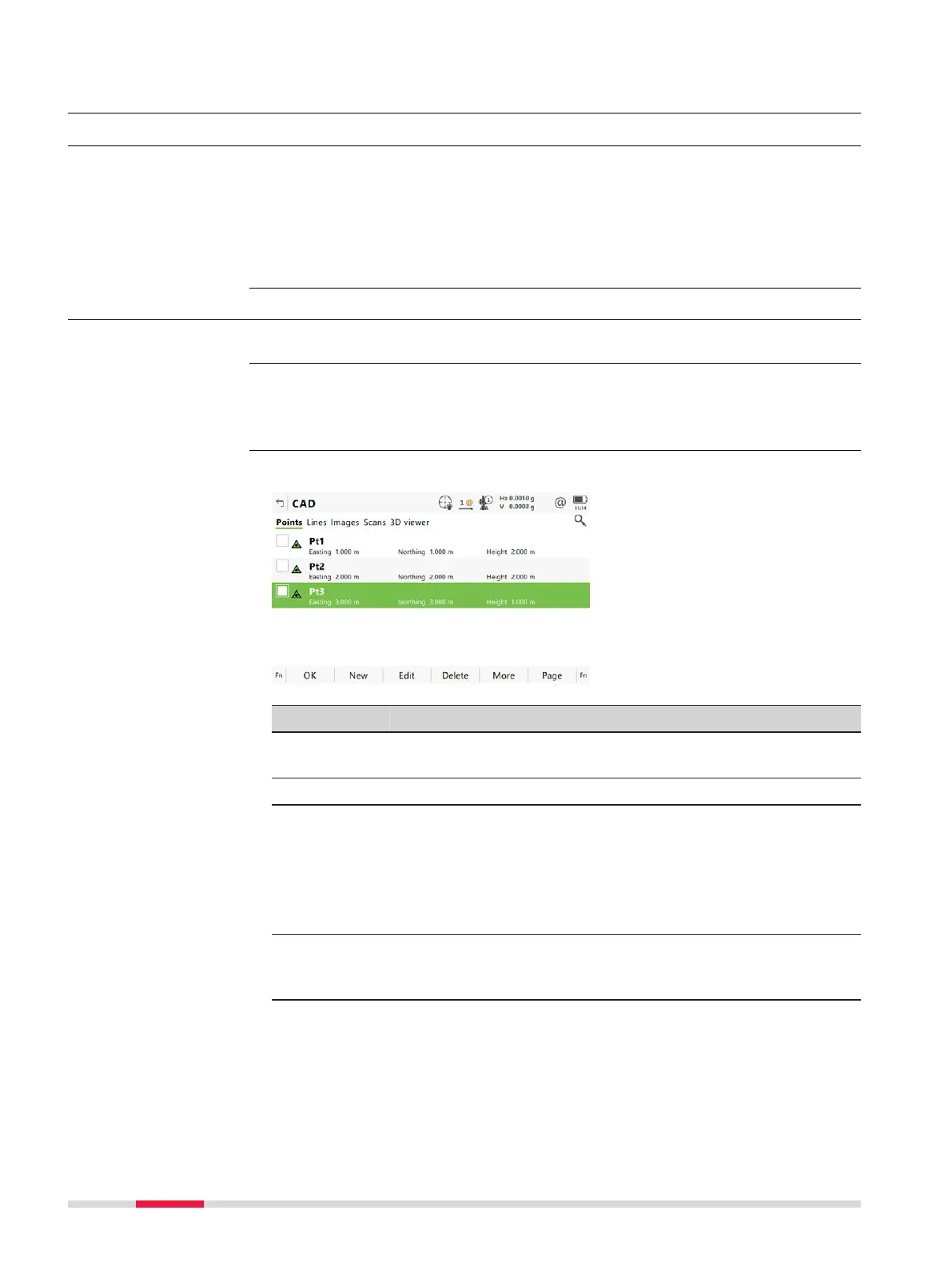
Select View & edit dat
a from the job menu.
The objects listed on the pages belong to the edited job. The objects listed and
their or
der depend on the active sort and filter settings. Refer to "7.6 Point
Sorting and Filters" for information about sort and filter settings.
Check one or multiple points for editing. Use Fn All to s
elect all points at once.
Key Description
OK To close the panel and return to the panel from where this
panel was acc
essed.
New To create a point.
Edit To edit the highlighted point.
In case of multiple point selection, editing the target height
for all selected points is possible.
☞
Editing the target height for multiple points is pos-
sible for TS points of class Measured, Adjusted
and None.
Delete To delete the highlighted point.
In case of multiple point selection, all selected points are
deleted.
More To display information about the codes and code information
if stored with any point, the 3D coordinate quality, the class,
Easting, Northing and Elevation, the time and the date of
when the point was stored.
Description
Access
☞
Job name,
Poin
ts page
76 Job Menu - View & edit data













 To Next Page