Field Option Description
Northing Display only Northing value of the setup position.
Height Display only Orthometric height of the setup position.
Scale Display only Scale factor used in the calculation.
Tempera-
tur
e
Display only Temperature set on the instrument.
Pressure Display only Atmospheric ppm set on the instrument.
Next step
IF accessed THEN
after sets measurement OK opens a confirmation window with
o
ptions that depend on the traverse status:
•
Fo
r an open traverse:
Move to next setup, return to Point
Results, to survey a sideshot, to view tra-
verse data or to quit the Traverse app.
•
For a closed traverse:
Move to close angle, return to Point
Results, to survey a sideshot, to adjust
the traverse or to quit the Traverse app.
from Traverse Data OK
returns to Traverse Data.
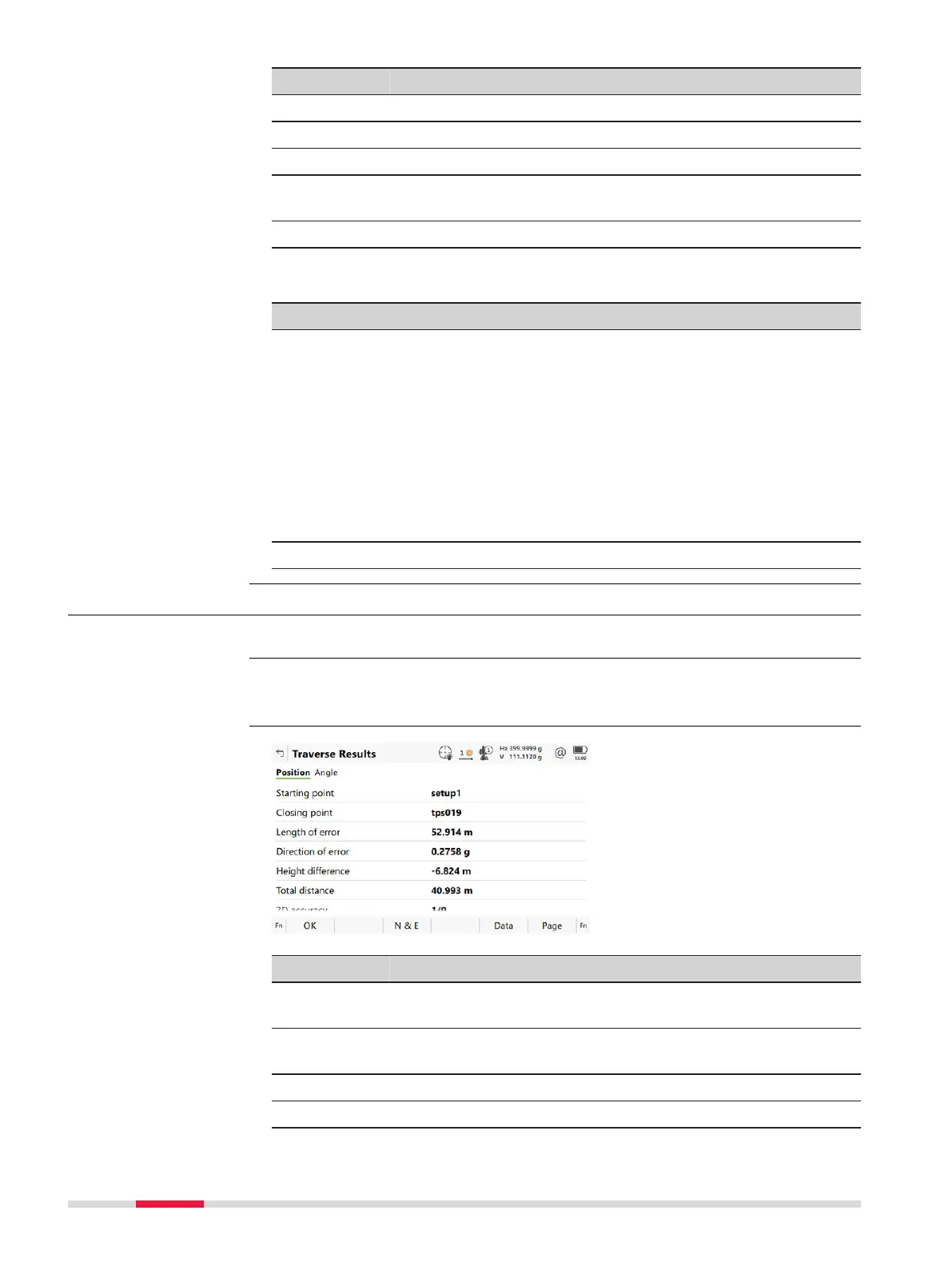
58.9 Traverse Results
Traverse closure results are displayed on this panel.
Is displayed automatically after the traverse closing point is measured or selec-
ted.
Key Description
OK To move to close angle, to survey a sideshot, to adjust the
trav
erse or to quit the Traverse app.
N & E or
L & D
To view the misclosure error in north/east or length/direction.
Adjust To adjust the traverse.
Data To display traverse data.
Description
Access
Traverse Results,
P
osit
ion page
960 Traverse













 To Next Page