Field Option Description
Scale Editable field The user-entered scale factor. Available for
Scale mo
de: Fixed.
Next step
Page
changes to the Report sheet page. Refer to ."36 Apps - General"
The setup method Orientate to object does not support a report sheet.
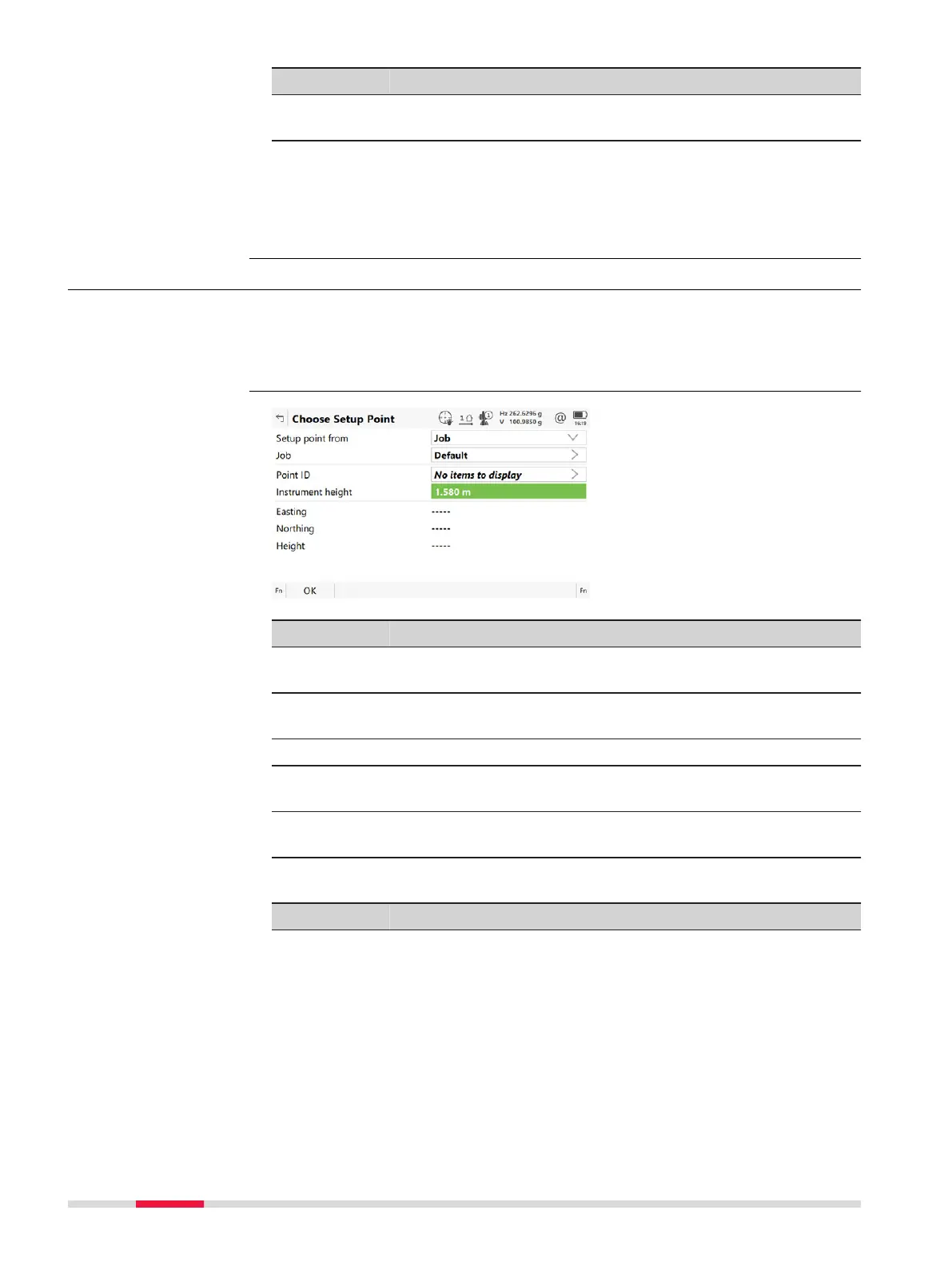
50.4 Choose Setup Point
A station point must be selected for Set
up method: Set orientation, Setup
method: Known backsight, Setup method: Multiple backsights and Setup
method: Transfer height. Choose Setup Point is then accessed automati-
cally from Setup.
Key Description
OK To accept changes and return to the panel from where this
panel was acc
essed.
Fn Settings To configure the Setup app. Refer to "50.3 Configuring
Setup".
Fn Coord To view other coordinate properties.
Fn Scale To activate scale correction and to type in values for the
scale corrections. Refer to "New Job,TS scale page".
Fn Atmos To type in values for the atmospheric corrections. Refer to "
Atmospheric Corrections,Atmospheric ppm page".
Description of fields
Field Option Description
Setup point
from
T
he selection made here determines the
availability of the other fields on this panel.
Job A setup point can be selected from a job on
a data storage device.
Access
Choose Setup Point
876 Setup - TS













 To Next Page